13
2. Press the OK soft key and
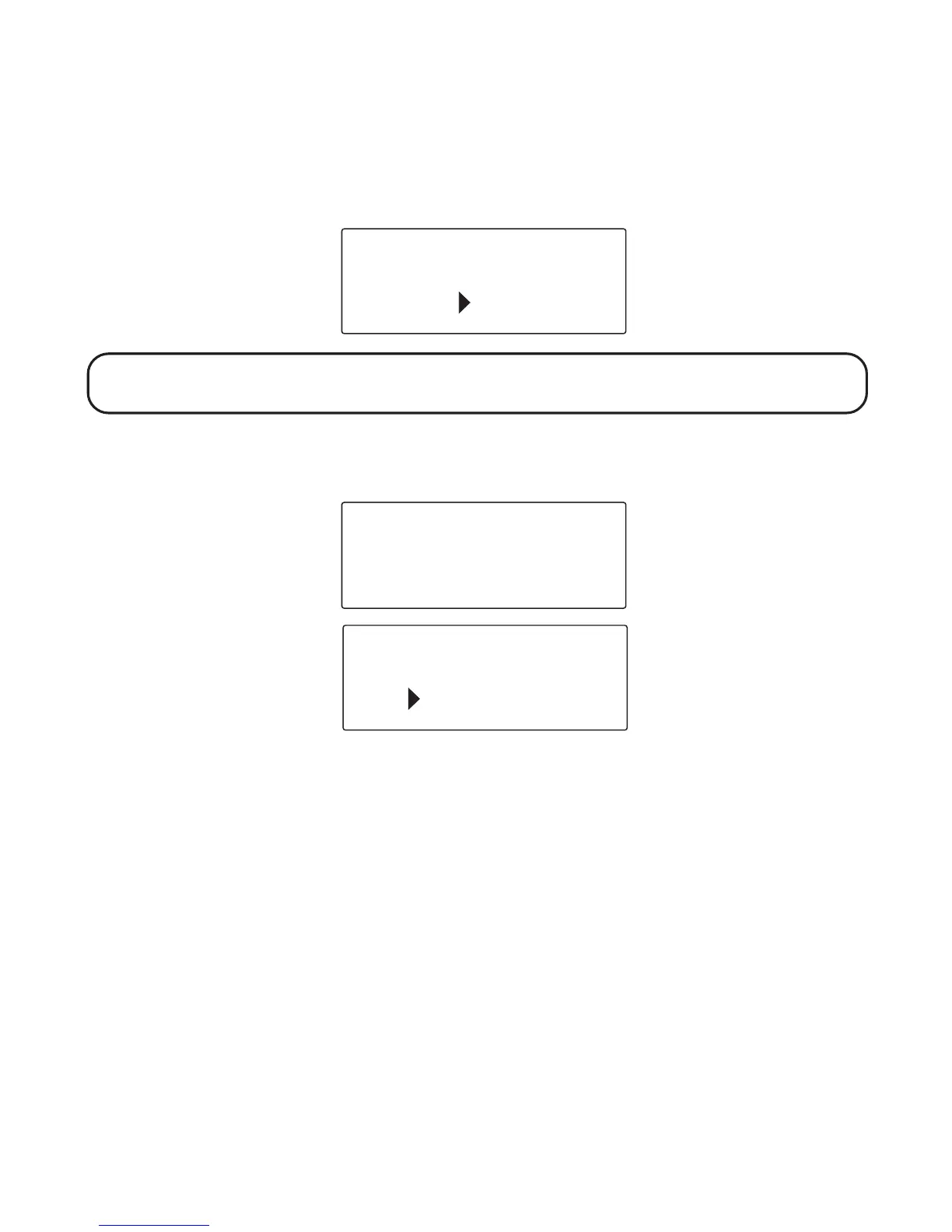
SET CONTRAST 1 2 3
shows in the display.
3. Use the touch tone pad on your base to select 1, 2, or 3, or use the CID/
messages ( or ) button to scroll to your selection. Contrast level 1 is
the default setting.
NOTE: Press the EXIT soft key to keep the previous setting and return to the
main menu screen.
4. Press the OK soft key to save your selection and return to the main
menu. The selected contrast level displays for two seconds.
AREA CODE
If you enter a 3-digit area code in the area code menu, your local area code
will not appear in Caller ID messages you receive. Instead, you will see
only the local seven digit number. Calls you receive from outside your
local area code will show the full ten-digit number.
SET CONTRAST
OK
1 2 3
EXIT
CONTRAST - 2
LANGUAGE
OK
CONTRAST
EXIT



 To Next Page