18
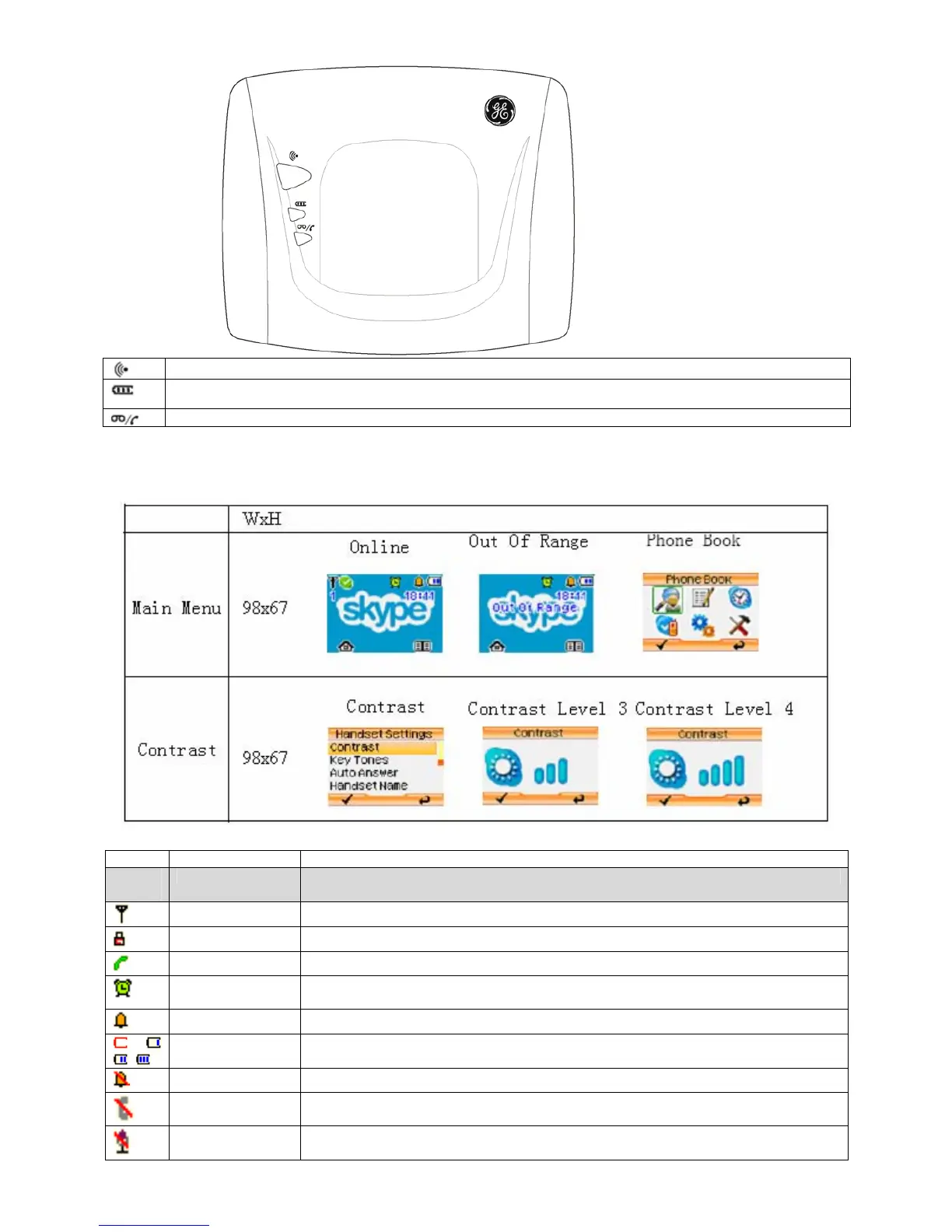
Page key
Charge LED
In-use / CID LED: Steady Flash: OFF-hook / Unread miss call;
LCD Display
LCD Icon Description
Icon Icon Name Description
Small
Icon
Signal icon Indicate that the handset is used within the operational range.
Key lock icon Indicate that the keypad is locked.
Line in use icon Indicate that the line is in use.
Alarm icon Indicate that alarm is set.
Ring icon Indicate that external ring volume is set to on.
Battery icon Indicate the battery level.
No ring icon Indicate that external ring volume is set to off.
No Line icon Indicate that the base doesn’t connect with PSTN.
Mute icon Indicate that the microphone or handset ringer is currently muted.



 To Next Page