6
CAUTION:
Plug the adapter to the socket outlet that near the equipment and shall be easily accessible. Use only the Thomson
Telecom power supply that came with this unit. Using other power supplies may damage the unit.
Getting Started
Install and Charge the Battery Pack
Insert two pieces AAA batteries in the compartment, ensuring correct polarity
and close the compartment.
Place the handset in the base station to charge for 14 hours prior for first use. If you
don’t properly charge the phone, battery performance will be compromised.
Warning: The handset does not work and damaged if the wrong batteries are
inserted.
System Requirements:
Minimum System Requirements:
z PC running Windows 2000 or XP
z 400 MHz processor
z 128 MB RAM
z 10M free disk space on your hard drive
z Internet Connection (either dial-up: minimum 33.6 Kbps modem, or any broadband: cable, DSL, etc.)
Recommended System Requirements:
z PC running Windows 2000 or XP
z 1 GHz processor
z 256 MB RAM
z 30 MB free space on your hard drive
z Cable, DSL or equivalent broadband connection to Internet
z Standard PSTN line (RJ-11)
Software installation
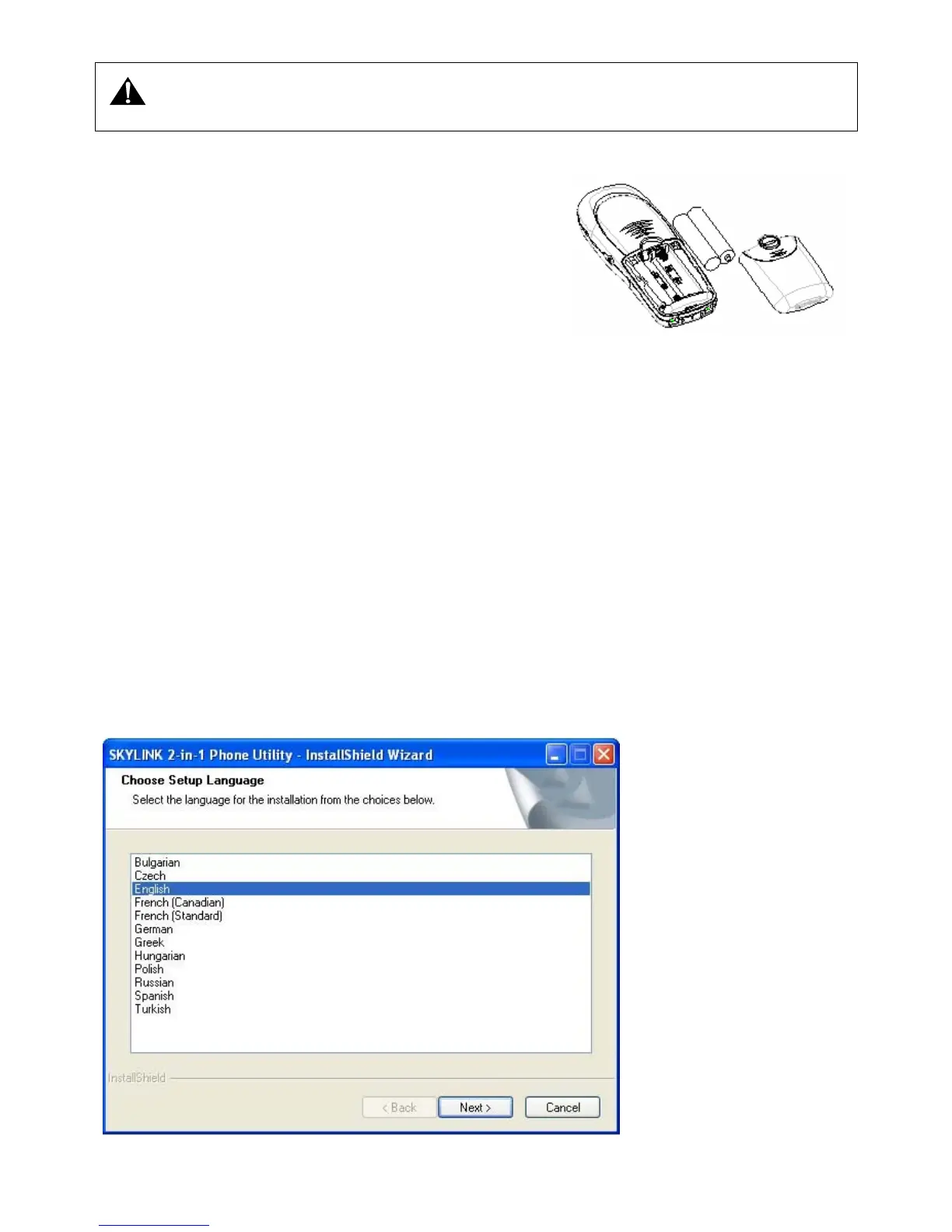
z Double click the SKYLINK Setup.exe to go into the installing procedure.
z First, choose the language that you wish to use, and click [Next]. Then it will prepare for setup, and now click [Cancel] can stop setting
up the software.



 To Next Page