9
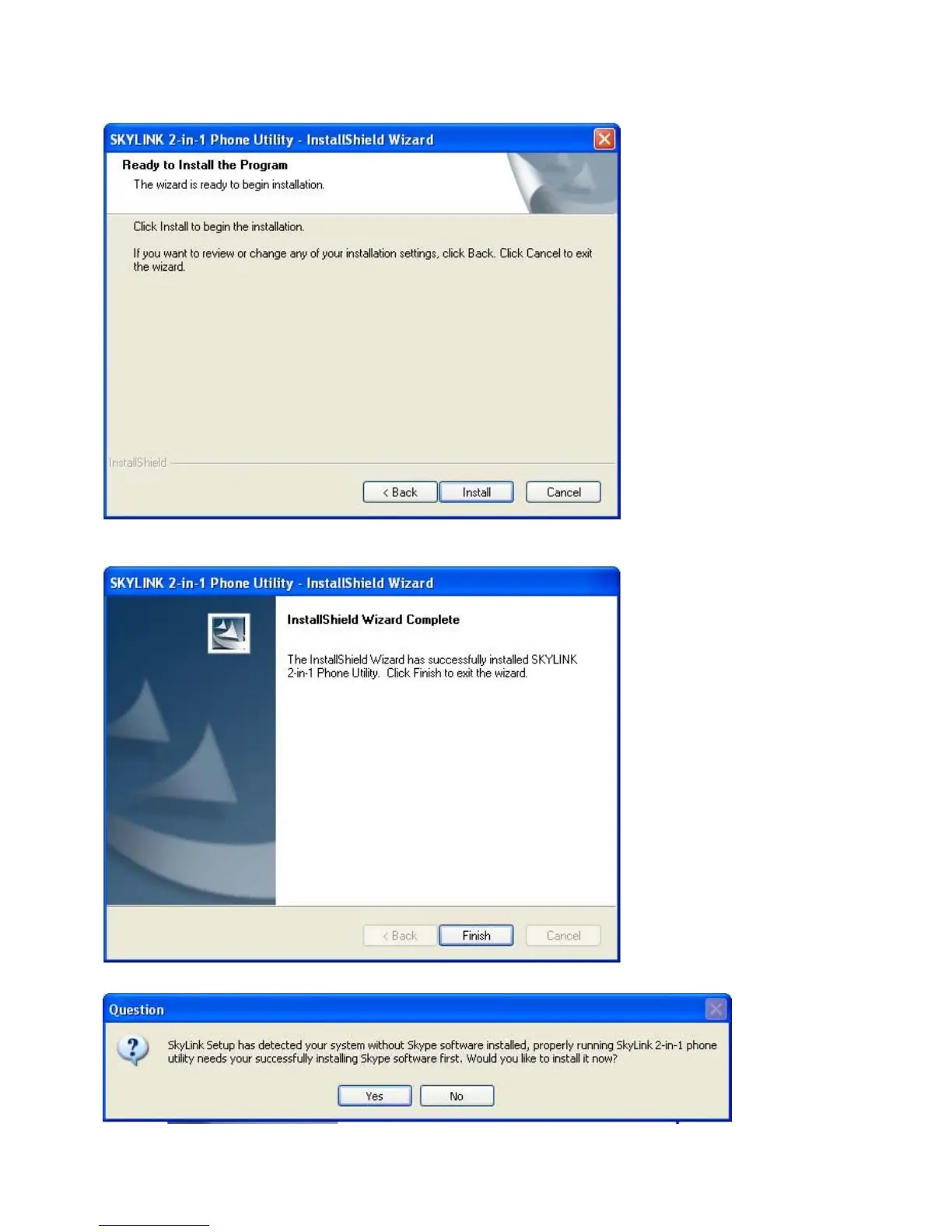
z Fifth, the following display will appear. Click [Install] to continue.
z Sixth, click [Finish] to exit the wizard.
z If Skype program is not installed in the computer, it will prompt you to install it.
click [Yes], it will link to Skype website automatically, you can download Skype software.
Click [No] to abort.



 To Next Page