10
SETTING UP THE CALLER ID MENU
You should not plug the telephone into the
wall line jack while setting up the Caller ID
menu. An incoming call may invalidate the
change if it was not yet saved. The phone
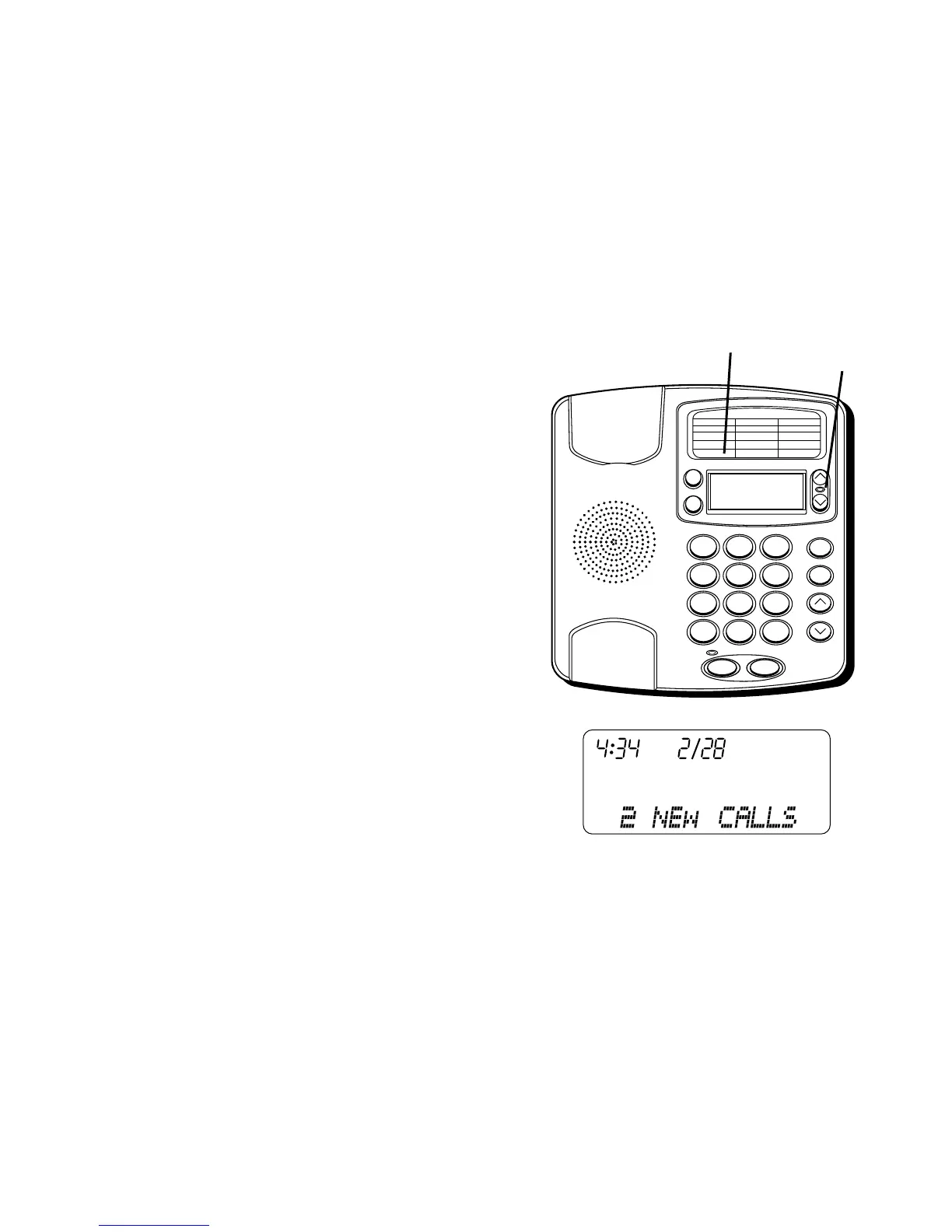
must display
xx CALLS
before you can
enter the setup menu.
1. Press the OPTIONS button.
OPTIONS
MENU ^ v
appears.
2. At this point you can press either
REVIEW up or down button to scroll
among the 6 menu screens, which are:
• # 1 OPTIONS MENU ^ v
• # 2 LOCAL AREA CODE (default - - -)
• # 3 LANGUAGE (default English)
• # 4 (LCD) CONTRAST (default 3)
• # 5 T/P DIAL MODE (default tone)
• # 6 EXIT OPTIONS
3. You have 10 seconds following any key
press before the phone will
automatically return to the Summary
Screen.
10/1912:30
1 - 315 - 555 - 1324
SMITH JOHN
1
ABC
2
DEF
3
GHI
4
JKL
5
MNO
6
PQRS
7
TUV
8
WXYZ
9
*
OPER
0
#
VOLUME
REDIAL
STORE
REVIEWDELETE
DIAL
OPTIONS A B
FLASHHOLD
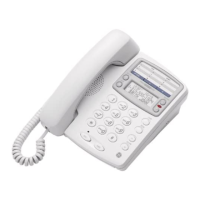
10/1912:30
315 - 555 - 1324
SMITH JOHN
REVIEW
buttons
OPTIONS
button


 To Next Page