8
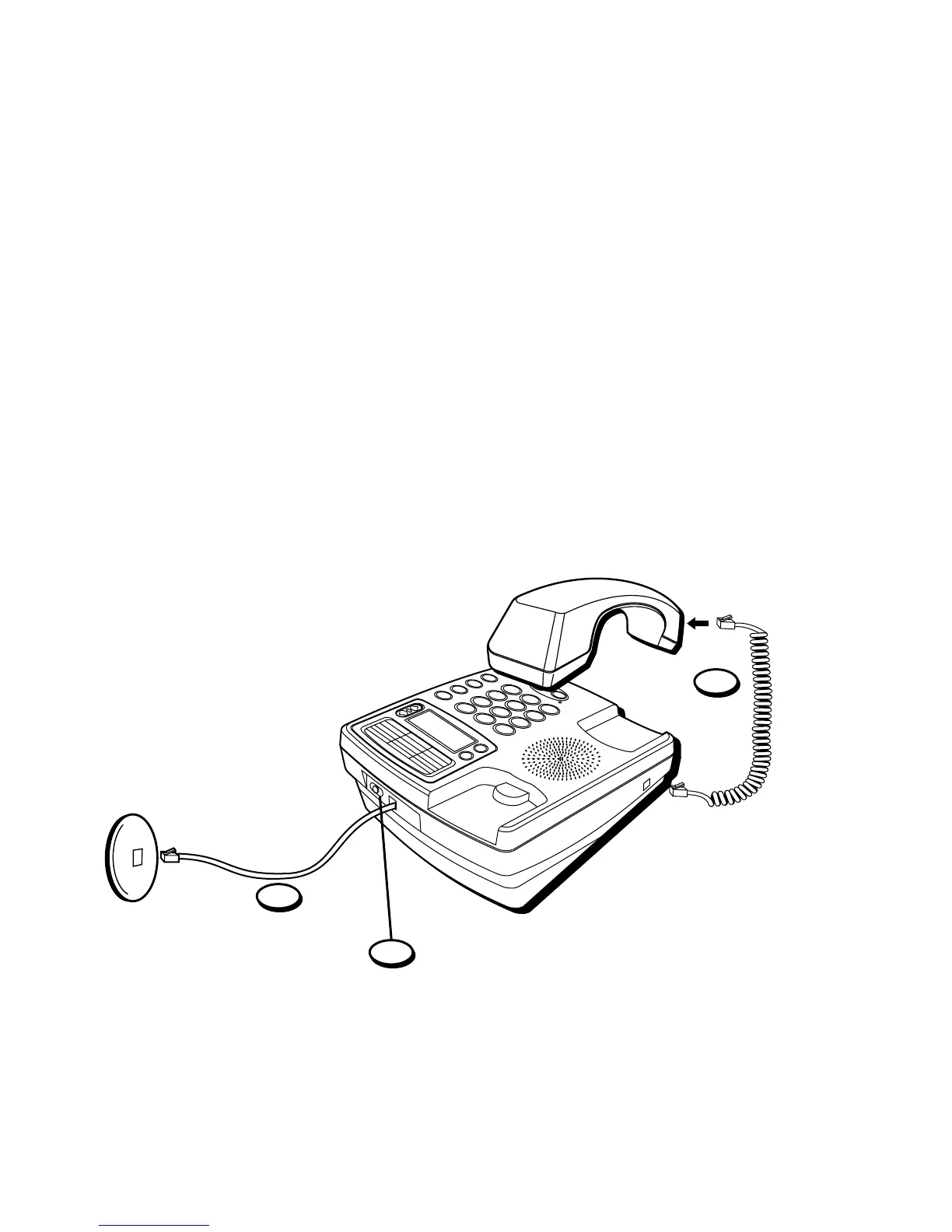
DESKTOP INSTALLATION
1. Plug the coiled cord into the handset. Plug the other end into the jack on
the side of the base. Place the handset in the cradle on the base.
2. Plug the line cord into jack on the back of the base. Plug the other end
into a wall jack.
3. Set the RINGER switch on the base to the desired loudness.
• HI = Default, loudest sound.
• LO = Sound will be lower.
• OFF = Telephone will not ring.
2
1
3



 To Next Page