27
10/1912:30
1 - 315 - 555 - 1324
SMITH JOHN
1
ABC
2
DEF
3
GHI
4
JKL
5
MNO
6
PQRS
7
TUV
8
WXYZ
9
*
OPER
0
#
VOLUME
REDIAL
STORE
REVIEWDELETE
DIAL
OPTIONS A B
FLASHHOLD
10/1912:30
315 - 555 - 1324
SMITH JOHN
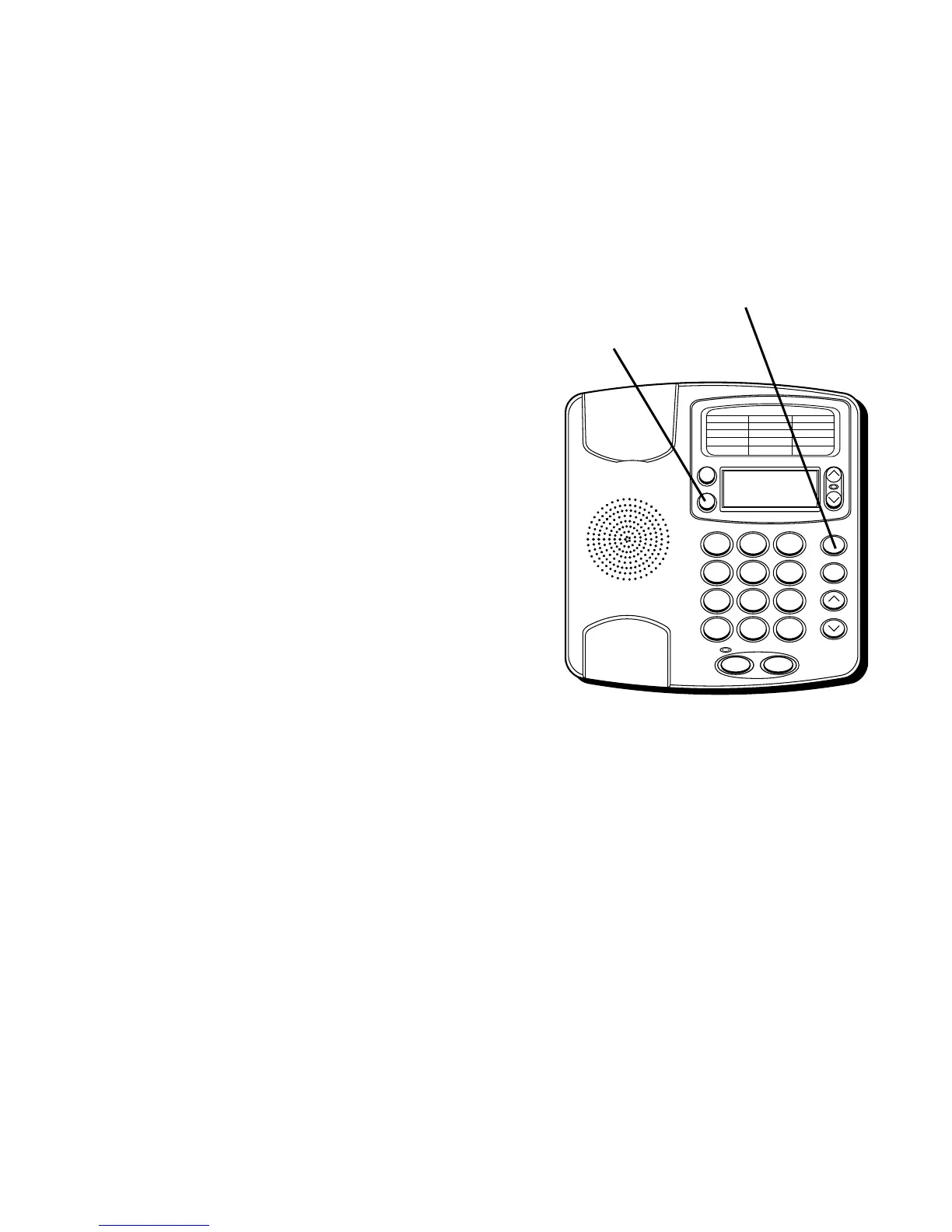
STORE button
DIAL button
FREQUENTLY CALLED NUMBERS
1. Make sure the handset is hung up.
2. Press DIAL.
3. Press 0-9 for the memory location. The
number shows on the display.
CHANGING A STORED NUMBER
Repeat the storage sequence. The new
number replaces the old number at the
memory location.
ERASING A STORED NUMBER
1. Pick up the handset.
2. Press STORE.
3. Press STORE again.
4. Press the location (A, B, 0-9) to be
erased.


 To Next Page