26
10/1912:30
1 - 315 - 555 - 1324
SMITH JOHN
1
ABC
2
DEF
3
GHI
4
JKL
5
MNO
6
PQRS
7
TUV
8
WXYZ
9
*
OPER
0
#
VOLUME
REDIAL
STORE
REVIEWDELETE
DIAL
OPTIONS A B
FLASHHOLD
10/1912:30
315 - 555 - 1324
SMITH JOHN
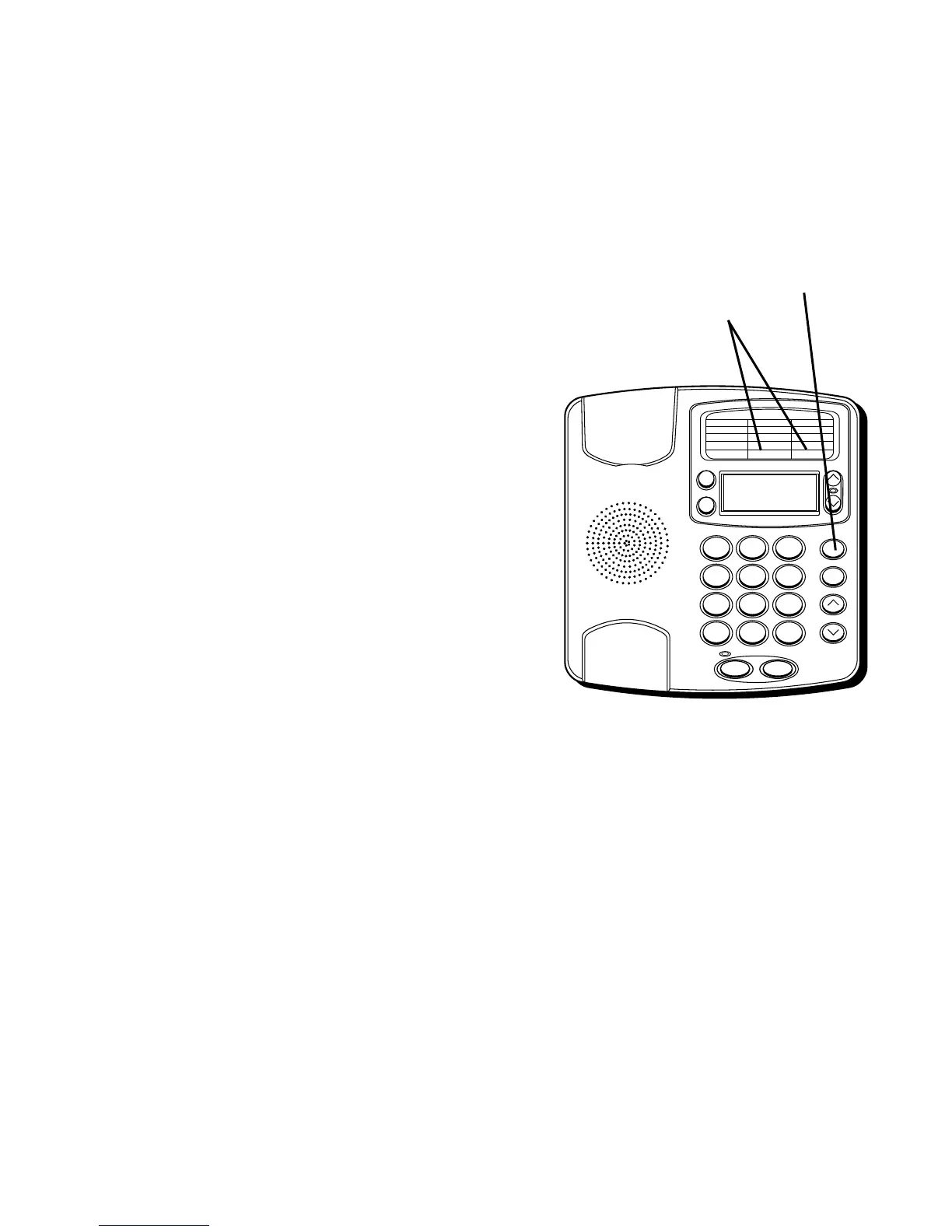
STORE button
STORING FREQUENTLY CALLED
NUMBERS
1. Pick up the handset.
2. Press STORE.
3. Enter the telephone number (it will not
actually call the number in this mode). If
you make a mistake, hang up and repeat
the procedure for storing from the
beginning.
4. Press STORE.
5. Press 0-9 for the memory location.
6. Hang up the handset.
7. Write the name or number of party
stored in the memory location on the
directory card.
REVIEWING NUMBERS STORED IN
MEMORY
QUICK DIAL NUMBERS
1. Make sure the handset is hung up.
2. Press Quick Dial A or B. The number
shows on the display.
Quick Dial
buttons


 To Next Page