13
SETTING THE DISPLAY CONTRAST
This adjustment allows optimization of the
contrast and viewing angle of the display.
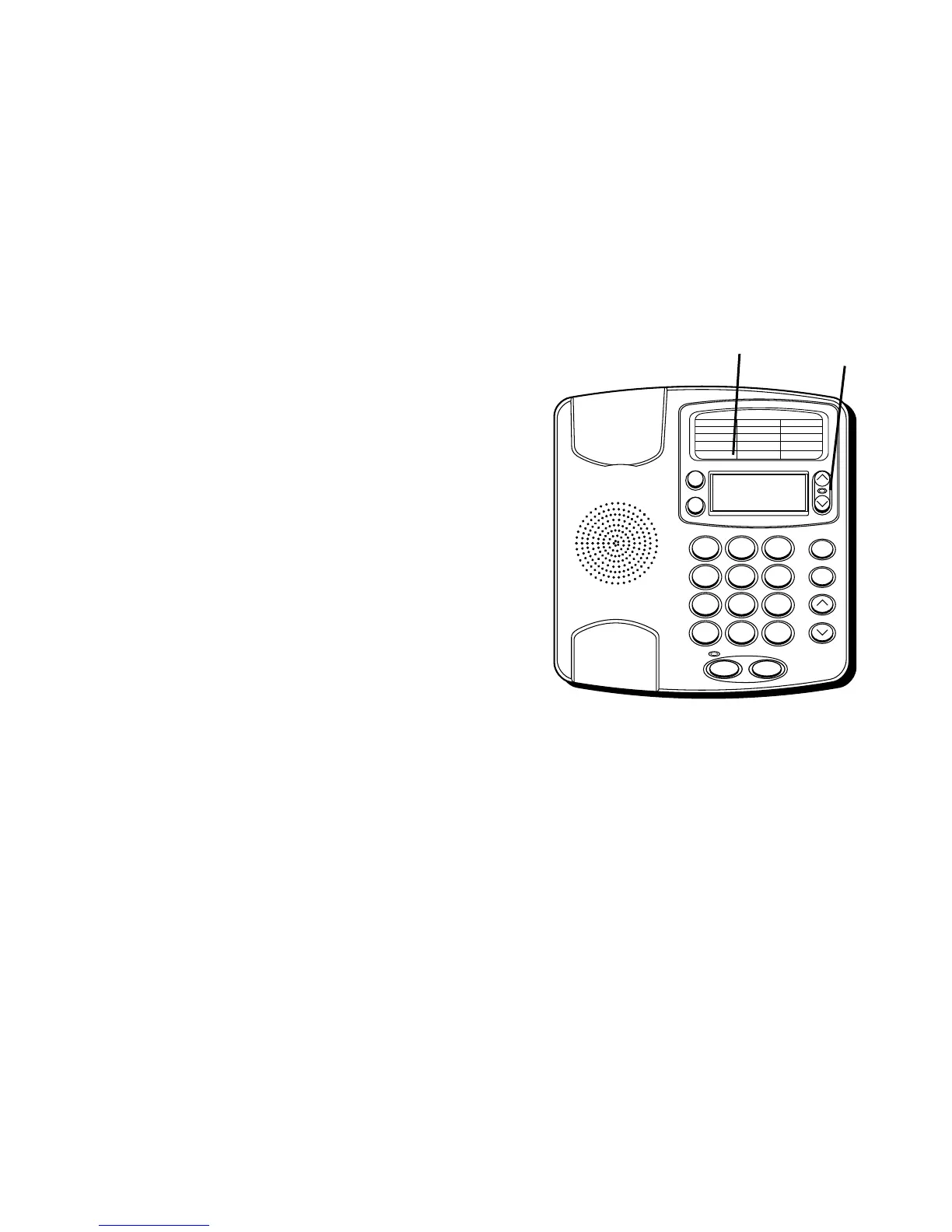
1. Press the OPTIONS button.
OPTIONS
MENU ^ v
appears.
2. Press the REVIEW up button until
(LCD)
CONTRAST
appears.
3. To enter and change the contrast, press
the OPTIONS button. The display shows
the current contrast setting. There are 5
levels of contrast, with the default set to
3.
4. Press either REVIEW button to change
the setting.
5. Press OPTIONS once again to store the
setting and return to the
“(LCD) CONTRAST” display.
10/1912:30
1 - 315 - 555 - 1324
SMITH JOHN
1
ABC
2
DEF
3
GHI
4
JKL
5
MNO
6
PQRS
7
TUV
8
WXYZ
9
*
OPER
0
#
VOLUME
REDIAL
STORE
REVIEWDELETE
DIAL
OPTIONS A B
FLASHHOLD
10/1912:30
315 - 555 - 1324
SMITH JOHN
REVIEW
buttons
OPTIONS
button


 To Next Page