7
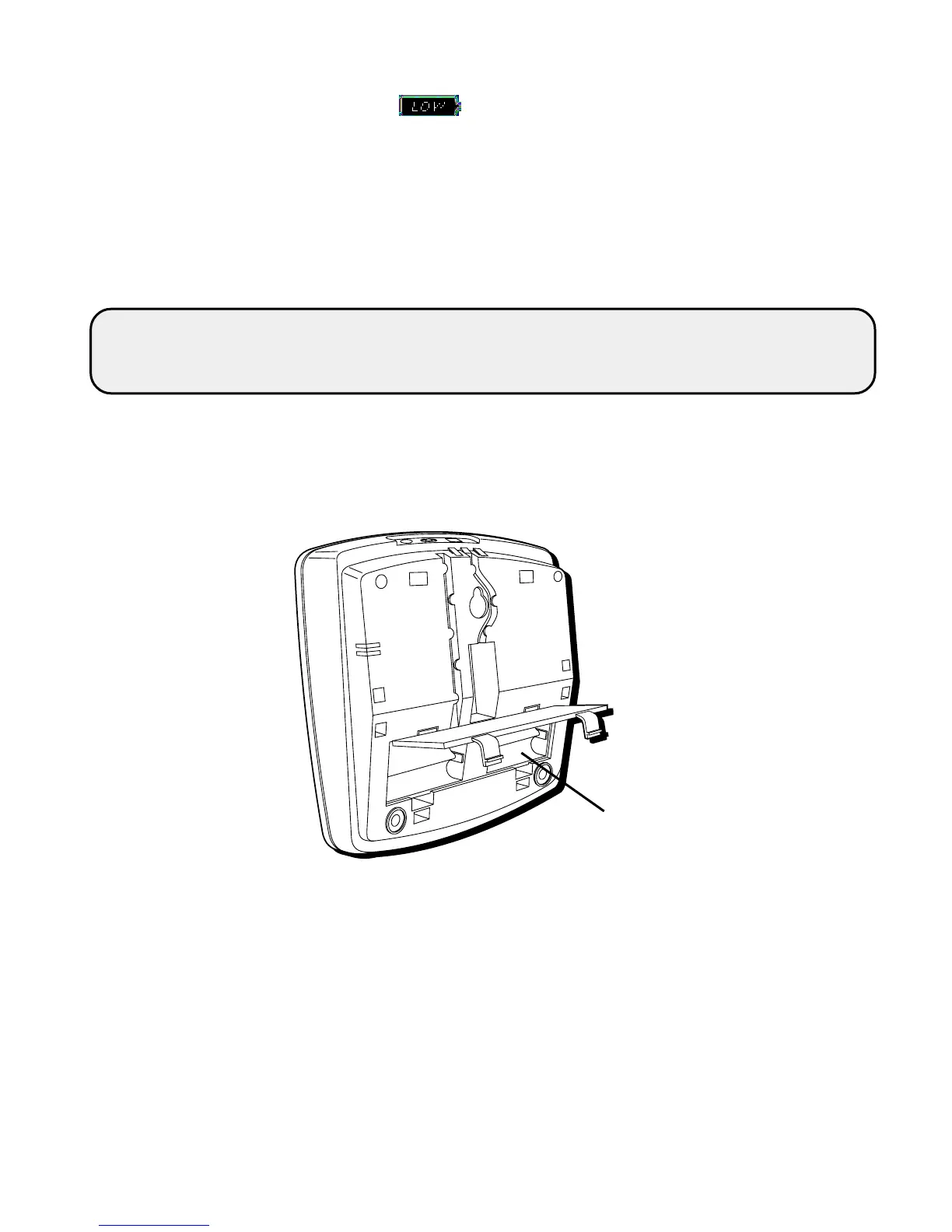
NOTE: If the low battery icon appears in the display, you need to
replace the batteries. It is important that you replace the batteries as soon as
possible in order to maintain Caller ID operation.
During the replacing of batteries, a backup circuit in the unit will retain your
stored information for up to 60 seconds. Write down any stored information
you do not want erased.
Battery
compartment
IMPORTANT: If you’re not going to use the telephone for more than 30 days,
remove the batteries because they can leak and damage the unit.


 To Next Page