31
FLASH
REDIAL/PAUSE
HOLD
mic
ON/OFF
VOL -
VOL +
ERASE
MEM DIAL STORE
QUICK DIAL
MEM DIAL
SPEAKER
C
B
A
1
ABC
2
DEF
3
GHI
4
JKL
5
MNO
6
PQ
RS
7
TUV
8
WX
YZ
9
OPER
0
#
TONE
M
E
M
O
G
R
E
E
T
I
N
G
M
E
N
U
E
N
T
E
R
D
I
A
L
M
E
S
S
A
G
E
S
T
O
P
M
E
S
S
A
G
E
S
/
C
A
L
L
E
R
I
D
N
E
W
C
A
L
L
*
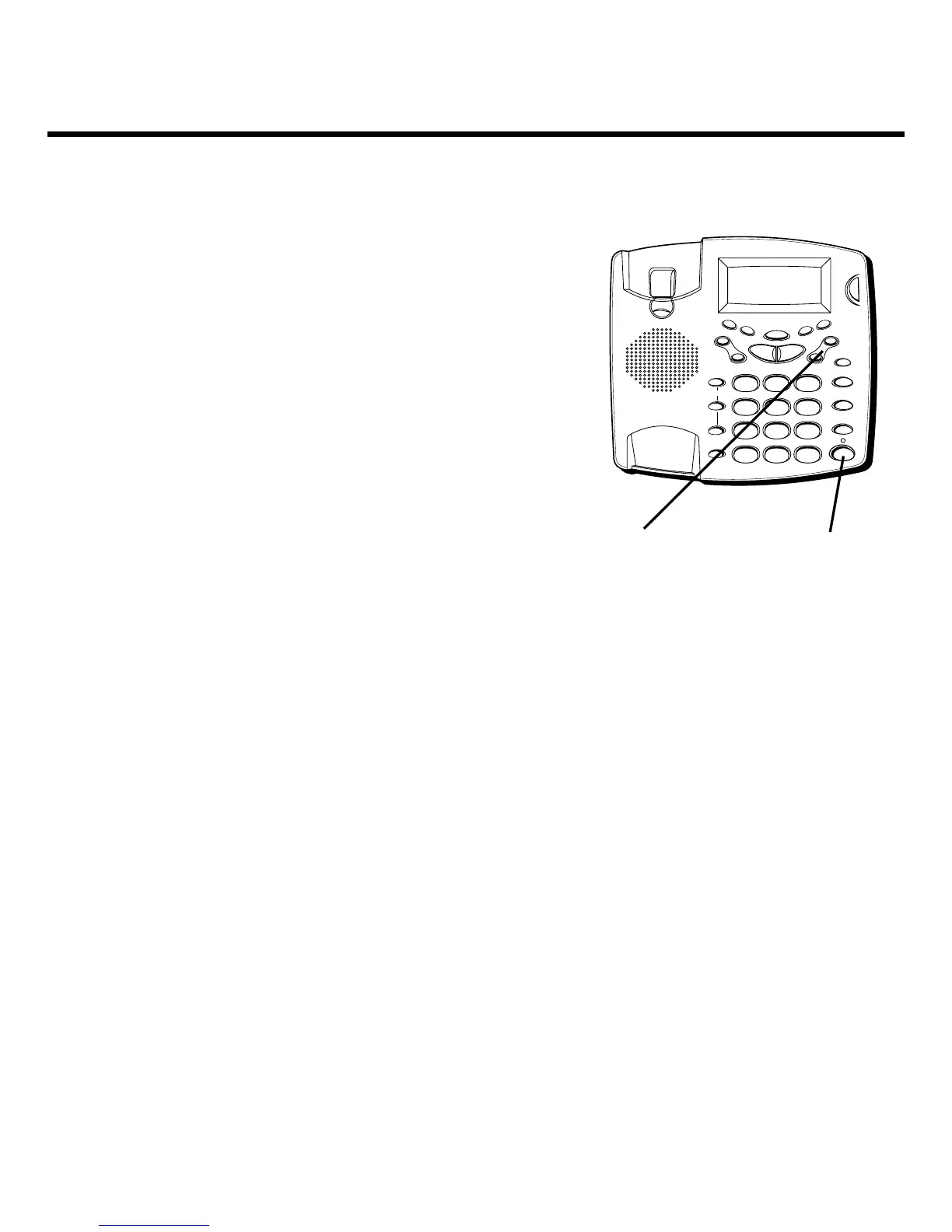
VOL buttons SPEAKER button
TELEPHONE OPERATION
RECEIVING A PHONE CALL
1. When the phone rings and the caller’s information
shows on the display, lift the handset or press the
SPEAKER button and begin your conversation.
2. You can adjust the volume of the caller’s voice by
pressing the VOL up or down buttons.
PLACING A PHONE CALL
1. Lift the handset or press the SPEAKER button and
wait for a dial tone.
2. Dial the telephone number you wish to call.
3. You can adjust the volume of the caller’s voice by
pressing the VOL up or down buttons.
SWITCHING BETWEEN SPEAKER AND
HANDSET
You can switch between speakerphone and handset
while the phone is dialing a number, or anytime during
a conversation.
• Speaker to Handset — Pick up the handset.
• Handset to Speaker — Press SPEAKER, then hang up
handset.



 To Next Page