3500/20 Rack Interface Module Operation and Maintenance Manual
48
*Refer to Section 7 (Ordering Information) for part numbers. Users may use their own
grounding wrist strap.
5.2.1 Installation Procedure
Follow the steps below to complete the RIM firmware upgrade:
Ensure that the Rack Interface Module’s configuration is saved using the 3500
Rack Configuration software.
Refer to Section 1.2 (Handling and Storing Considerations) before handling the
RIM or the upgrade firmware IC.
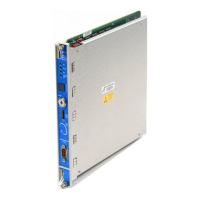
Remove the RIM from the 3500 rack.
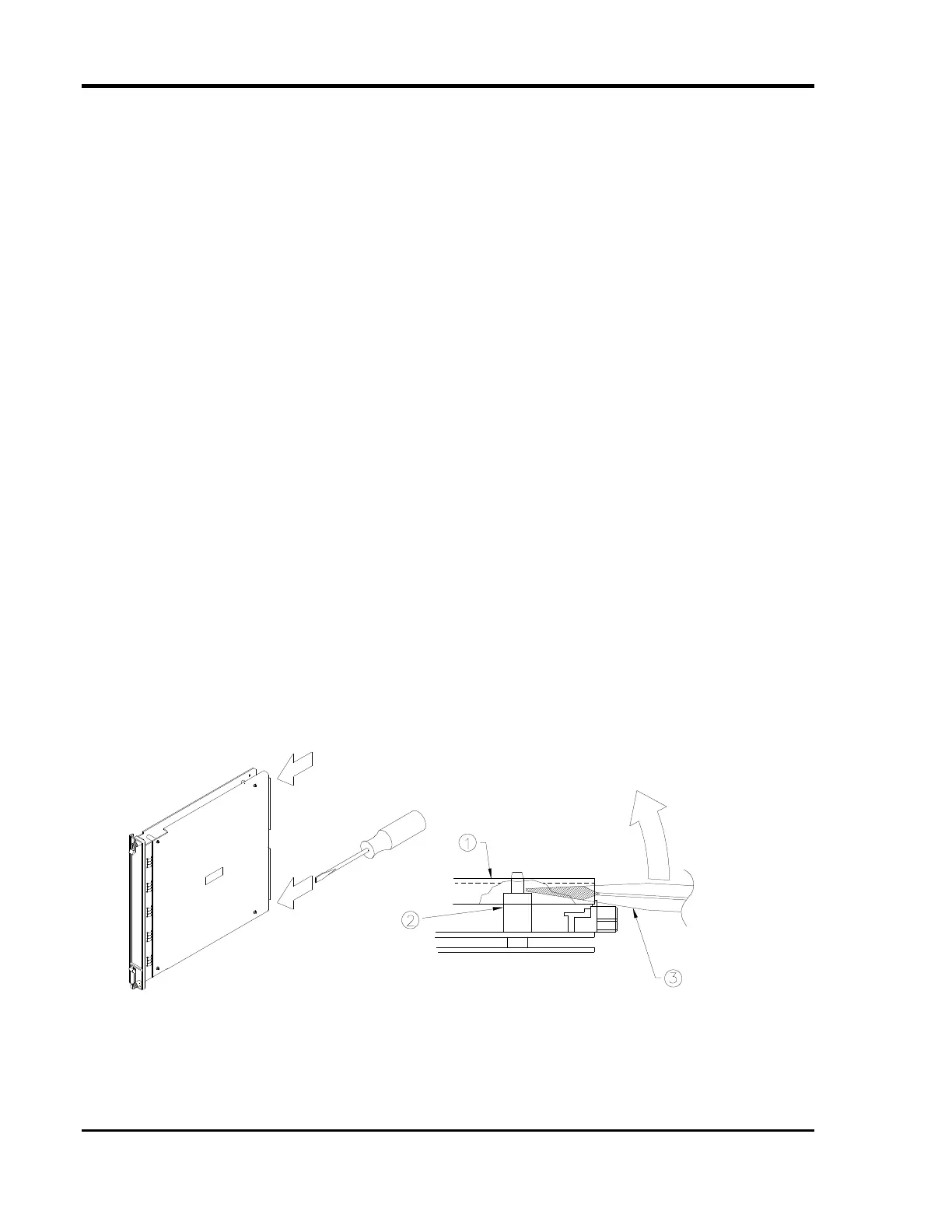
Remove the Top Shield from the RIM.
Remove the original firmware IC from the RIM PWA.
Install the upgrade firmware IC into the socket on the RIM PWA.
Replace the RIM Top Shield.
Replace the RIM into the 3500 system.
Reconfigure the RIM using the 3500 Rack Configuration software.
The following pages contain detailed instructions for some of the steps listed above.
Please review completely before proceeding.
Top Shield Removal



 To Next Page