EasyManua.ls Logo

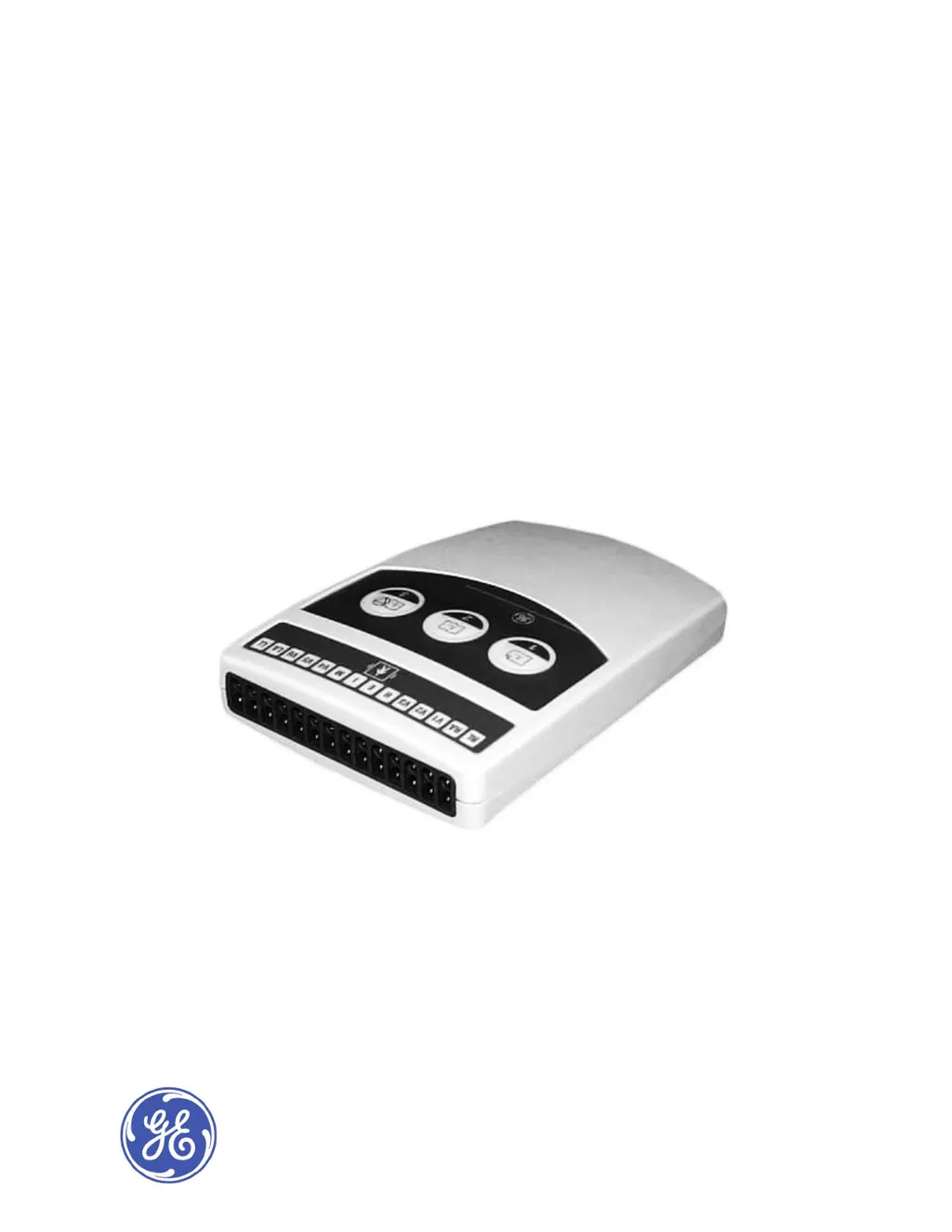
GE CAM-14 - Service Manual

GE CAM-14
34 pages
Print Icon
To Next Page IconTo Next Page
Loading...
GEHealthcare
CAM-14
®
/CAM-HD
®
AcquisitionModules
ServiceManual
2049751-001RevisionC
CAM-14/CAM-HDAcquisition
Module
English
2010-2011GeneralElectric
Company.
AllRightsReserved.

Questions and Answers

  • J
    jonessheliaJul 28, 2025
    How to fix 'Acquisition Module Disconnected' message on GE Control Unit?
    • I
      Isaiah BradleyJul 29, 2025
      If the host device displays the message 'Acquisition Module Disconnected' for your GE Control Unit, first, check the acquisition cable connection to ensure it is secure. If the problem persists, inspect the host cable interface flex within the module.
  • D
    David MasseyAug 5, 2025
    What to do if all leads have excessive noise on GE Control Unit?
    • S
      Stephen CampbellAug 6, 2025
      If you notice excessive noise in all leads on your GE Control Unit, begin by examining the RA and RL leadwires, replacing them if necessary. Also, check the lead preparation site to ensure proper contact. Another solution is to move the acquisition module to an area less prone to electrical noise. If the problem continues, try using another acquisition module.
  • C
    charles43Aug 13, 2025
    Why are lead tracings inverted on GE Control Unit?
    • T
      Tamara JohnsonAug 13, 2025
      If the lead tracings appear inverted or at the wrong amplitude on your GE Control Unit, check the position of the leadwires on the acquisition module and the patient to ensure they are correctly placed.
  • T
    Terry Gonzalez MDAug 20, 2025
    What to do if control switch buttons fail on GE Control Unit?
    • G
      Gabriela OconnellAug 20, 2025
      If the control switch buttons on the acquisition module of your GE Control Unit are failing or are intermittent, verify that the Switch Flex Cable is securely plugged into the PCB. If the issue continues, replace the switch label. Should the problem persist after these steps, consider replacing the main PCB.

Summary

Introduction

Regulatory and Safety Information

Covers safety conventions, definitions of terms like DANGER, WARNING, CAUTION, and manufacturer responsibility.

Maintenance

Maintenance Cautions

Important warnings and precautions to follow during cleaning and disinfecting procedures.

Functional Checkout Procedures

Tools and procedures for performing functional checkout after repairs or tasks.

Electrical Safety Checks

Procedures for conducting current leakage and dielectric withstand tests.

Troubleshooting

Typical Problems and Solutions

Table identifying common acquisition module problems and their solutions.

Servicing the Acquisition Module

Precautions and requirements for servicing the acquisition module, including ESD.

GE CAM-14 Specifications

General IconGeneral
BrandGE
ModelCAM-14
CategoryControl Unit
LanguageEnglish

Related product manuals