Using the Mode Dial
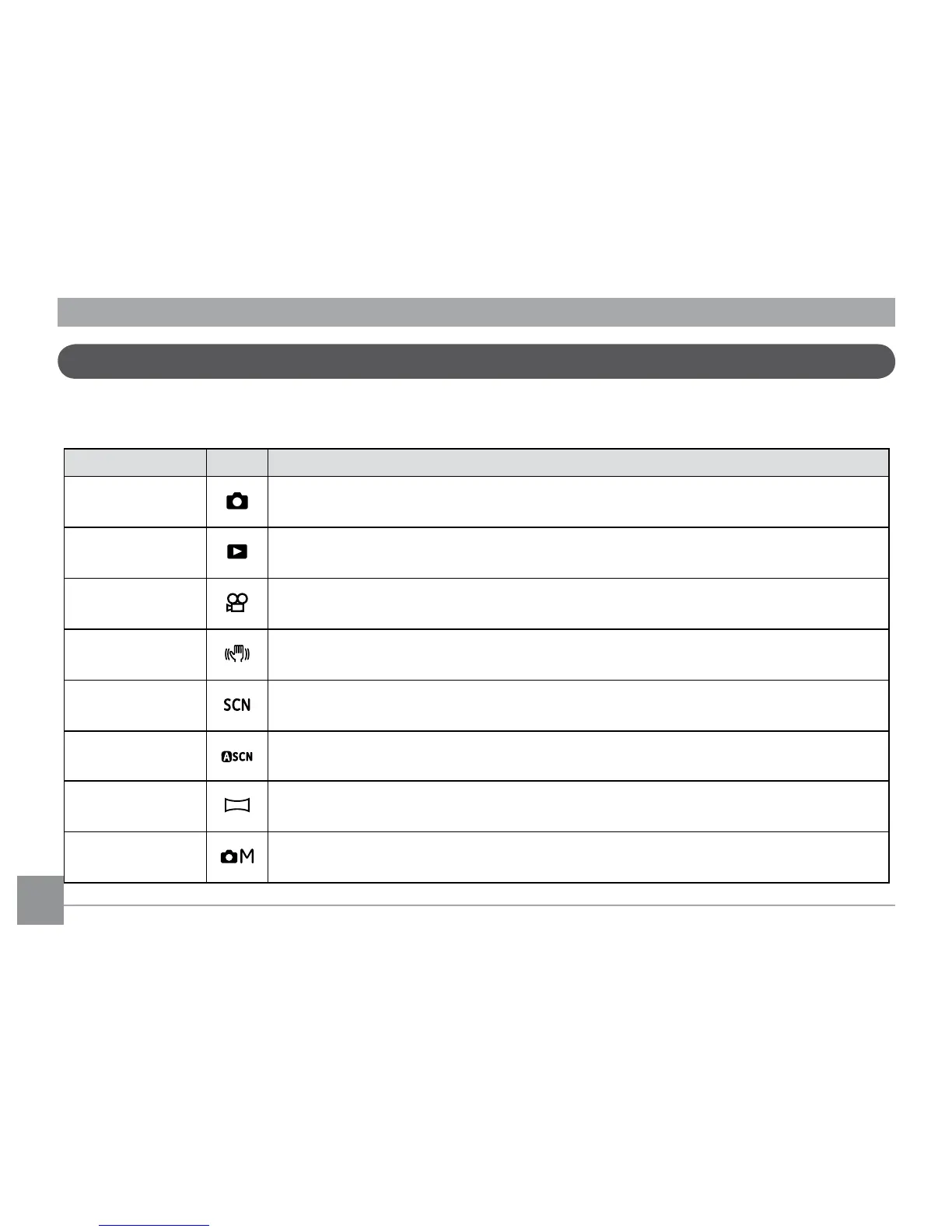
The GE camera provides a convenient mode dial that allows you to switch between dierent modes with ease. All the
available modes are listed as follows.
Mode Name Icon Description
Auto
Switch to take still pictures. (The camera uses the default programmed automatic
settings.)
Playback Switch to view the pictures/videos stored in the memory card and internal memory.
Movie Switch to record videos.
Image Stabiliza-
tion
Switch to use Image Stabilization when taking still pictures.
Scene Switch to use a preset scene mode for taking still pictures. There are 12 scenes in total.
Auto Scene
In the "ASCN" mode, dierent conditions are detected intelligently and the most suit-
able settings will be automatically selected.
Panorama
Switch to capture a sequence of shots and stitch them together into a panoramic
photo.
Manual
Switch to take still pictures in manual mode, where many camera settings can be
congured. (Recommended for advanced users only)



 To Next Page