44 45
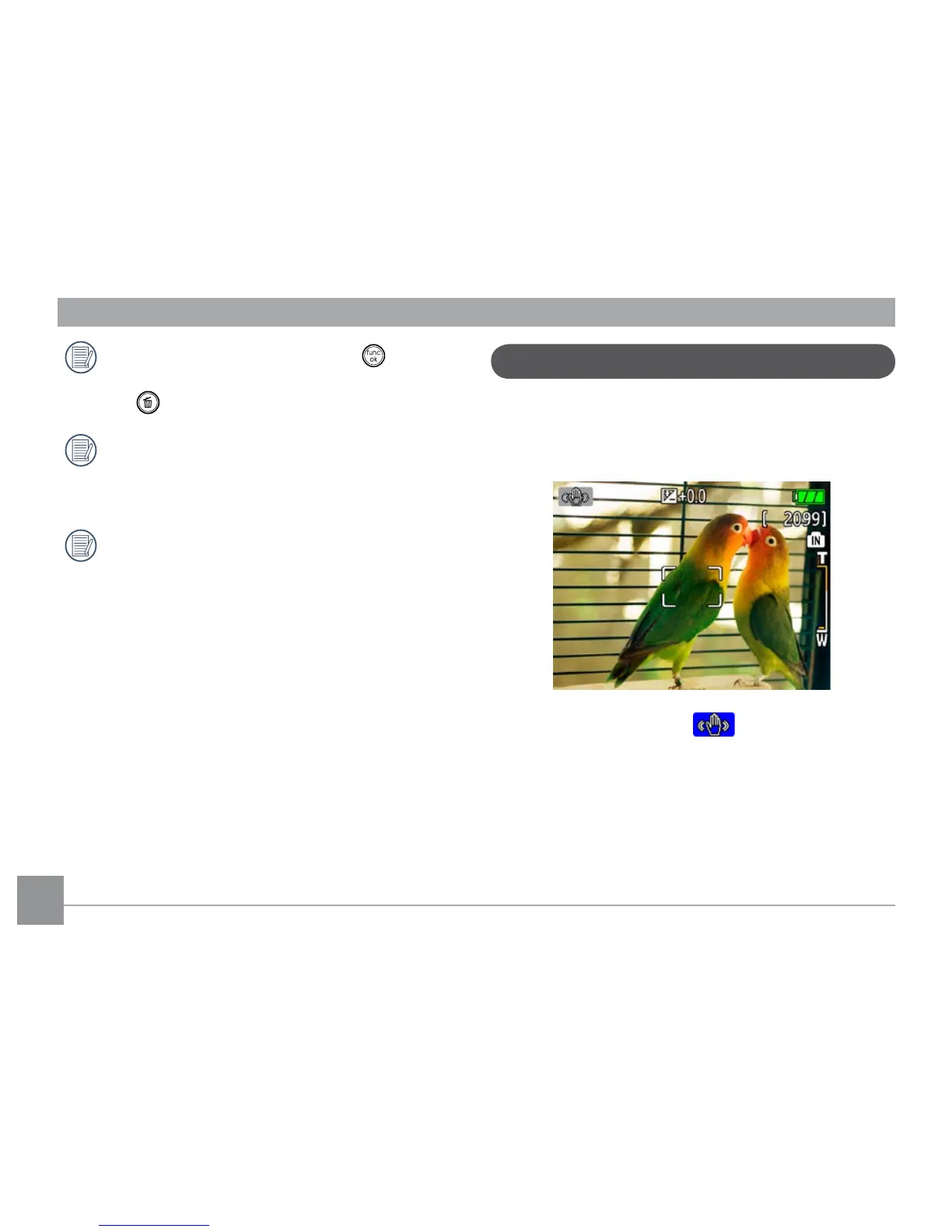
Image Stabilization mode
The Image Stabilization mode combats the eect of
hand shake and allows you to take pictures that would
otherwise be blurred.
1. Switch the mode dial to ( ) mode.
2. Press
Shutter halfway to focus on the subject.
3. Press
Shutter fully to capture the image.
While in panorama mode, press the button to
save images and exit panorama shooting. Press
the button to discard images and exit.
Flash mode, self-timer, macro mode, and expo-
sure compensation cannot be adjusted after the
rst picture is taken.
Pictures cannot be deleted, nor the zoom ad-
justed until the series is nalized.



 To Next Page