6060 61
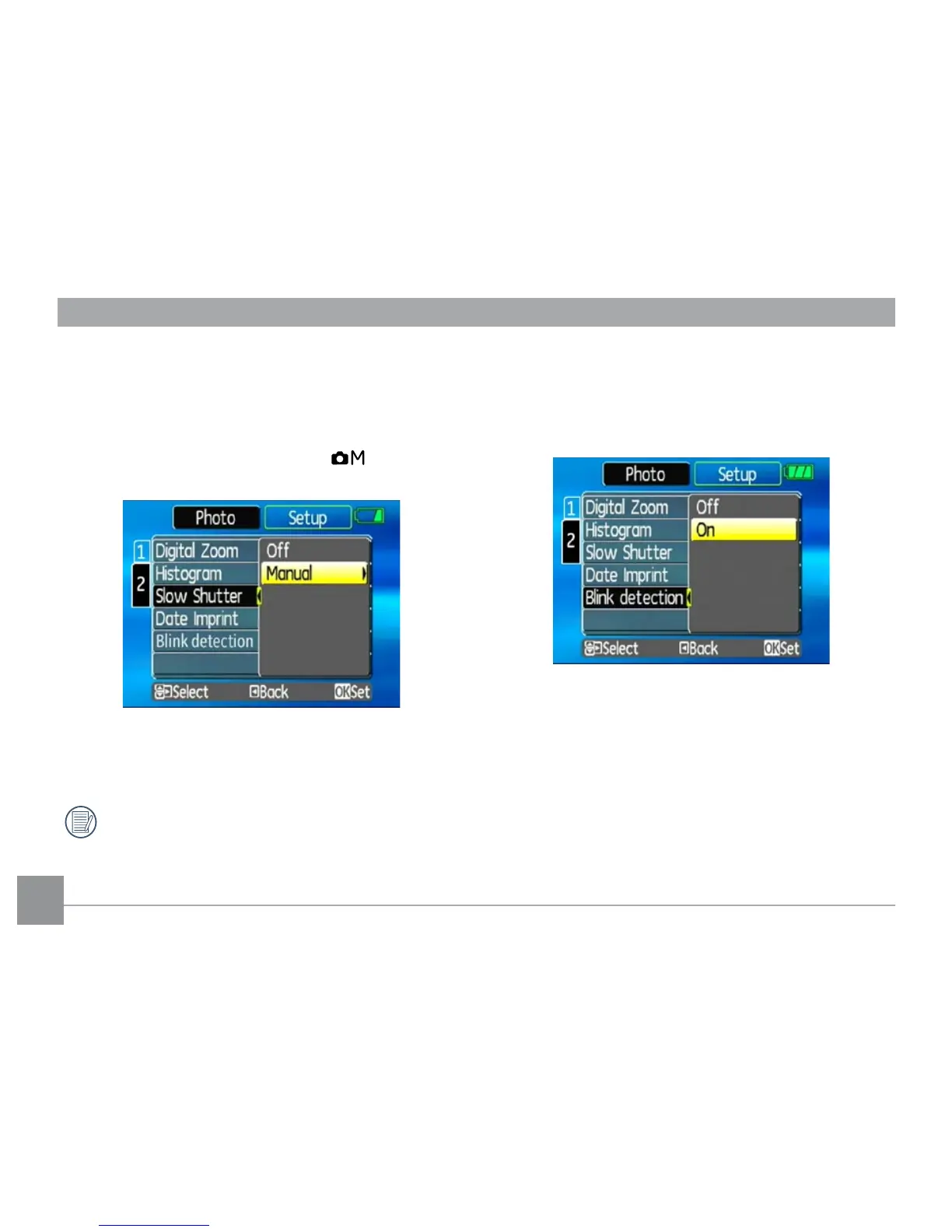
Blink Detection
The Blink Detection feature is on by default, and after
taking each photo, a warning message will pop up if a
blink had been detected in the photo.
• O:
• On
Slow Shutter
In Slow shutter mode, the shutter will remain open as
long as the shutter button is pressed. This gives you
complete control over the duration of exposure. (The
slow shutter mode is available only in manual
mode.
• Manual : To set a long exposure time between
2~30 sec.
The use of tripod is recommended for prolonged
exposure.



 To Next Page