31
Color
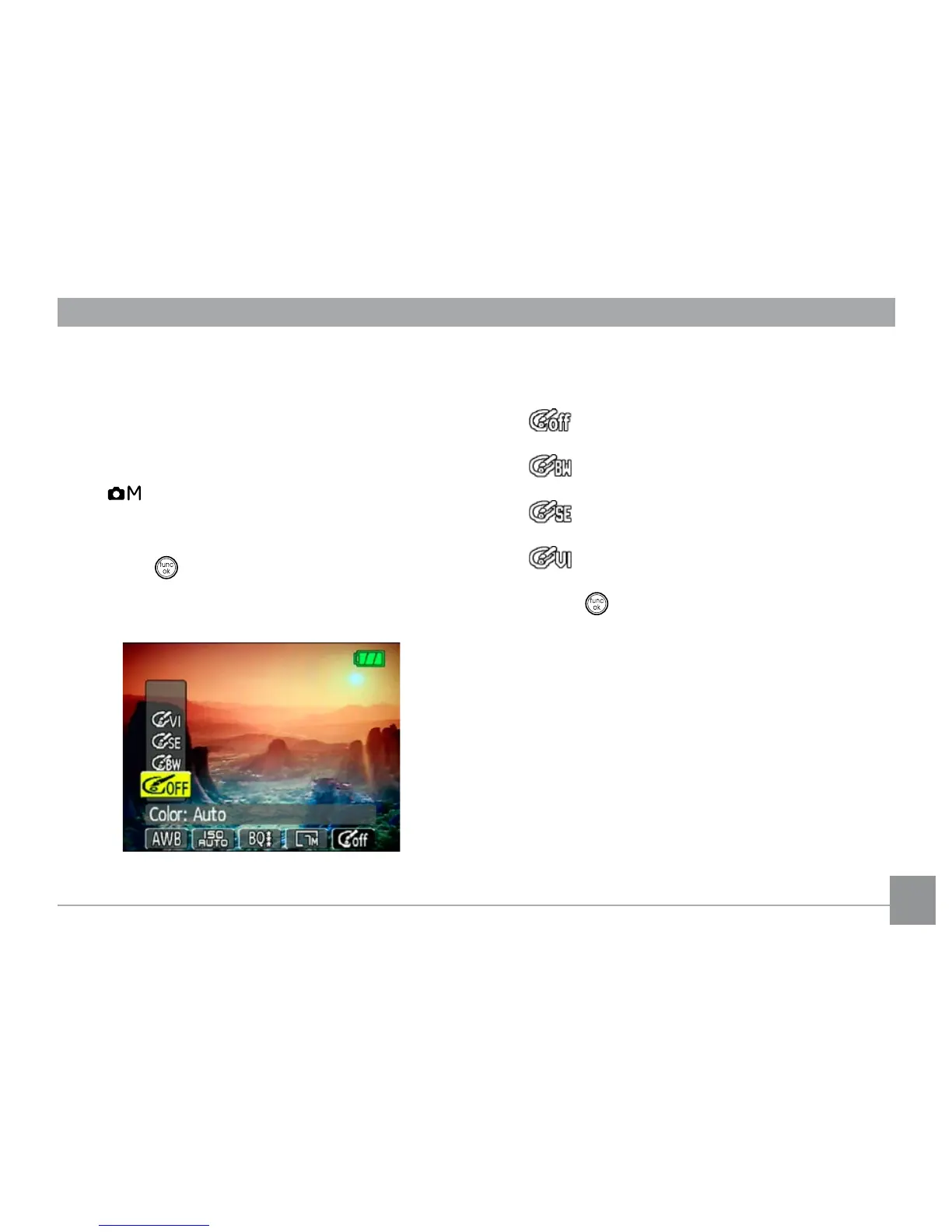
The color setting allows you to add artistic eects
directly when taking shots. You can try dierent color
tones to alter the mood of your pictures.
(The Color setting is only available when the camera is
in the Manual mode).
To set the image color, do the following:
1. Press the
button to enter the Function menu.
2. Use the
Left/Right navigation buttons to highlight
the Color function.
3. Use Up/Down to select an option. The following
options are available:
• Auto
• Black & White
• Sepia
• Vivid
4. Press the
button to conrm your setting.



 To Next Page