2222 23
2. Press the Left/Right to highlight each eld and use
the Up/Down to adjust the value.
3. Press the
button to conrm the setting.
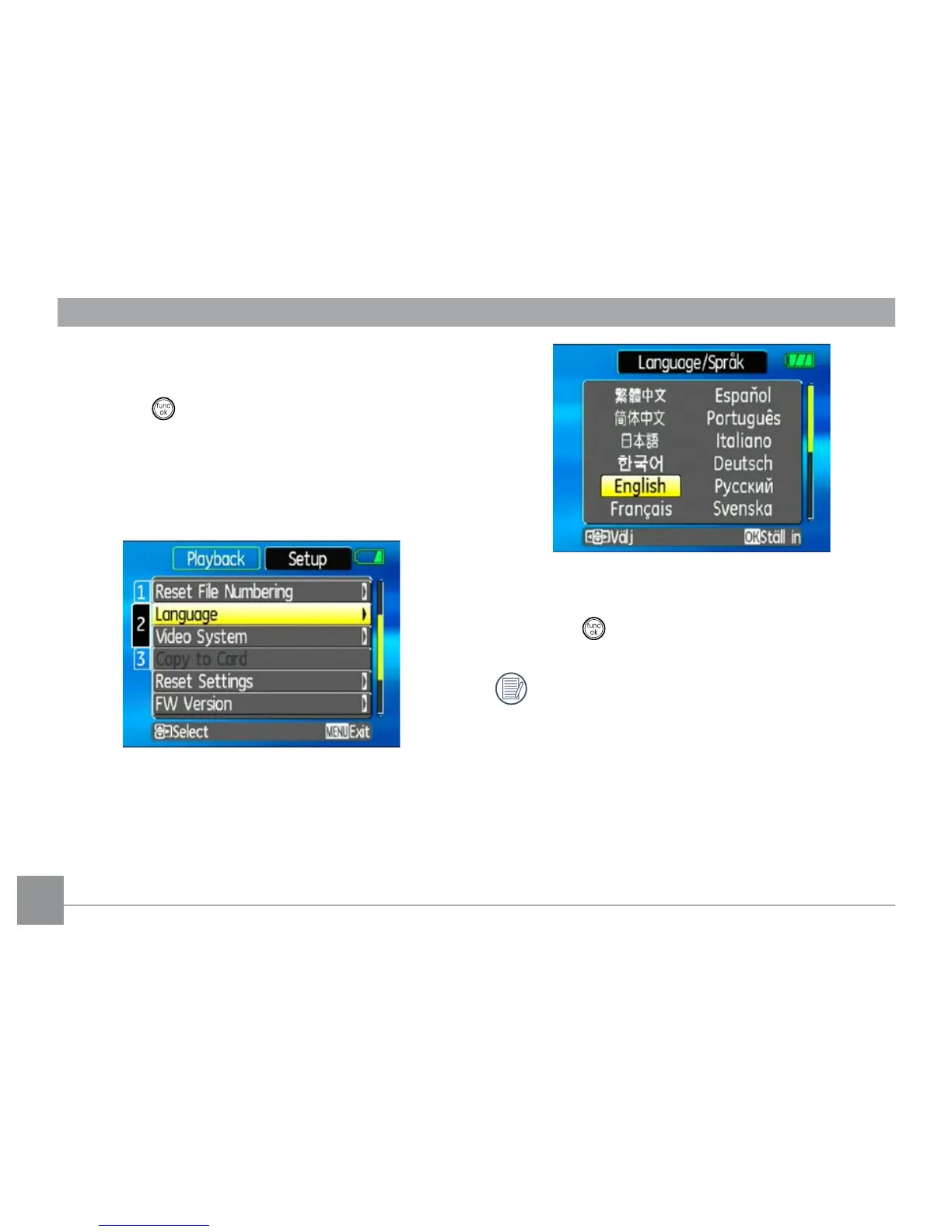
Setting the Language
1. Use the Up/Down to select Language. Then press
the Right to enter the setting.
2. Use the navigation buttons to select the desired
language.
3. Press the
button to conrm the setting.
The Set date/time and language screen will
automatically appear when the camera is turned
on the rst time.



 To Next Page