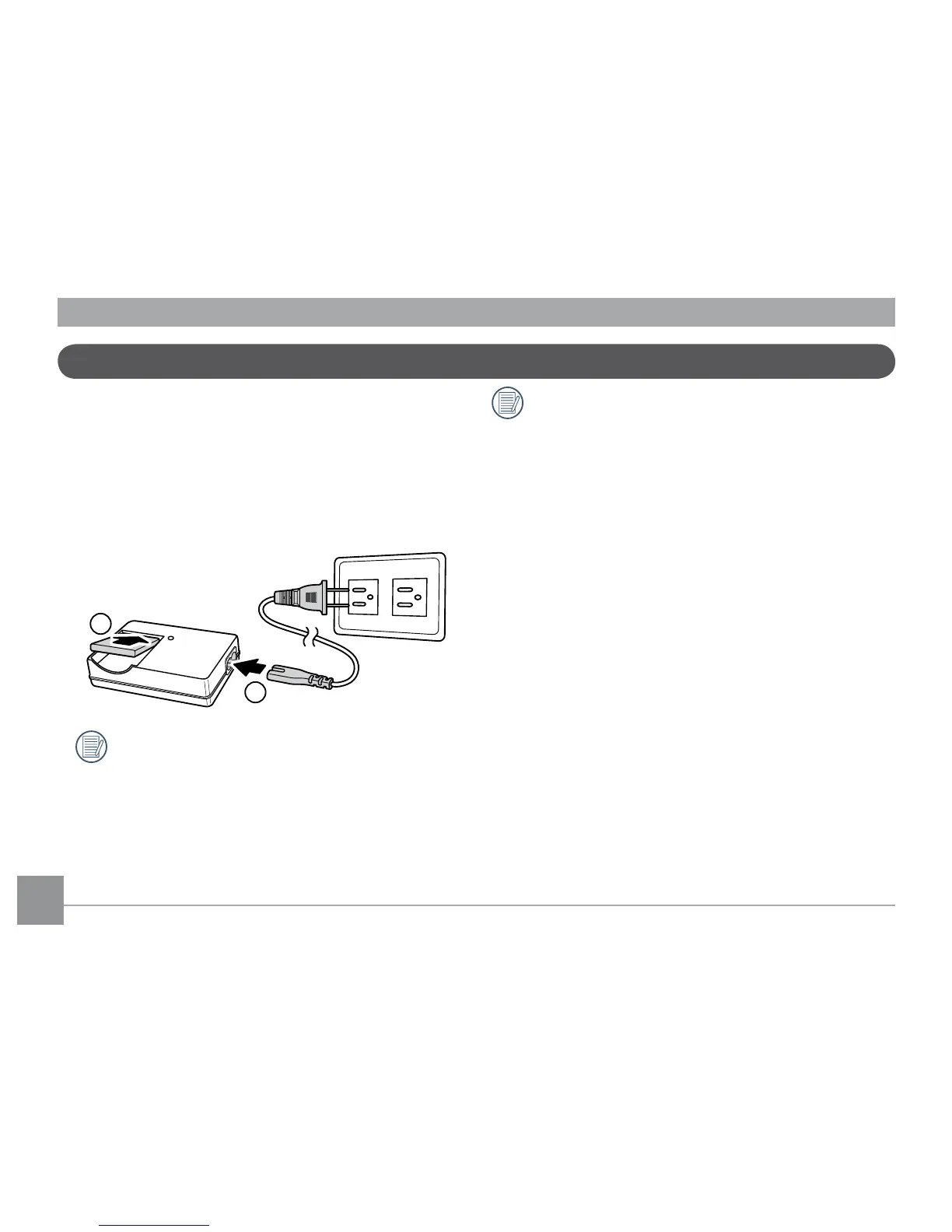
1. Place the battery into the charger as shown.
2. Plug one end of the connecting cable into
the charger base.
3. Plug the other end of the connecting cable
into a wall outlet.
Charging the battery (except A730/830)
Leave the battery to charge until the
charger light goes green.
(To maximize battery life, the rst charge
should be at least 4 hours)
Throughout the rest of the manual, the
following illustrations show the G1 model
as an example.
(A730, A830, E850, E1030, E1040, and E1240
operate similarly.)



 To Next Page