52 53
Using the Delete button
The camera is equipped with a quick Delete
button for you to delete photos or video-
clips without entering the Playback menu.
To delete a photo or video:
1. Turn your camera to Playback mode.
2. Use the navigation buttons to select the
photo/video clip you want to delete.
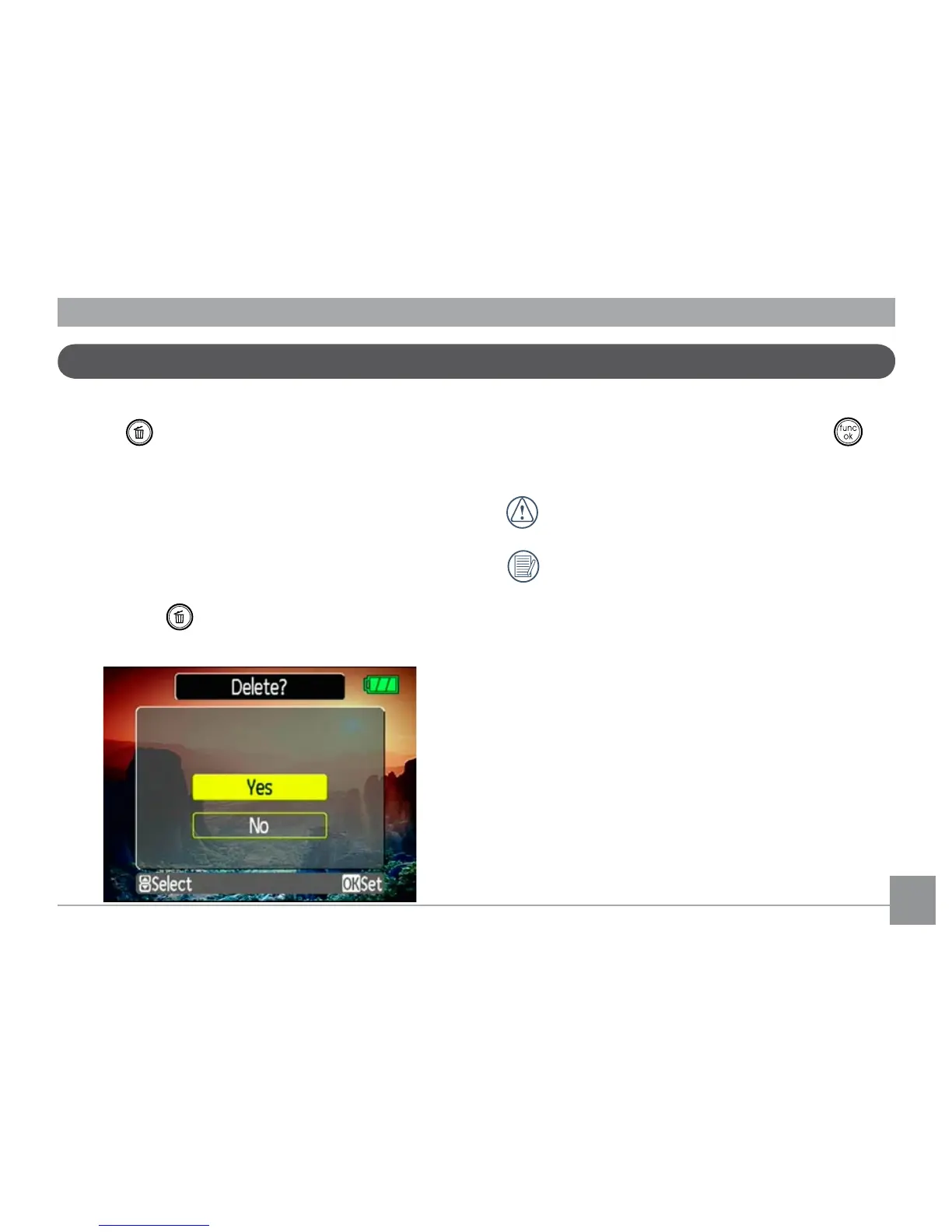
3. Press the button. The Delete screen
appears.
4. Press the Up/Down navigation buttons
to select Yes or No. Then press the
button to conrm.
Erased photos/video clips cannot be
recovered.
See the Delete All function on page
64 to delete all photos/video clips in
a single operation.



 To Next Page