54 5554 55
Still menu
USING THE MENUS
Mode:
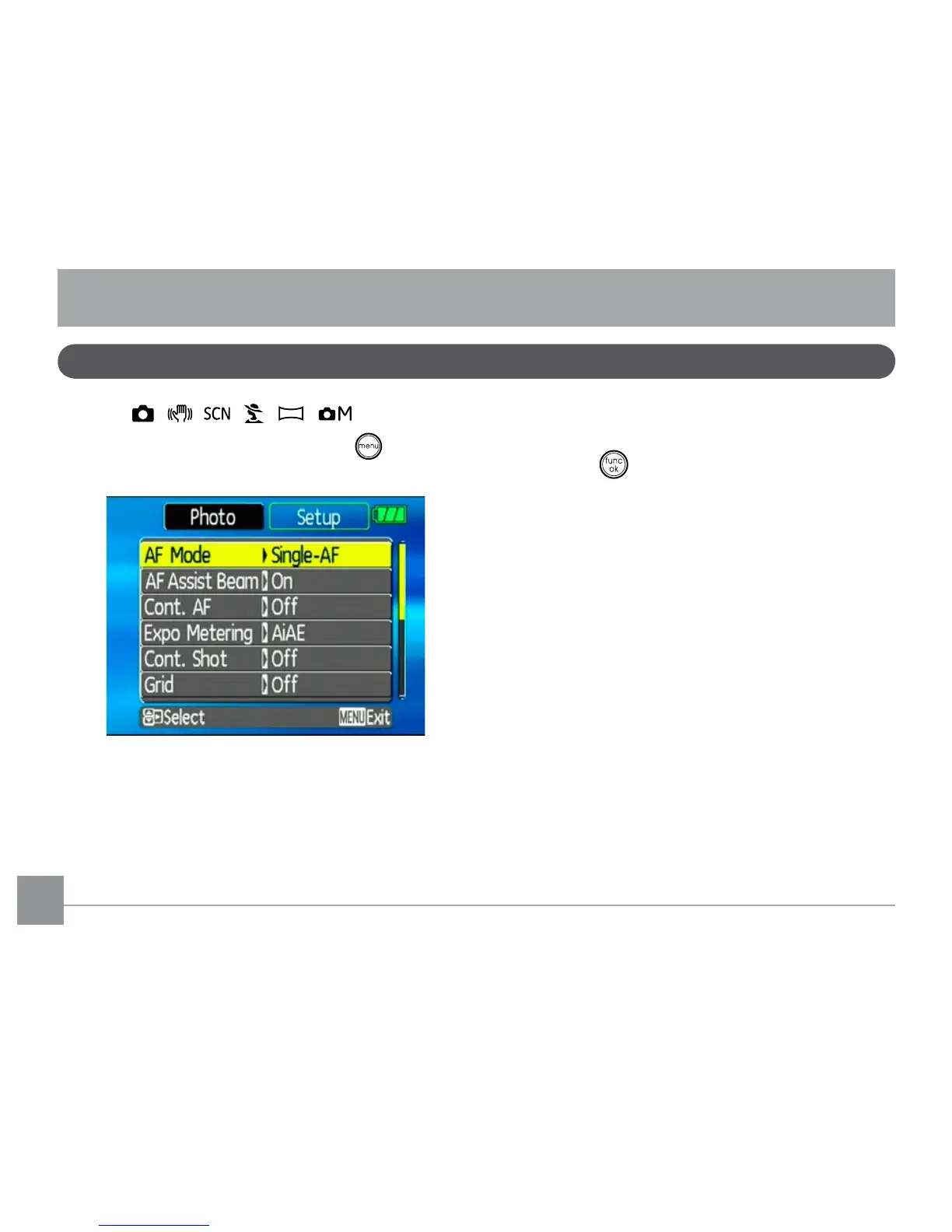
In still shooting modes, press the button
to enter the Still menu.
To congure the settings:
1. Use the Up/Down navigation buttons to
scroll through the menu items.
2. Press the Right navigation button to enter
the submenu.
3. Use the Up/Down navigation buttons to
select an option.
4. Press the button to conrm the setting
and exit the menu.
Refer to the following sections for more de-
tailed information on each setting.



 To Next Page