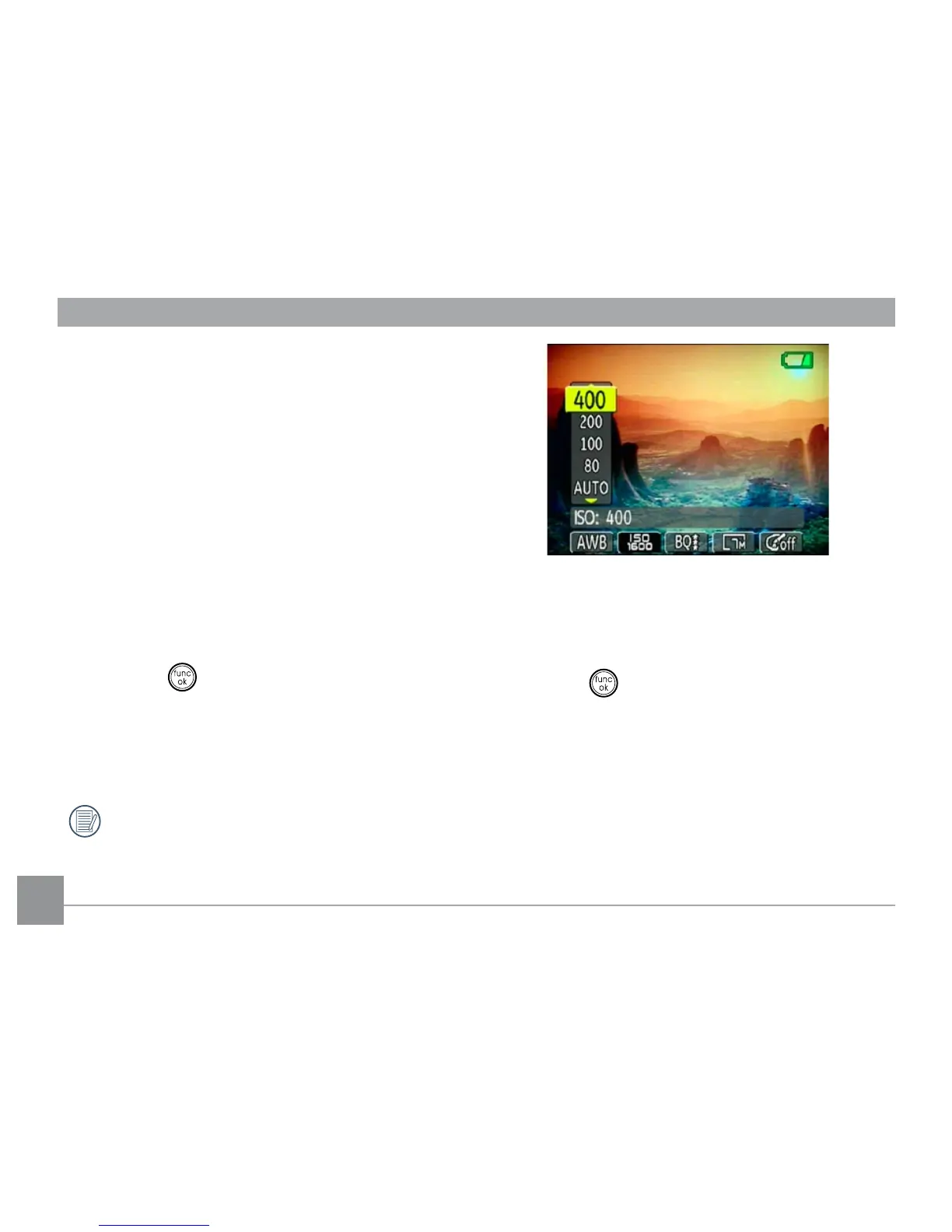
ISO
The ISO function allows you to set the camera
sensor sensitivity to light. To improve the
performance in darker environments, a higher
ISO value is required. On the other hand, a
lower ISO value is needed when in bright
conditions.
(The ISO setting is only available when the
camera is in the Manual mode).
To set the ISO value, do the following:
1. Press the button to enter the Function
menu.
2. Use the Left/Right navigation buttons to
highlight the ISO function.
Higher ISO pictures will naturally have
more noise than lower ISO pictures.
3. Use the Up/Down navigation buttons to
select the desired ISO value from Auto, 80,
100, 200, 400, 800, or 1600.
4. Press the button to conrm your setting.



 To Next Page