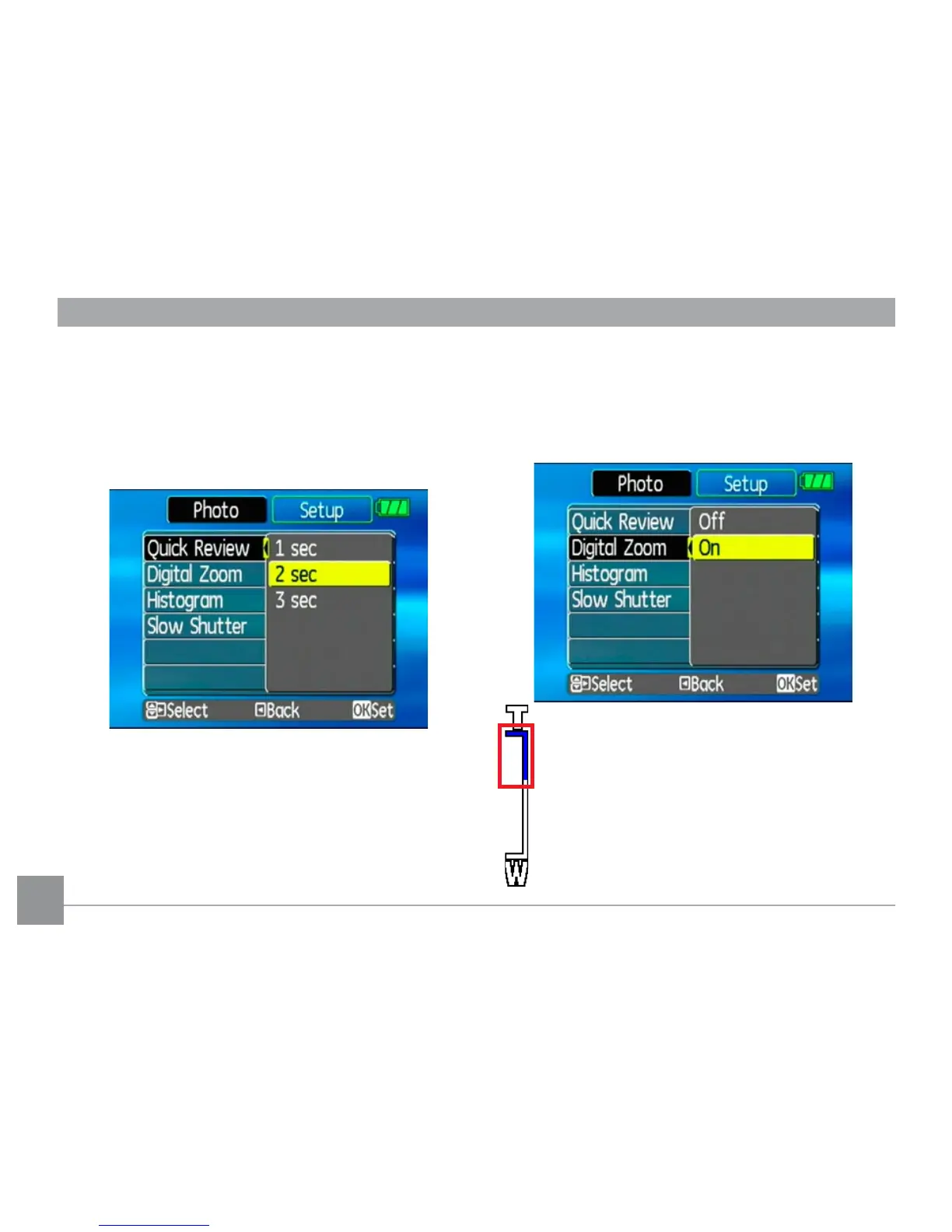
Quick Review
This setting refers to the quick photo review
immediately after taking a picture. The pic-
ture stays on the LCD screen for an adjustable
period of time.
Three options are available:
• 1 sec
• 2 sec
• 3 sec
Digital Zoom
Use this setting to enable or disable the digi-
tal zoom function. When disabled, only the
optical zoom is enabled.
Digital Zoom indicator
• Off: gray color.
• On: reddish color.



 To Next Page