62 6362 63
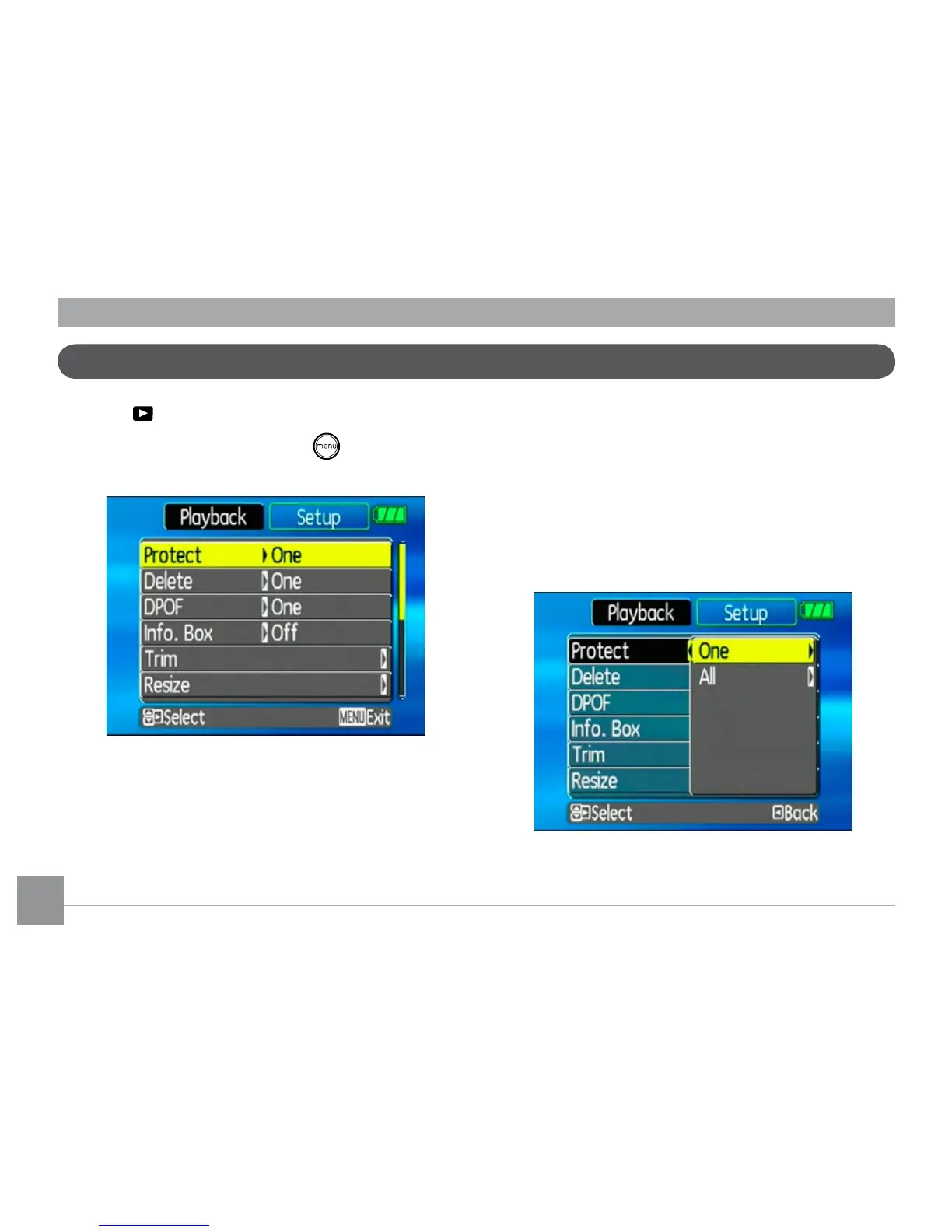
Playback menu
Mode:
In playback mode, press the button to
enter the Playback menu.
To congure a setting:
1. Use the Up/Down navigation buttons to
scroll through the menu items.
2. Press the Right navigation button to enter
the setting.
Refer to the following sections for more de-
tailed information on each setting.
Protect
To prevent pictures or videos being erased
accidentally, you can use this setting to lock
one or all les.



 To Next Page