30 3130 31
Using Macro mode
In Macro mode, you can capture tiny details
of the subject at a very close range. Press the
Right/Macro to take close-up shots.
• Macro
Select this to focus on subjects 5cm from
the lens.
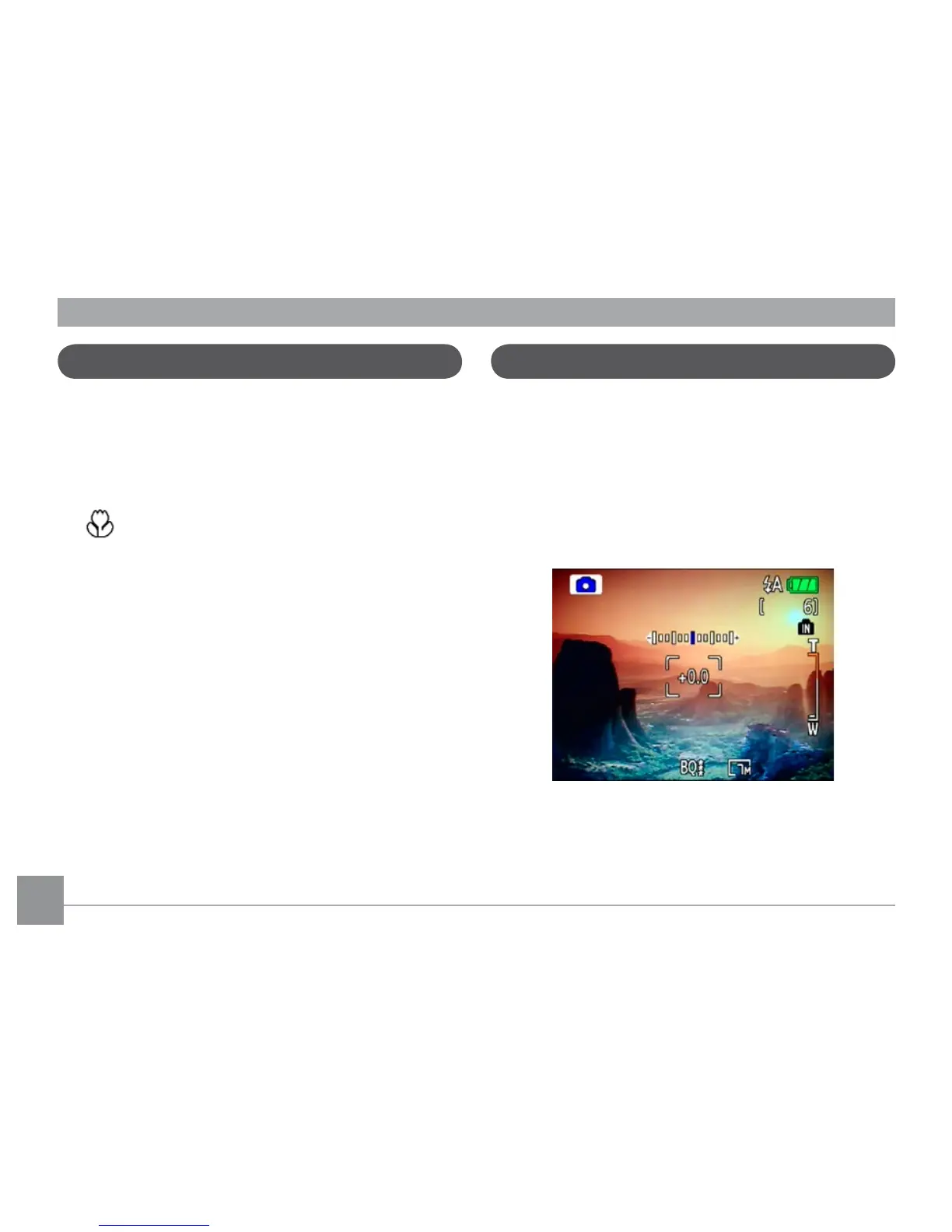
Exposure compensation
The exposure compensation allows you to
adjust the background brightness to produce
the best result of photos. To change the expo-
sure values, do the following:
1. Press the Up/Exposure to display the
exposure setting.
2. Use the Left/Right to adjust the exposure
value for the picture. The range is from EV
-2.0 to EV+2.0 (steps of 0.3).



 To Next Page