CONSOLE TECHNICAL OVERVIEW
ENGLISH
Topic Title
H-4
Testing
Removing the Filter Cover & Filter
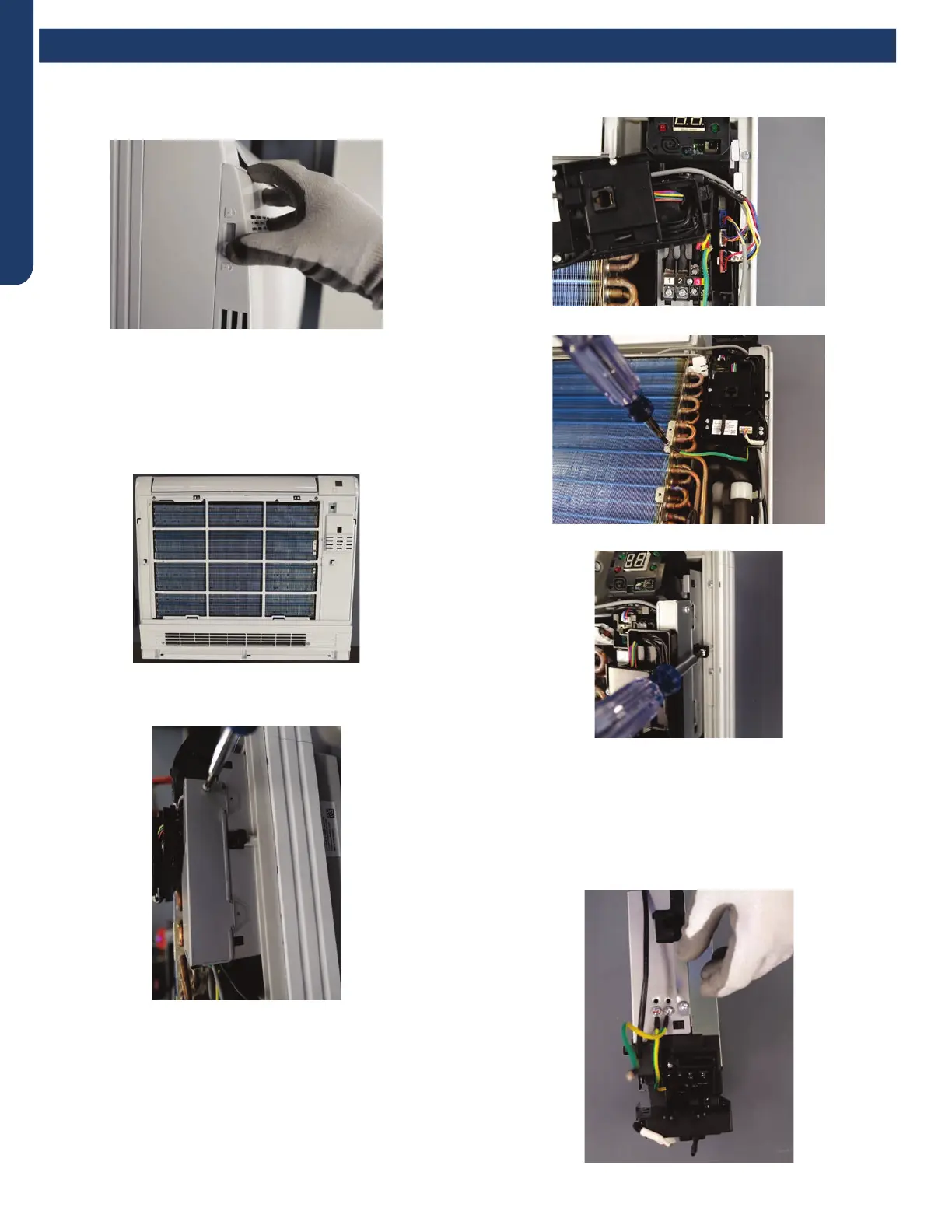
1. Slide the side latches up to unlock the cover and pull
forward about an inch then lift up.
2. The lter is very exible and can be grabbed at any location
and removed.
Front Cover Removal
1. Remove the 4 screws that are at the corners of the air
intake opening. Gently open the horizontal louver. Lift up
the top edge of the front cover and then pull forward.
Control Box Removal
1. Remove the screw from the right side of the box cover.
2. Lift up the panel that contains the diagnostic port, wi
module and ambient sensor. And remove the box cover.
3. Unplug the three connectors for the fan motor, upper
louver and bottom damper.
4. Remove the ground screw.
5. Remove the mounting screw for the box.
6. The box can now be removed.
Board Replacement
1. Follow the instructions for removing the control box.
2. Remove the cover screw from the bottom of the box, then
remove cover.



 To Next Page