6868 69
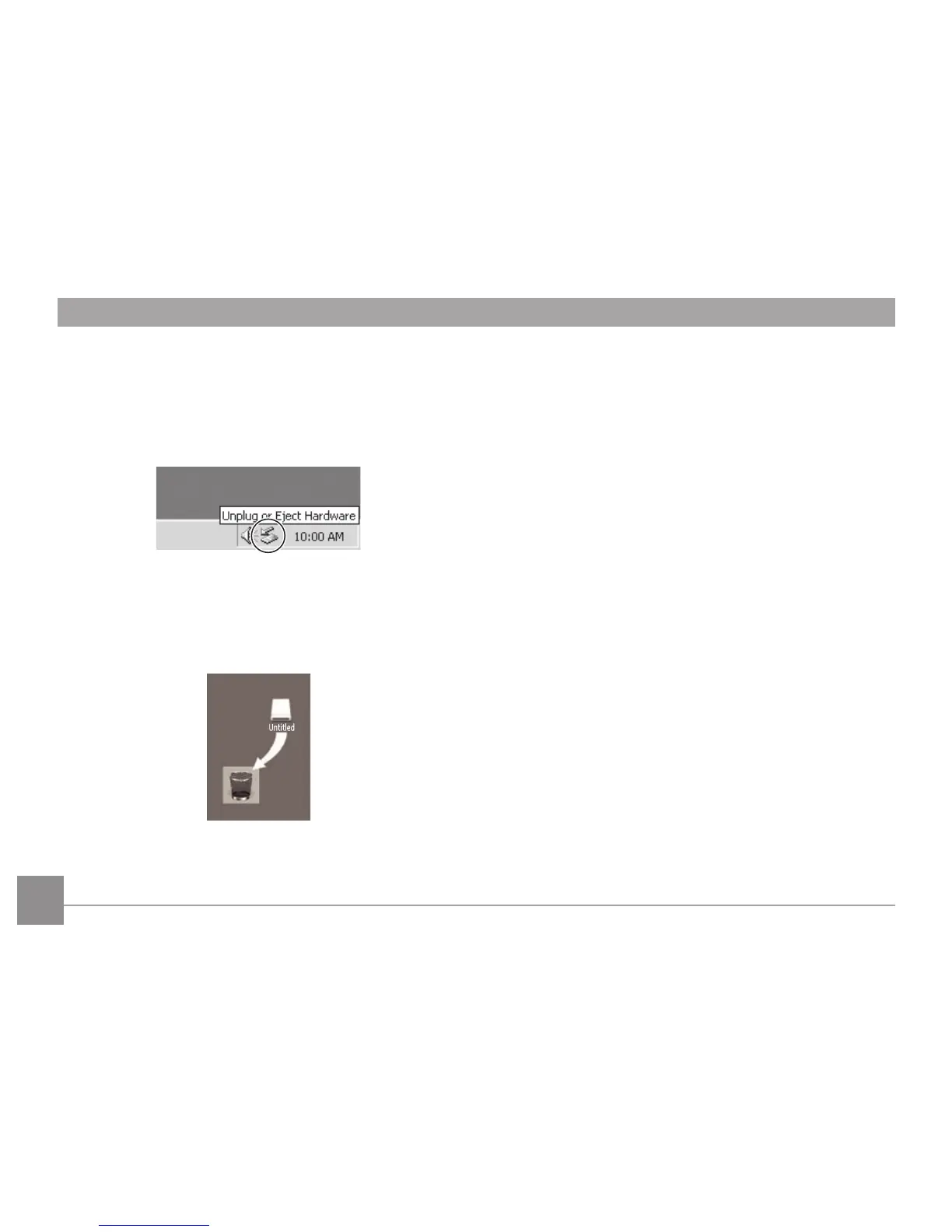
Windows operating system (Windows 2000, Windows XP,
Windows Vista, Windows 7.)
Click the [Safely remove the hardware] icon and remove
the USB connector according to the appeared menu.
Macintosh
Drag the untitled icon to the Trash. ("Untitled")



 To Next Page