GFK-2327B Chapter 2 Overview 2-7
2
Backup
Backup saves changes that you make to the Windows Registry or Desktop to
Flash memory. This utility is required because the QuickPanel View is not
battery powered. Specifically, Backup does the following:
It stores the Windows CE registry (including any control panel settings)
in Flash memory.
It stores any changes (or additions) made to the ‘Windows’ subtree of
the file system in the user block of FLASH memory.
Run Backup whenever you make configuration changes to
the operating system or installed applications, and prior to
shutting down the QuickPanel View.
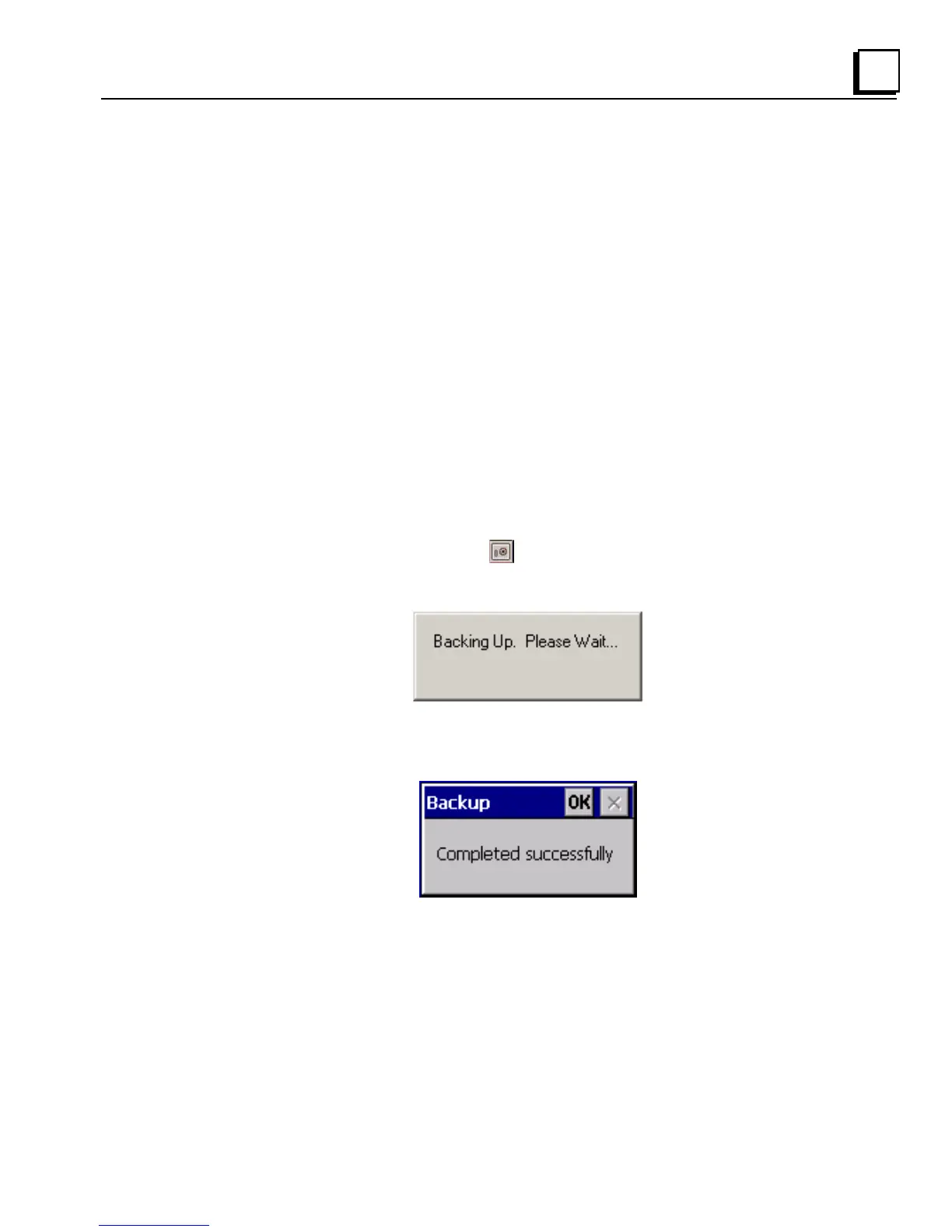
To run the Backup program
1. On the desktop, double-tap Backup.
The Backup dialog box appears.
2. Tap OK.



 To Next Page