GFK-2327B Chapter 2 Overview 2-9
2
System Information
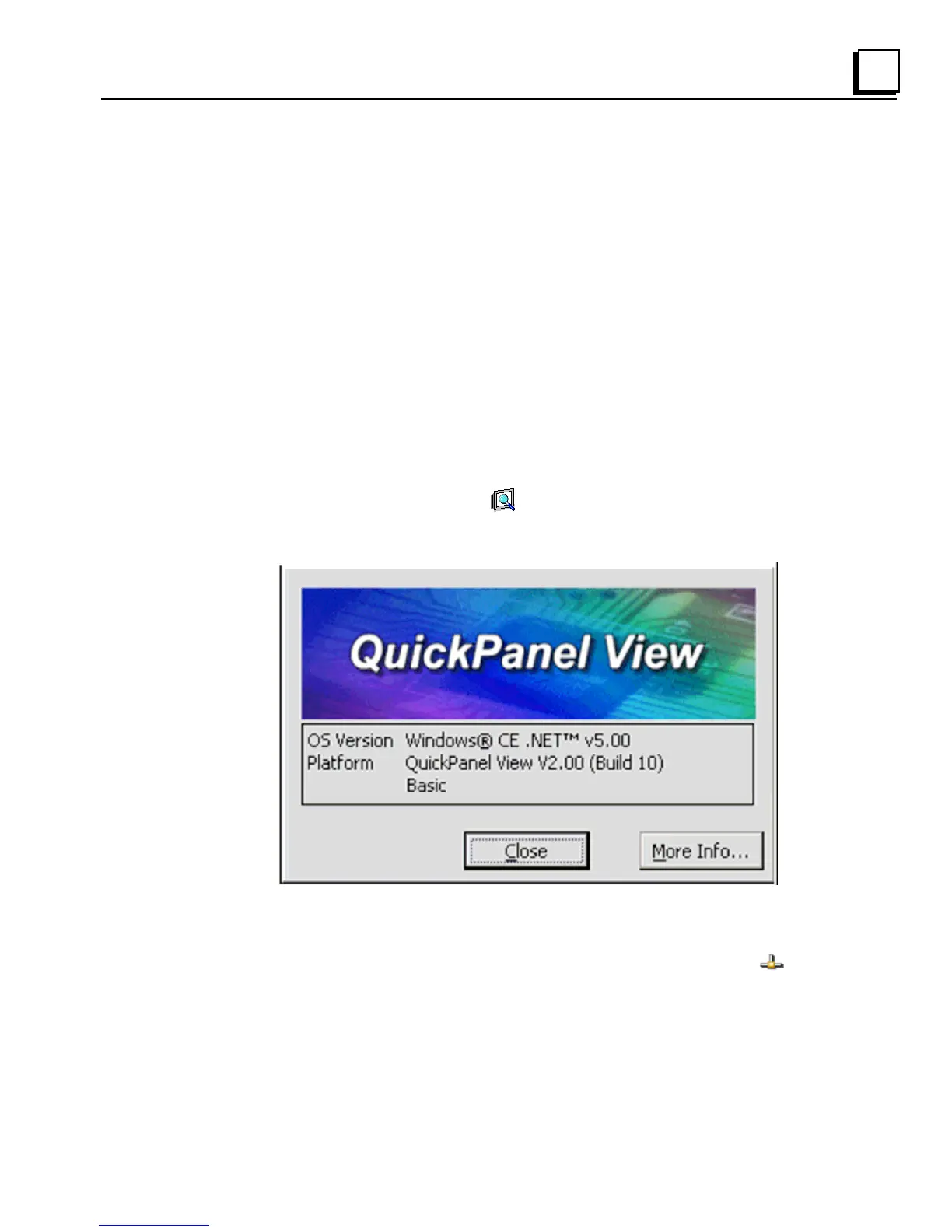
System Information is a custom utility that displays a splash screen with the
following information:
Operating System version. For example, ‘Windows CE 5.00’.
Platform. Identifies the host hardware, its version and build number.
Tapping More Info on the splash screen opens the Advanced System
Information window, which provides information such as hardware version and
serial number, CPU type and specifications, etc. This information can be
especially useful if you are contacting Technical Support.
To run the System Information program
1. On the desktop, double-tap System Information.
The System Information splash screen appears.
2. Tap More Info to open the Advanced System Information window, or
tap Close to continue.
Network information alone can be viewed by double-tapping the
LAN
icon displayed on the taskbar for each connection.



 To Next Page