GFK-2327B Chapter 3 Detailed Operation 3-3
3
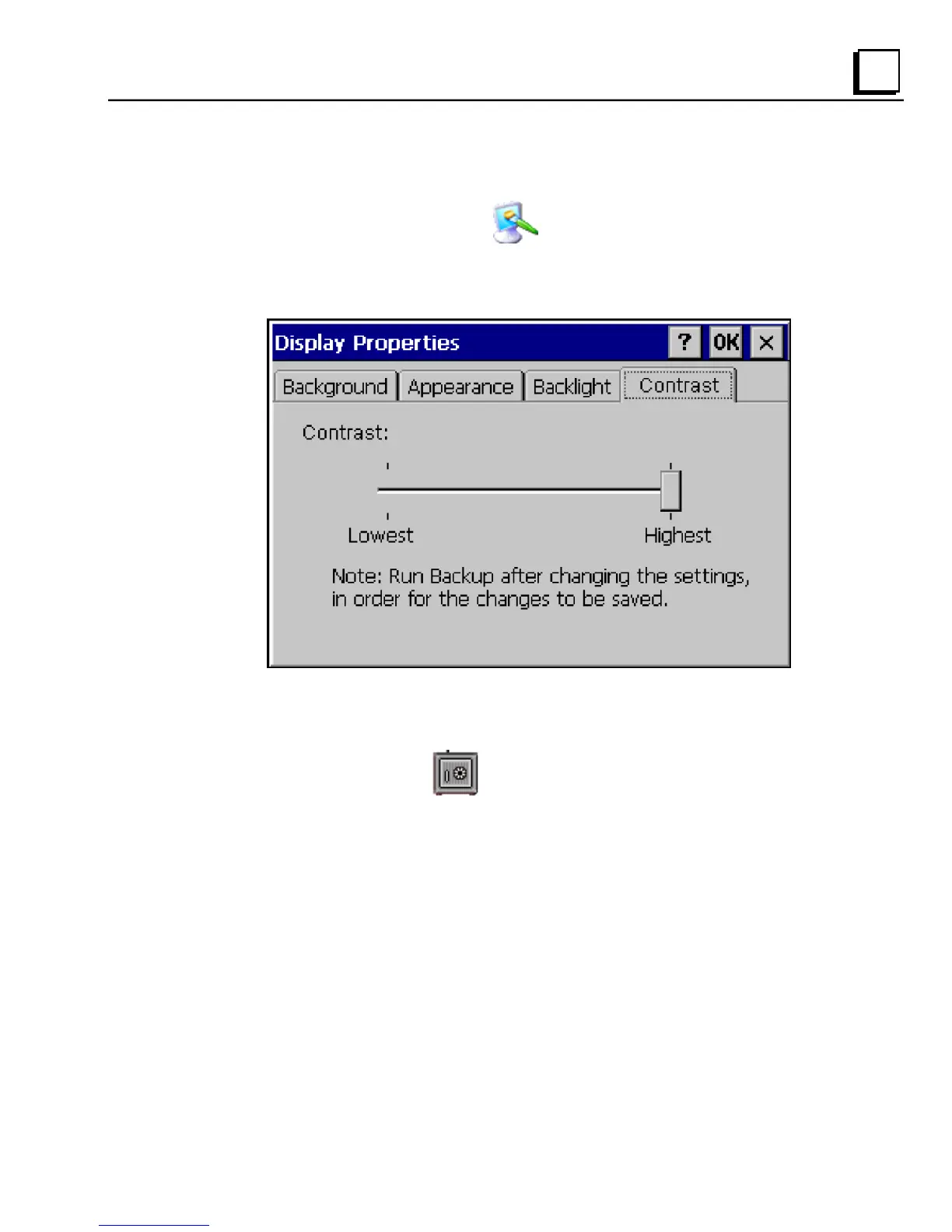
To adjust the display contrast
1. In the Control Panel, double-tap Display and choose the Contrast
tab.
The Contrast dialog box appears.
2. Drag the Brightness slider between Lowest and Highest.
3. Tap OK to exit the control panel.
4. To save the settings, run
Backup (see page 2-7).



 To Next Page