GFK-2327B Chapter 3 Detailed Operation 3-9
3
To set the double-tap sensitivity
1. In the Control Panel, double-tap
Stylus.
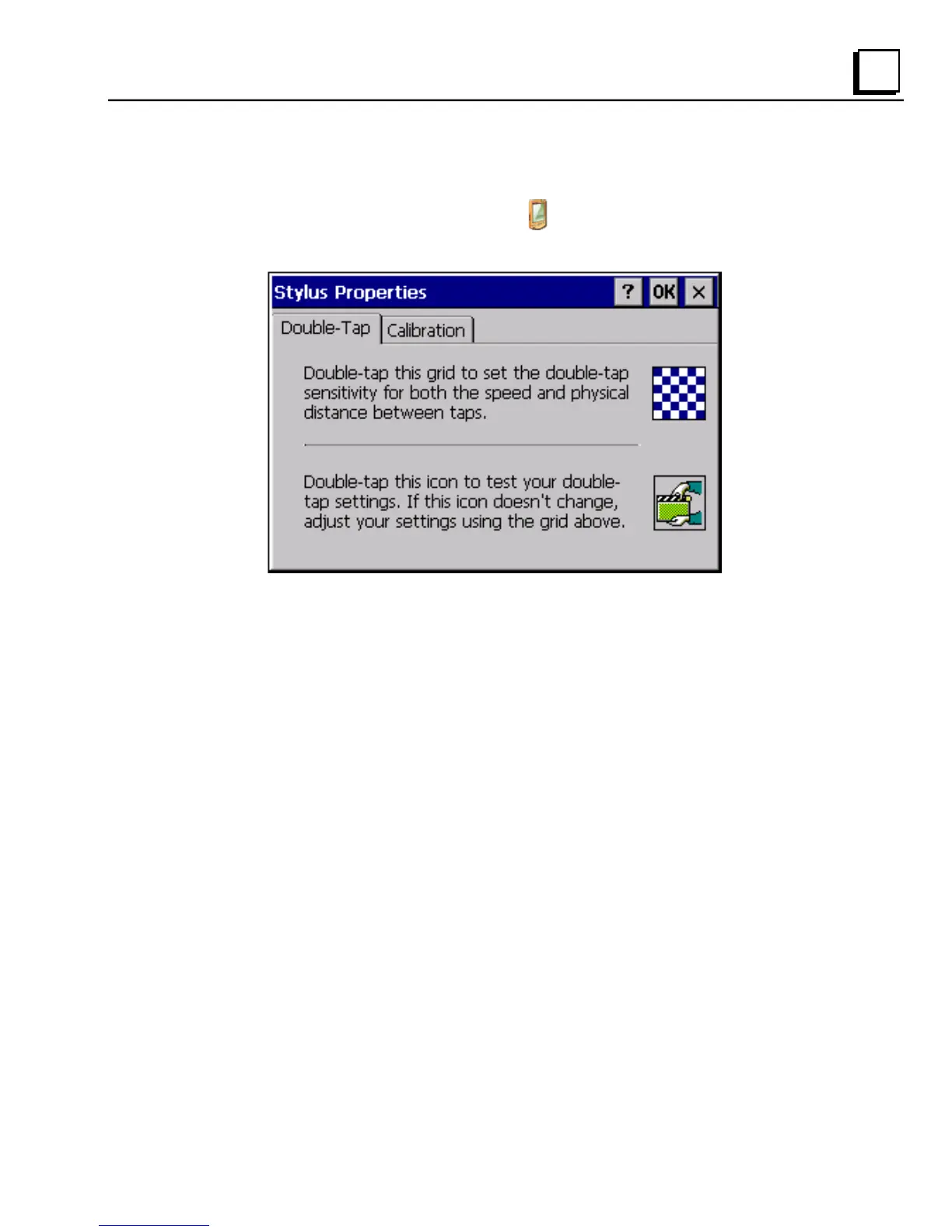
The Stylus Properties dialog box appears.
2. Choose the Double-Tap tab.
3. Double-tap the grid to enter a setting.
4. Double-tap the test icon to check the setting.
If the test icon doesn’t change when you double-tap it, double-tap the
grid again.
5. Tap OK to finish.
6. To save the settings, run the Backup utility. (See page 2-7.)



 To Next Page