GFK-2327B Chapter 3 Detailed Operation 3-11
3
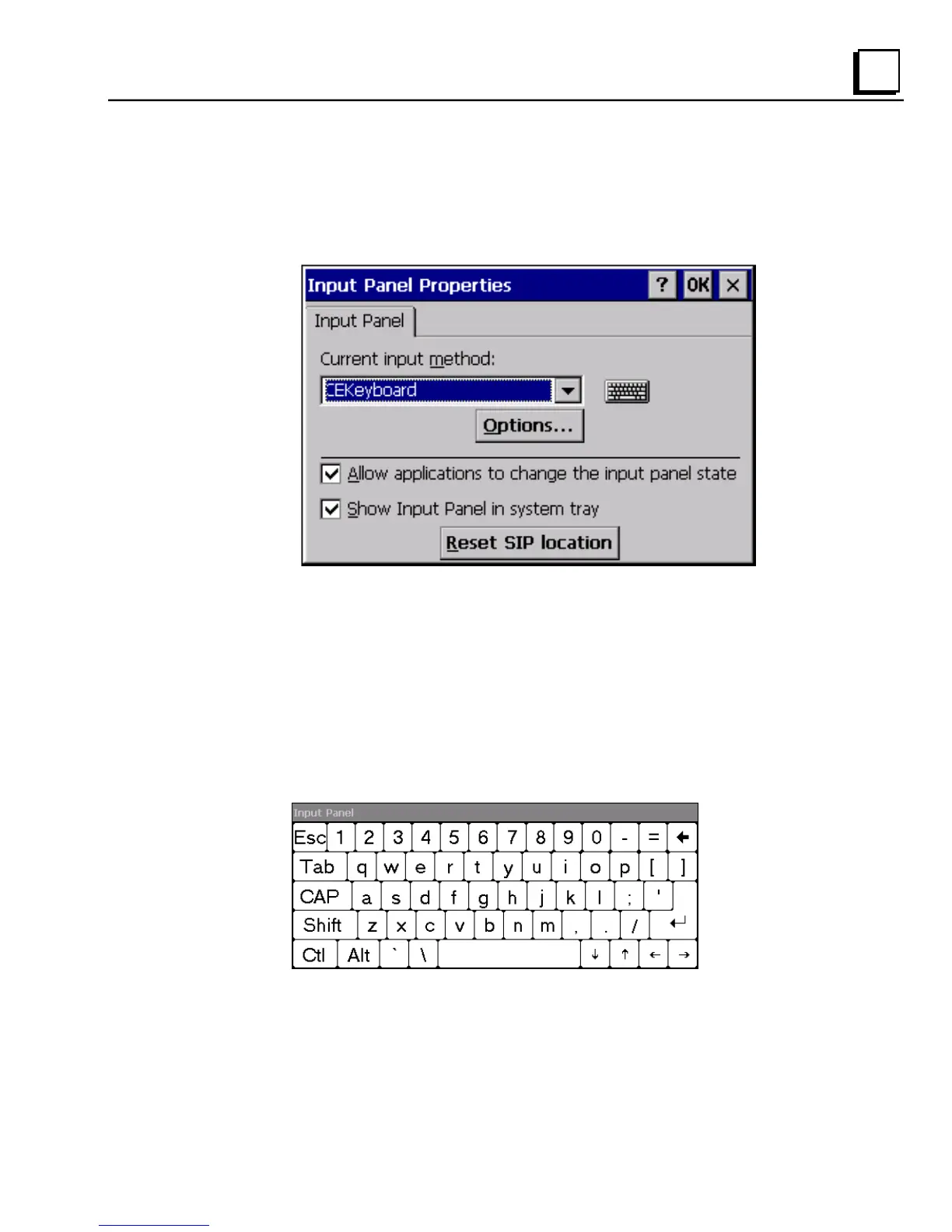
To display the Soft Input Panel icon in the system tray
1. In the Control Panel, double-tap Input Panel.
The Input Panel Properties dialog box appears.
2. Select the Allow applications to change the input panel state check box.
3. Select or clear the Show Input Panel in system tray check box.
4. Tap OK.
5. To save the settings, run the Backup utility. (See page 2-7.)
The Soft Input Panel has two basic configurations: Small key and Large key.
Small Key configuration: provides a standard QWERTY key layout with
numeric keys at the top row as illustrated in the following picture.
Small Key: Lower Case



 To Next Page