3-36 6" QuickPanel* ViewBasic, Monochrome, Round Bezel – September 2010 GFK-2327B
3
Real-time Clock
The QuickPanel View has a programmable real-time clock capable of reporting
the current time in Year/Month/Day/Hour/Minute/Second. The time is set from
the Windows CE interface and retained through a power cycle if battery backup
is available. Daylight saving time is enabled by a check box within the dialog
box. The time can be displayed in the system tray on the task bar.
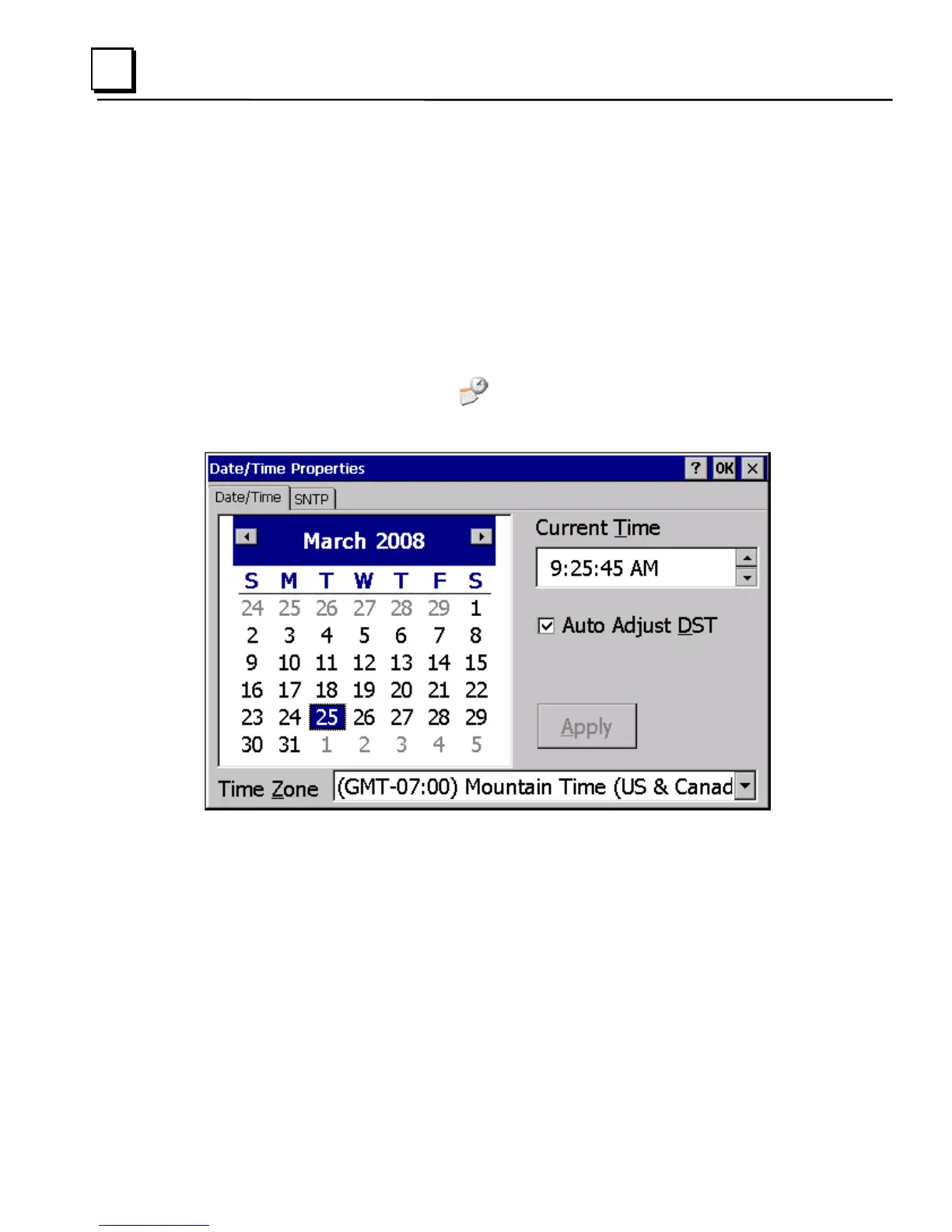
To set the real-time clock
1. In the Control Panel, double-tap Date/Time.
The Date/Time Properties dialog box appears.
Note: Tap Apply after making changes in any box.
2.
To modify the date, select the Date/Time tab.
3. Tap the year to choose a new year; tap the month to choose a new
month.
4. Tap a date to specify the day of month.
5. From the Time Zone box, choose your zone.



 To Next Page