GE LOGIQ V5/LOGIQ V3
D
IRECTION 5496012-100, REVISION 3 BASIC SERVICE MANUAL
Section 7-2 - Gathering Trouble Data 7 - 9
7-5-1 Network Configuration (cont’d)
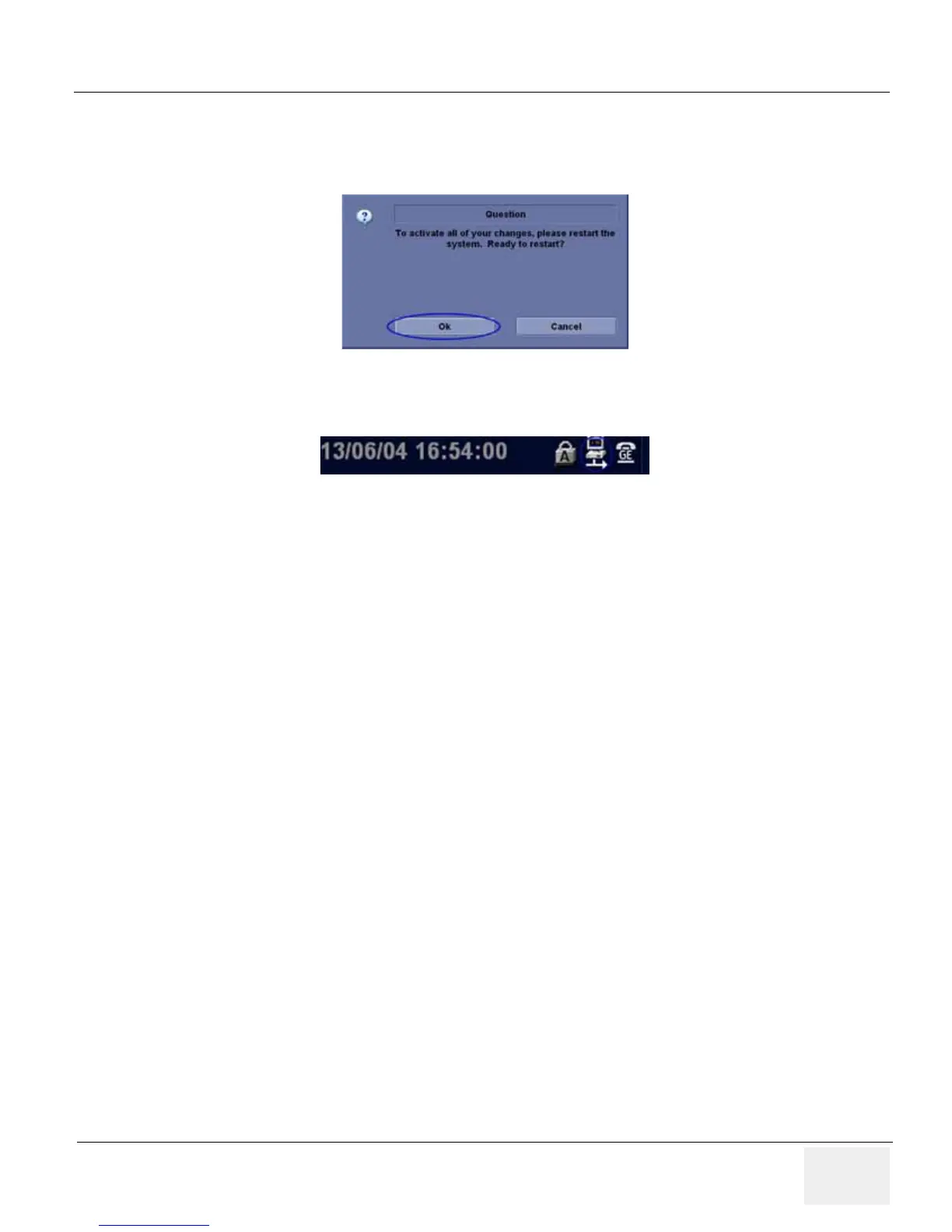
3.) Select Save, and a popup window displays. Select OK to restart the system and activate the
changes.
4.) After the system restarts, the network icon at the left bottom of screen turns green.
Figure 7-7 System Restart inquiry dialog
Figure 7-8 Network icon


 To Next Page
 Loading...