CHAPTER 3: INSTALLING THE 3 SERIES RELAY M AND MII FAMILY RELAYS
3 SERIES RETROFIT – INSTRUCTION MANUAL 39
3.2.3 Replacing an M or MII relay
To replace an MII or M Family relay with a 3 Series relay, follow these steps.
Note
Four M4 Din9021 zinc plated washers are required (not included) to install a 3 Series relay
in an existing MII or M cutout.
Note
Ensure the MII settings file has been saved before disconnecting an installed MII relay.
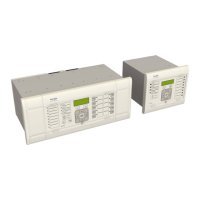
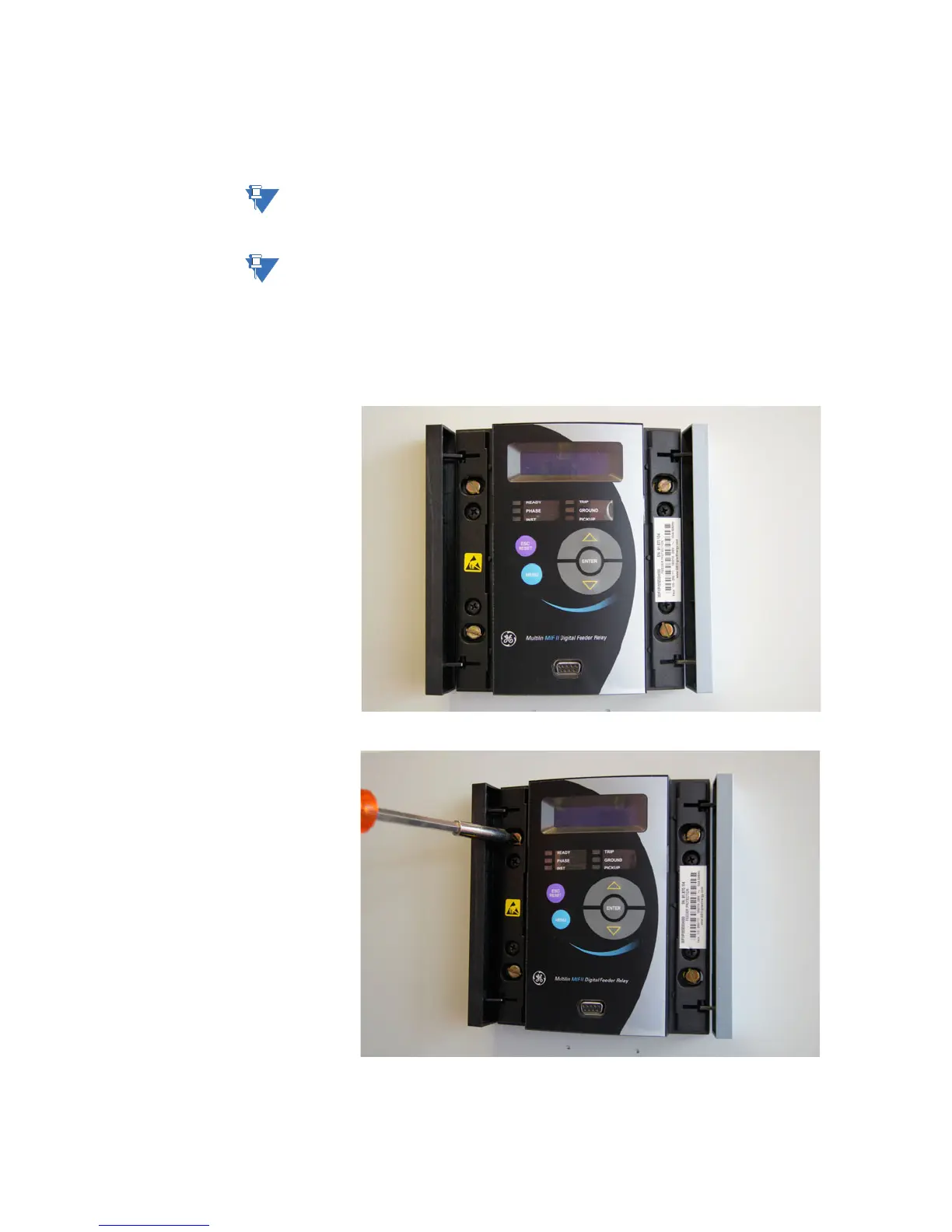
The pictures show an MII relay, however the same steps also apply to an M relay (with the
exception of the MIV) unless otherwise noted.
1. Disconnect power and unplug all wires from the installed MII or M unit.
2. For an MII relay, pull open the sides to access the screw heads.
3. Unscrew the four mounting screws.


 To Next Page
 Loading...