EasyManua.ls Logo

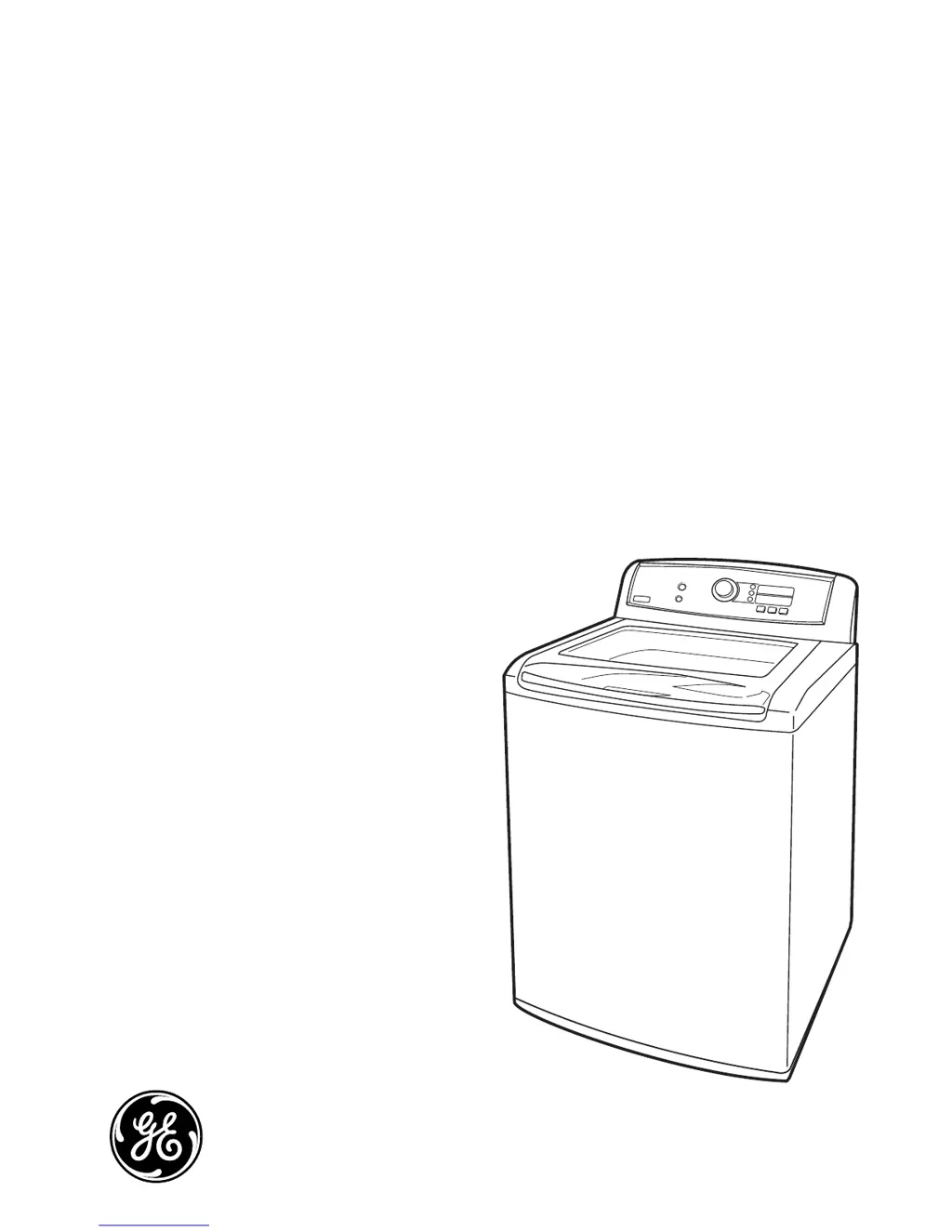
GE Profile PTWN8055MMS - User Manual

GE Profile PTWN8055MMS
46 pages
Print Icon
To Next Page IconTo Next Page
Loading...
GE Appliances
General Electric Company
Louisville, Kentucky 40225
31-9211
Technical Service Guide
July 2011
GE Appliances
PTWN8055MMS
PTWN8050MWW
GE Pro le 4.5 DOE cu. ft.
Stainless Steel Capacity Washer

Questions and Answers

  • J
    John JensenAug 16, 2025
    Why won't my GE Washer operate?
    • F
      fullerginaAug 17, 2025
      Your GE Washer might not be operating due to several reasons. The control panel might be asleep (press POWER), the washer might be unplugged (ensure it's securely plugged into a working outlet), the water supply could be off (turn both hot and cold faucets fully on), or the controls might not be set properly (set the cycle correctly, close the lid, and press START). Additionally, the lid might be open (close it and reset the cycle), the circuit breaker/fuse could be tripped/blown (check and replace/reset), the electronics might need a reset (unplug, wait 2 minutes, plug back in, and press POWER), START might not have been pressed (press START), there might be extremely low water pressure (press START again), or the washer might be too cold (allow it to warm up before pressing POWER).
  • N
    Nicole EllisonAug 19, 2025
    What to do if my GE Profile PTWN8055MMS Washer is not filling with water?
    • J
      Jason VangAug 20, 2025
      If your GE washer isn't filling with water, several factors could be the cause. First, ensure the water supply is turned on and the faucets are fully open. Check that the fill hoses connect the hot water supply to the hot inlet and the cold water supply to the cold inlet. The washer lid must be closed for all cycle operations. Also, inspect the water valve filters (blue and orange screen) for clogs by disconnecting the hose at the machine. Make sure the fill hoses are not kinked or clogged. Keep in mind that this washer is energy-efficient, and water may not cover the top level of the clothes, which is normal.
  • K
    kimberlycookAug 22, 2025
    How to fix a GE Profile PTWN8055MMS that will not drain water?
    • D
      daniel72Aug 22, 2025
      If your GE washer won't drain, check the drain hose for kinks. Also, ensure that the drain outlet is not higher than 8 feet above the floor, as per the installation instructions.
  • R
    Robert MurrayAug 26, 2025
    Why is my GE Profile PTWN8055MMS not dispensing detergent completely?
    • D
      Darryl HarrisAug 26, 2025
      Incomplete or no dispensing of detergent in your GE washer can occur if the detergent bins are clogged from incorrect filling. Ensure detergent and additives are put in the correct dispenser bins. If using liquid detergent, the liquid detergent insert box should be in the dispenser bin; if using powdered detergent, it should not be. Liquids must be put in the fabric softener bin. Always ensure the dispenser box is fully closed before starting the cycle. Using too much detergent or insufficient water supply can also cause this issue. Normal residue may also remain in the bins; the dispenser box can be removed for occasional cleaning. Also, remember that only liquid may be used in the fabric softener bin, as powder will not dispense from it.
  • V
    vaughnjoeAug 28, 2025
    What to do if my GE Profile PTWN8055MMS Washer detects an unbalanced load?
    • V
      Veronica MilesAug 28, 2025
      Allow the machine to continue its cycle. The washer will continue to re-balance the load by adding more water and agitating to better redistribute the clothing. This code is displayed for informational purposes only.
  • R
    Richard LeonAug 31, 2025
    What to do if my GE Profile PTWN8055MMS Washer leaks water every load?
    • T
      Terri EverettAug 31, 2025
      If your GE washer leaks water every load, check all fill and drain hose connections to ensure they are tight and secure.
  • S
    Sheri KeithSep 3, 2025
    How to improve stain removal with my GE Washer?
    • E
      Eric CoxSep 3, 2025
      To improve stain removal with your GE washer, use the stain inspector, which automatically selects the presoak temperature and time. If you choose not to use the stain inspector, it is recommended that you select presoak when defining your wash cycle. Always add additives, such as high-efficiency liquid detergent, before starting the cycle and reference your clothes care label before treating stains.
  • A
    abarkerSep 6, 2025
    What does it mean if the display of my GE Washer shows a lid lock switch error?
    • P
      Pamela GravesSep 6, 2025
      Make sure that the lid is closed and press the START/PAUSE button. The washer will not spin unless the lid is locked (LID LOCKED will appear in the display). If the lid is closed and the lid lock error message is still displayed, call for service.
  • H
    Hailey ArellanoSep 9, 2025
    Why does my GE Washer dispense bleach prematurely?
    • B
      Brandon MyersSep 9, 2025
      Premature dispensing of bleach in your GE washer can happen if the bleach bin is filled for future loads; you cannot store bleach in the dispenser. Overfilling the bleach bin may also lead to this issue. There is a maximum fill line indicated on the bleach bin to help avoid overfilling.
  • J
    James HillSep 12, 2025
    How to prevent clogging of bleach in my GE Washer?
    • C
      crystal19Sep 12, 2025
      To prevent clogging of bleach in your GE washer, make sure that the bleach cover is properly seated and snapped into place before the start of the cycle. Also, you may remove and clean the bleach cover with warm water and a scrub brush to clear any existing clogging.

Summary

Nomenclature and Model Identification

Model Number Structure

Explains the format and meaning of the washer's model number.

Serial Number Structure

Explains the format and meaning of the washer's serial number.

Introduction and Key Features

General Washer Overview and Technology

Introduces the GE Profile Harmony Washer and its core technologies.

Control Panel Layout and Wash Cycles

Describes control panel buttons and the selection of wash cycles.

Wash Cycle Options and Customization

Details adjusting soil, spin, temperature, and creating custom cycles.

Operation Overview and Features

Tidal Wave Wash System and Dispensers

Explains the washing action and usage of detergent/bleach dispensers.

Basic Cycle Steps and Wash Actions

Covers load sensing, water fill, and advanced wash actions like Centrifusion.

Cycle Details and Cancellation

Explains specific cycle actions and how to cancel operations.

Component Identification and Views

Component Locator Views

Identifies components from top, rear, and underside views.

Control System Components

Identifies parts in the control panel tray and underside of the top cover.

Motor and Clutch Assembly Components

Details the motor assembly, clutch shifter, and bearing housing.

Troubleshooting and Diagnostics

Service Test Mode Overview

Introduces the diagnostic test mode for technicians.

Error Codes and Operation Issues

Lists error codes and common operational problems.

Wiring Diagram and Warranty

Washer Wiring Diagram

Provides the electrical schematic for the washer.

Warranty Information and Coverage

Details warranty terms, coverage periods, and exclusions.

GE Profile PTWN8055MMS Specifications

General IconGeneral
BrandGE Profile
Model NumberPTWN8055MMS
TypeTop Load Washer
Capacity5.0 cu. ft.
ColorMetallic Silver
Spin Speed800 RPM
Energy Star CertifiedYes
Control TypeElectronic
Number of Wash Cycles12
Steam FunctionYes
DispenserDetergent, Fabric Softener, Bleach
Smart FeaturesYes
Smart CapableYes
Wi-Fi EnabledYes
Number of Temperature Settings5
Number of Spin Speeds5
Delay WashYes
Steam OptionYes
Self-Clean CycleYes

Related product manuals