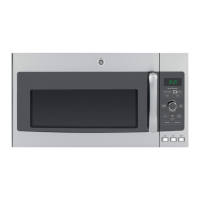
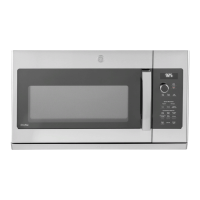
About the other features.
Set Clock
1
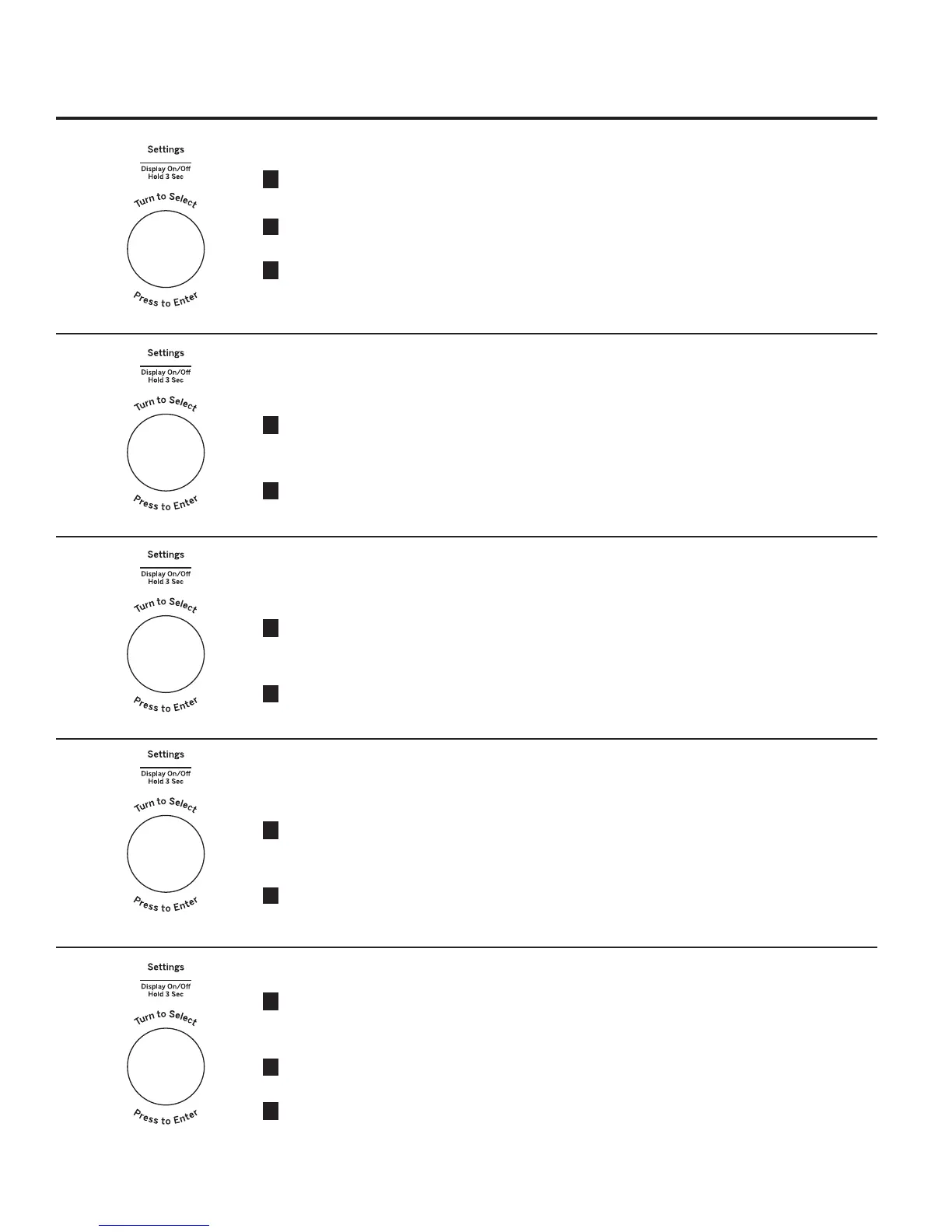
Press the Settings button and turn the dial
to select Clock Set. Press the dial to enter..
2
Turn the dial to set hours. Press the dial to
enter.
3
Turn the dial to set minutes. Press the dial to
enter.
Clock Mode
Clock Mode can be set for 12 hours and 24
hours.
1
Press the Settings button and turn the dial
to select Clock Mode. Press the dial to
enter.
2
Turn the dial to set 12 hours or 24 hours
Clock Mode. Press enter to activate.
Display Speed
Display Speed can be adjusted for Slow,
Normal, or Fast
1
Press the Settings button and turn the dial
to select Display Speed. Press the dial to
enter.
2
Turn the dial to set Display Speed (Slow,
Normal, Fast). Press enter to activate.
Sound Level
Sound Level can be adjusted for Mute, Low,
Normal or Loud
1
Press the Settings button and turn the dial
to select Sound Level. Press the dial to
enter.
2
Turn the dial to set Sound Level (Mute, Low,
Normal, or Loud). Press enter to activate.
22
Surface Light Sync
1
Press the Settings button and turn the dial
to select Surface Light Sync. Press the dial
to enter.
2
Turn the dial to select sync mode (Off, Low,
High).
3
Press the dial to activate.


 To Next Page