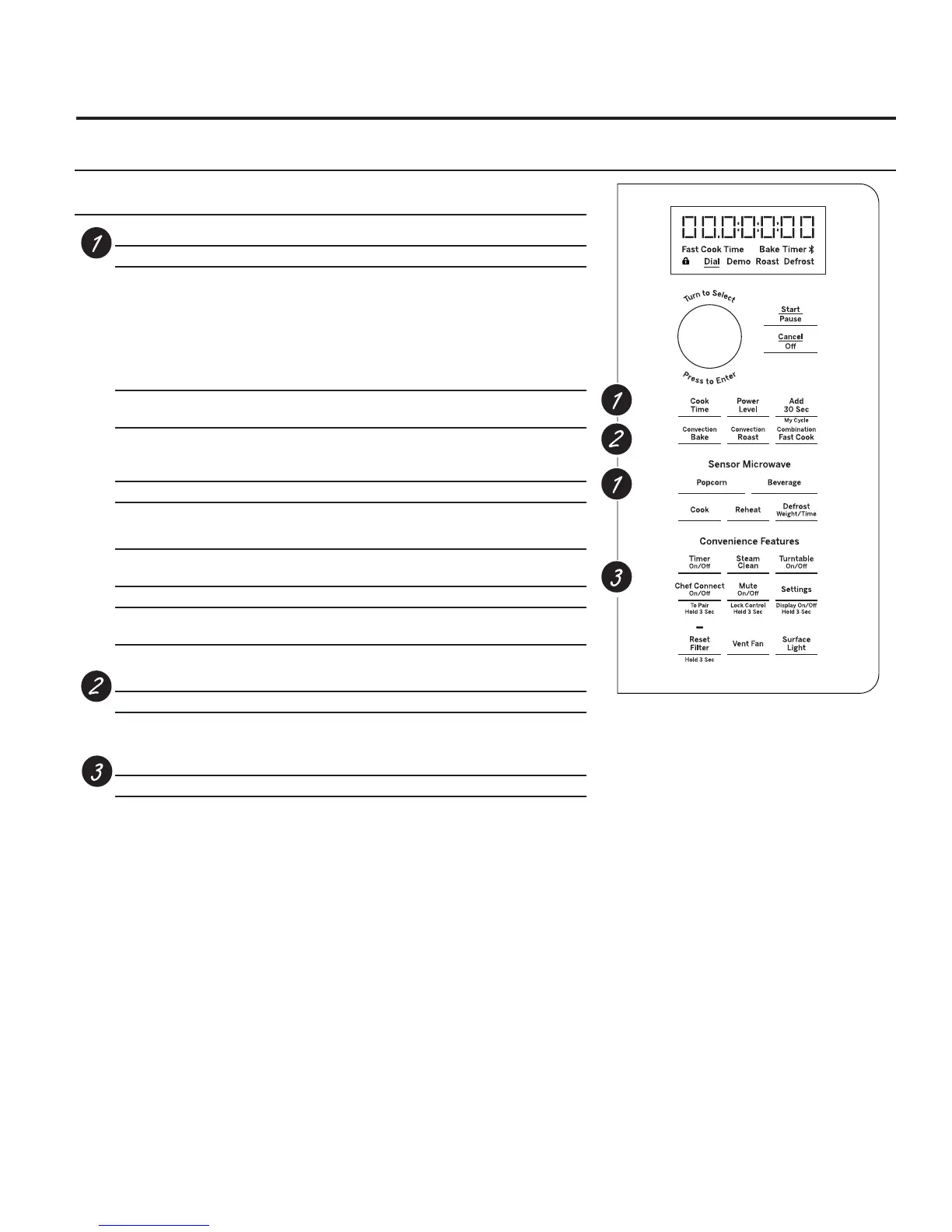
Microwave Cooking Time and Auto Features
Press Turn and push dial to enter
Cook Time Amount of cooking time
Press once (Cook Time I) to
microwave any time between
15 seconds and 99 minutes.
Press twice (Cook Time II) to
change power levels automatically
during cooking.
Mircrowave Express cook/
Add 30 sec. Starts immediately!
Defrost
Press once (Weight Defrost) Food weight up to one pound
Press twice (Timer Defrost) Amount of defrosting time
Beverage Starts immediately!
Power Level Power level 1–10
Sensor Features
Press Turn and push
dial to enter Option
Popcorn Starts immediately! more/less time
Reheat Starts immediately! more/less time
Turn Dial (Plate / Soup / Veggies / Pasta)
Auto Cook Food type more/less time
Convection Baking or Convection Roasting
Press Turn and push dial to enter
Convection Bake or Oven temperature and cook time
Convection Roast
Combination Fast Cooking
Press Turn and push dial to enter
Combination Fast Cook Oven temperature and cook time
9
You can cook by Microwave, Convection Bake, Convection Roast or Combination Fast Bake. Keep hot, cooked foods at
serving temperature with the Warm feature.
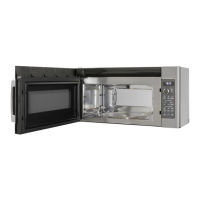
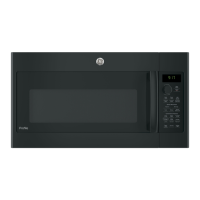
About the cooking and warming features of your
microwave/convection oven.
Cooking Controls


 To Next Page