27
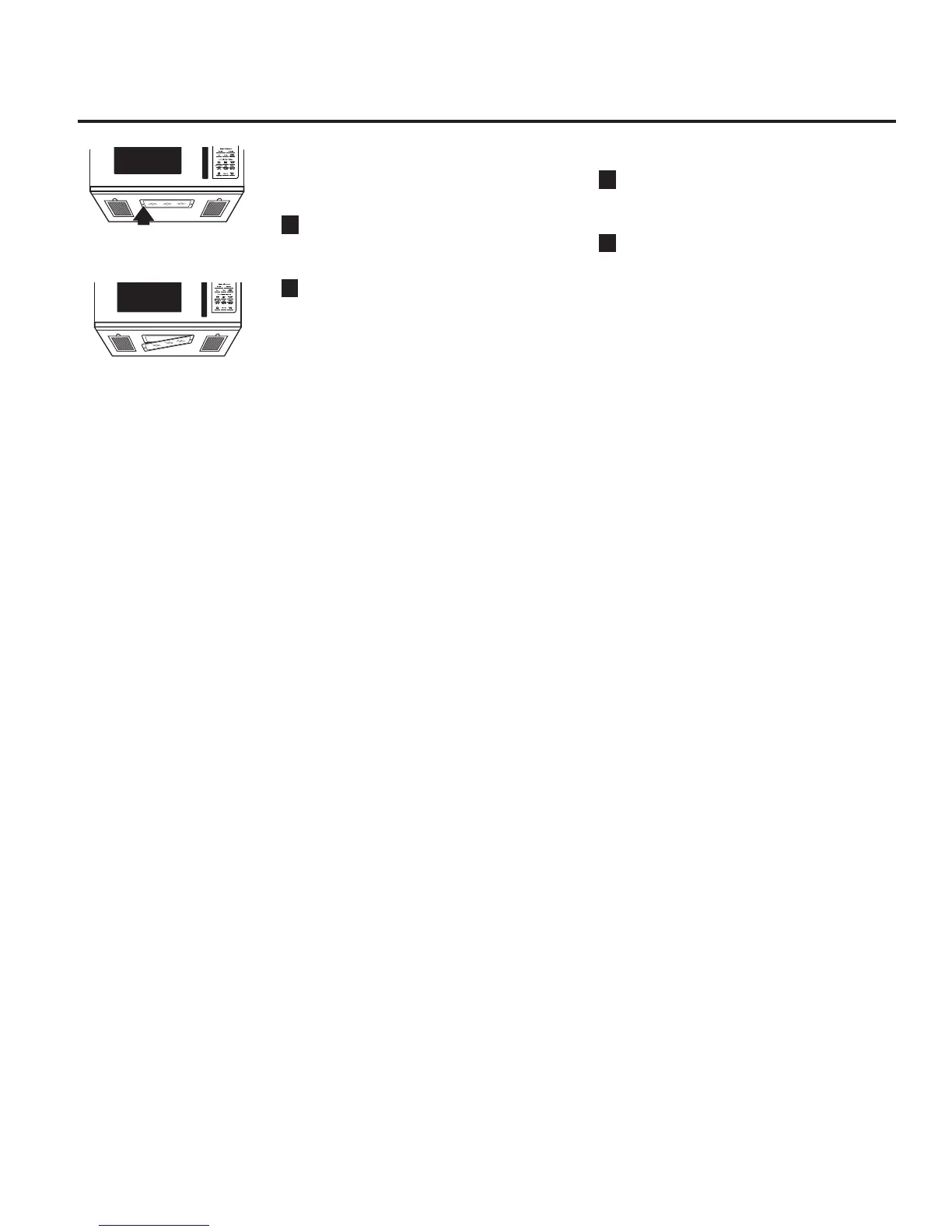
Replacing the LED lamp.
Cooktop Light/Nite Light
Replace with LED lamp. Order WB02X26814
from your GE supplier.
1
To replace the cooktop light/nite light, first
disconnect the power at the main fuse or
circuit breaker panel, or pull the plug.
2
Remove the screw from the side of the light
compartment cover and lower the cover
until it stops.
3
Be sure the bulb is cool before removing.
Remove a screw and connector from LED
lamp.
4
Connect LED lamp and secure using the
screw. Raise the light cover and replace the
screw. Connect electrical power to the
oven.
Remove screw.


 To Next Page