6
TO INSTALL THERMOSTAT (cont.)
14. Replace cover on thermostat by snapping it in place.
15. Plug the unit in or turn on power to the system at the
main service panel.
16. Test thermostat operation as described in the “Testing
the Thermostat” section.
INSTALLATION INSTRUCTIONS
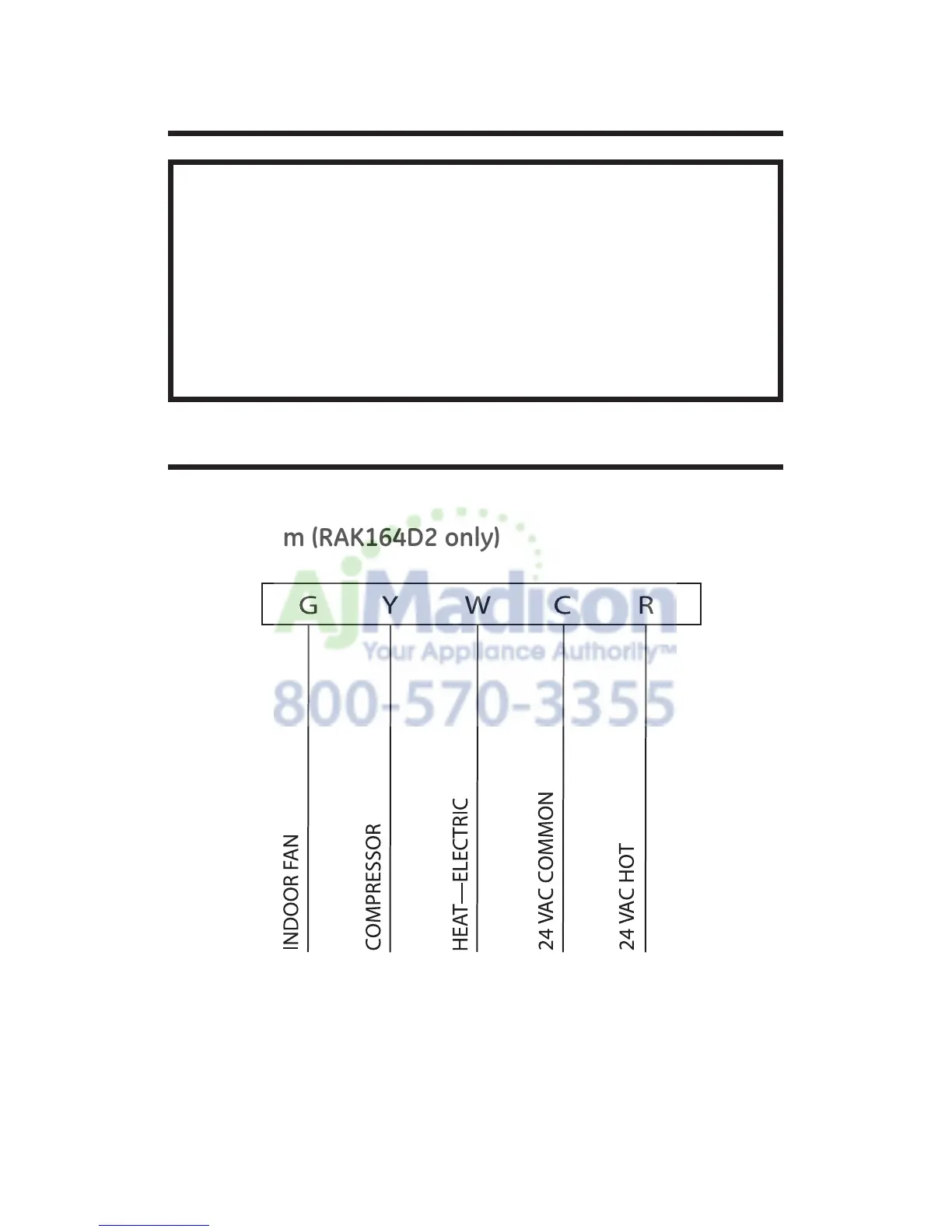
Wiring diagrams.
Table 1: Terminals for five wires 1-stage heat/1-stage
cool system (RAK164D2 only)
Note: Connect G terminal of thermostat to Zoneline GL
terminal for low fan speed or terminal GH for high fan speed.
Only one can be selected.


 To Next Page