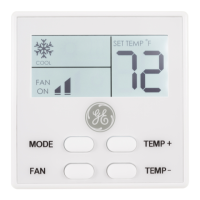
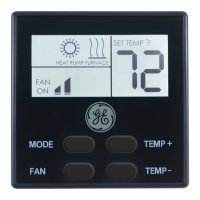
Need help?
Do you have a question about the GE RAK148D2 and is the answer not in the manual?
Critical safety instructions covering power, voltage, wiring, and intended use to prevent hazards.
Urgent safety warning to turn off power before performing any installation or removal.
Detailed instructions for mounting the thermostat base and connecting wires correctly.
Safety warning against using air conditioning below 50°F to prevent system damage.
Guidance for resolving issues where the thermostat display is blank.
Steps to troubleshoot problems with the system fan not operating correctly.
Troubleshooting steps for when thermostat buttons do not respond.
Advice on adjusting temperature differentials to prevent rapid on/off cycling.
How to address issues with the fan running constantly.
Solutions for when the thermostat inaccurately reflects room temperature.
Explains normal compressor delays when changing settings or functions.
 General
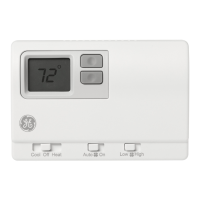
| Display | Digital |
|---|---|
| Mobile App | No |
| Backlight | Yes |
| Hold Feature | Yes |
| Type | Programmable |
| Power Source | Battery |
| Mounting | Wall |
| Programmable | Yes |

 To Next Page