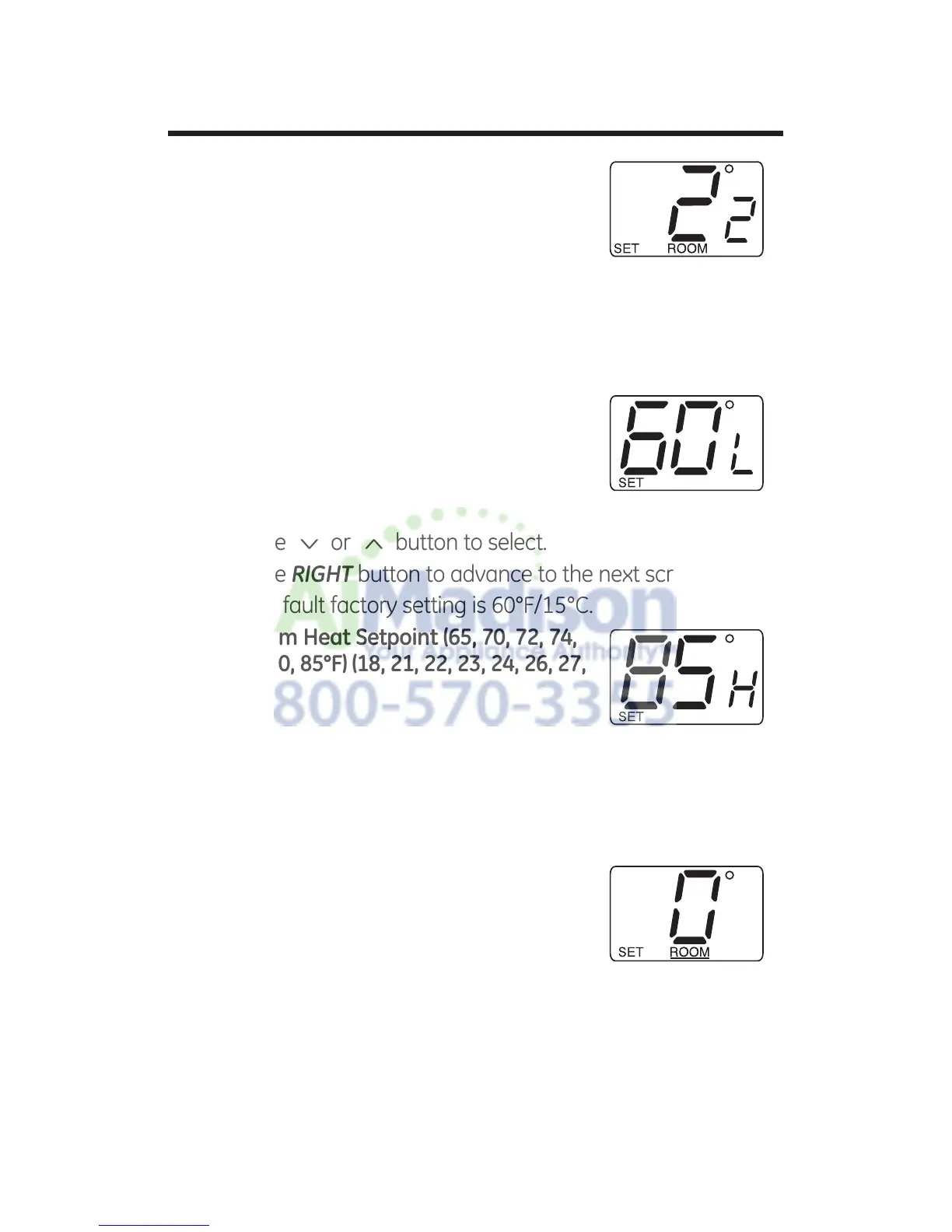
7HPSHUDWXUH'LIIHUHQWLDO³6WDJH
²)²& RAK148D2 only
Set the number of degrees between when
stage 1 turns on and stage 2 turns on.
Press the
<
or
>
button to set
differential value.
Press the RIGHT button to advance to the next screen.
Note: Default factory setting is 2°F/1°C for each stage.
4. Minimum Cool Setpoint (60, 64, 66, 68,
)
&
Adjust to control the minimum Cool set
temperature allowed.
Press the
<
or
>
button to select.
Press the RIGHT button to advance to the next screen.
Note: Default factory setting is 60°F/15°C.
5. Maximum Heat Setpoint (65, 70, 72, 74,
)
&
Adjust to control the maximum Heat set
temperature allowed.
Press the
<
or
>
button to select.
Press the RIGHT button to advance to the next screen.
Note: Default factory setting is 85°F/29°C.
5RRPWHPSHUDWXUHRIIVHW)WR²)
&WR²&
Adjust to calibrate displayed room
temperature to match actual room
temperature.
Press the
<
or
>
button to select.
Press the RIGHT button to advance to the next screen.
Note: Default factory setting is 0°F/0°C.
9


 To Next Page