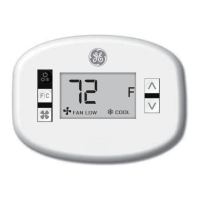
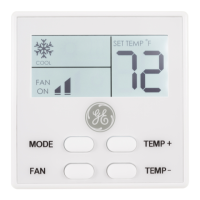
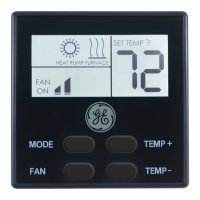
14
TESTING THE THERMOSTAT
Heat Test
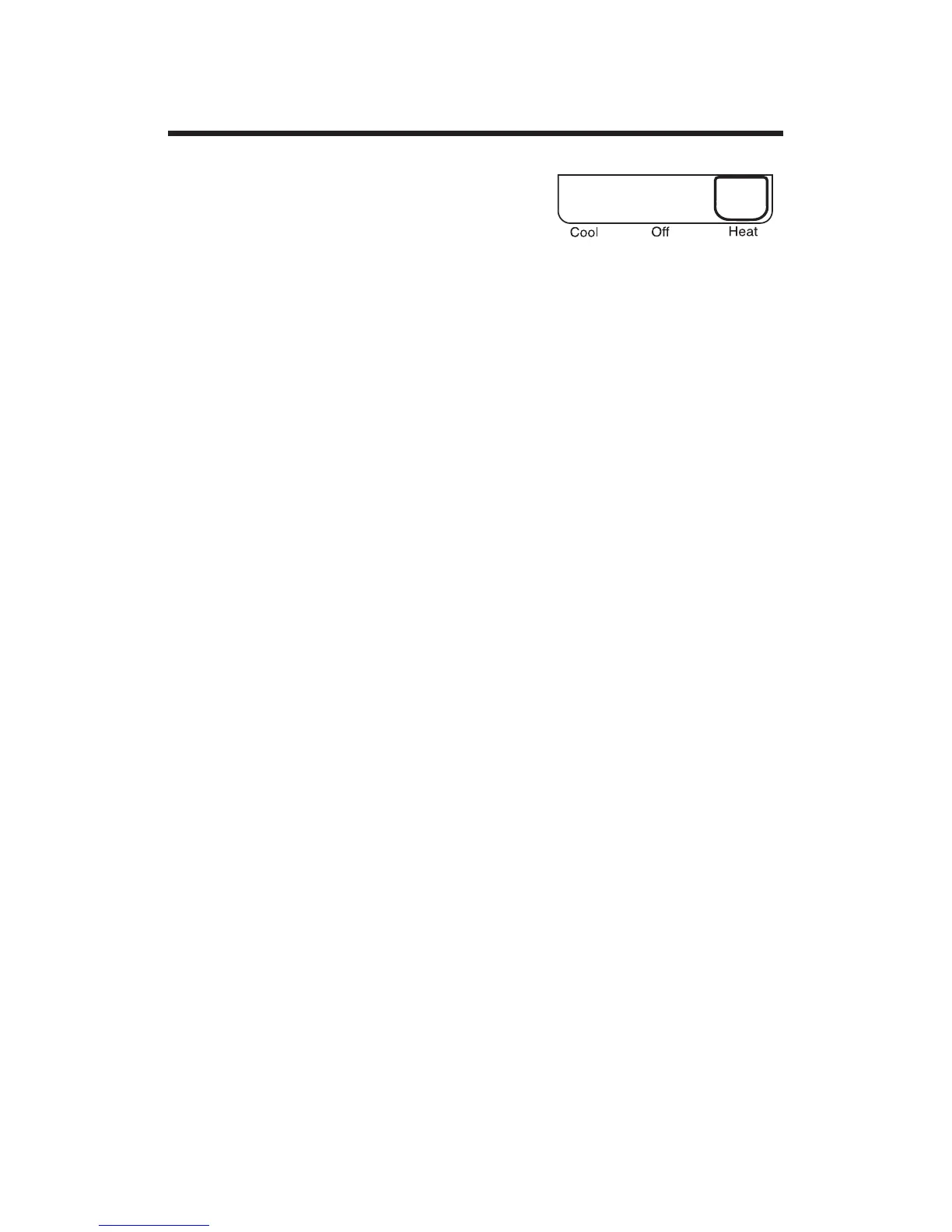
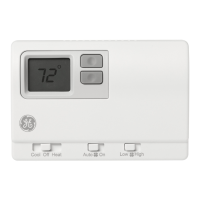
1. Slide Function switch to Heat
position. Heat mode screen is
displayed.
2. Adjust set temperature so it is 5 degrees above room
temperature.
3. Heat should come on within a few seconds.
4. Adjust the set temperature so it is 2 degrees below the
room temperature and the heat should turn off. Note:
There is a 3 minute time delay and a 3 minute minimum
run time for the compressor when it turns on/off. (On
some models, the fan may also have a minimum run time/
off time delay).


 To Next Page