SW AukIFkxM(Martonpage9.
How
toPrepareFh3sts
forAutoRoasting
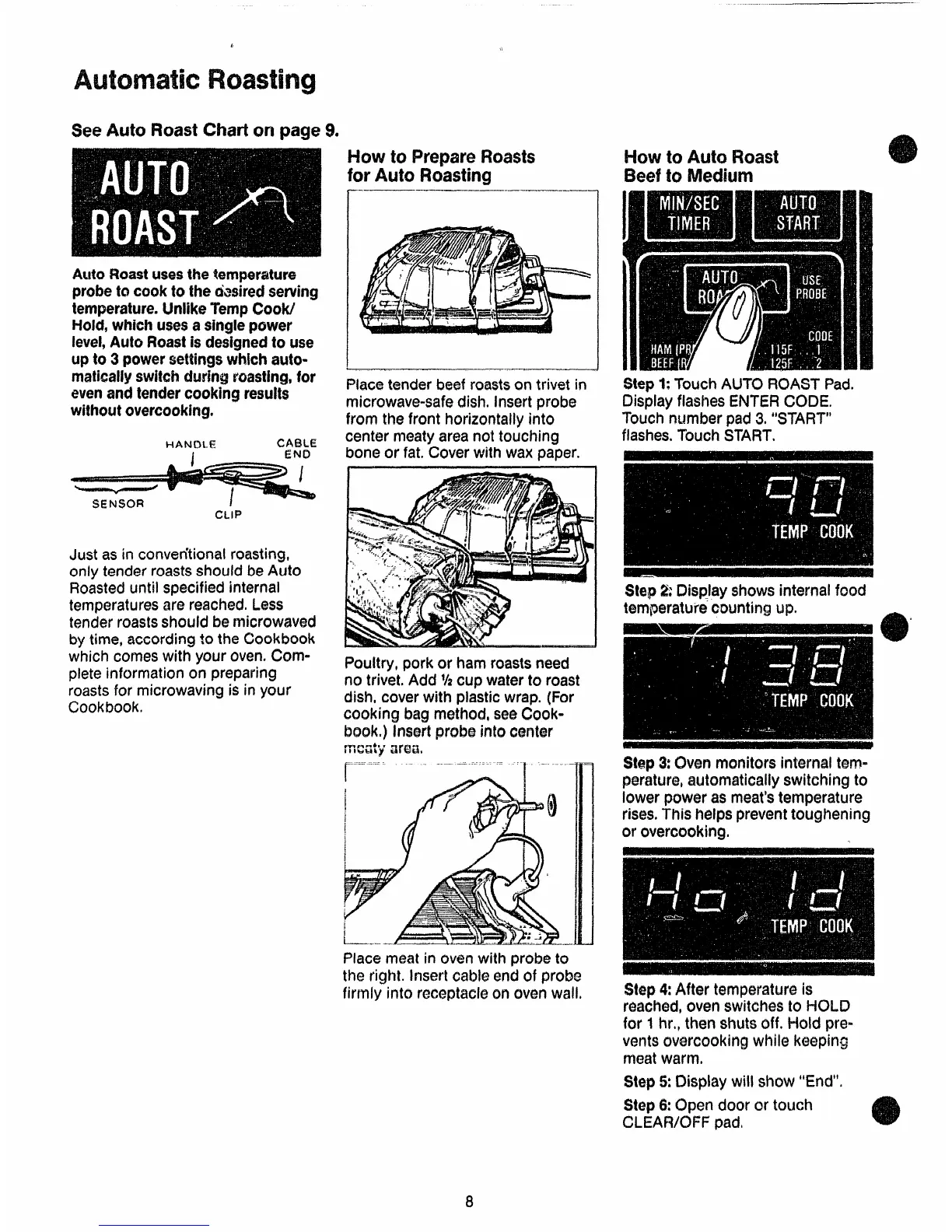
AutoRoastusesthe!!ernpemture
probetocooktothedasiredserving
temperature.Unlike‘TempCOW
Hold,whichusesasinglepower
level,AutoRoastisdesignedtouse
upto3 powersettingswhicharo-
maticallyswitchduringroasting,for
evenandtendercookingresults
wittwutovercooking.
HAhJC)LE
CABLE
I
END
CLIP
Just as in converitionalroasting,
only tende~roastsshouldbeAuto
Roasteduntilspecifiedinternal
temperaturesarereached.Less
tenderroastsshouldbemicrowaved
by time,accordingto theCookbook
whichcomeswith
your oven. CXwn-
plete information on preparing
roasts
for microwavingis in your
Cookbook.
———
—.—.——.——.— —-
——
Placetenderbeefroastscmtrivetin
microwave-safedish,Insertprobe
from the front horizontallyinto
centermeatyareanot touching
boneor fat.Cover
with wax paper.
Poultry,pork or hamroastsneed
no trivet,Add %cxJpwaterto roast
dish,coverwith plasticwrap.(For
cooking bagmethod,seeCook-
book.)Insertprobeintocenter
!%cxl$$’alx%%
~.=-=-. -.
—..
..
- ‘1 -----”m
Placemeatin ovenwilh probeto
the right. Insertcableendof probo
firmly into receptaclecmovenwall.
blow
to AutoRoast
BeeftoMedium
Step1:TouchAUTOROASTPad.
DisplayflashesENTERCODE,
Touchnumberpad3.“START”
flashes.TouchSTART.
$t~p2:Displayshowsinternalfood
temperatureccwntingup.
Step3:Ovenmonitorsinternaltem-
perature,automaticallyswitchingto
lowerpoweras meat’stemperature
rises.
Thishelpspreventtoughening
or overcooking.
Step4:
Aftertemperatureis
reached,ovenswitchesto I=KXJ3
for 1hr.,thenshutsoff. Hold pre-
ventsovercookingwhile keeping
meatwarm,
Step5:Displaywill show“End”.
Step6:open door or tmmh
CLEAR/OFFpadi



 To Next Page