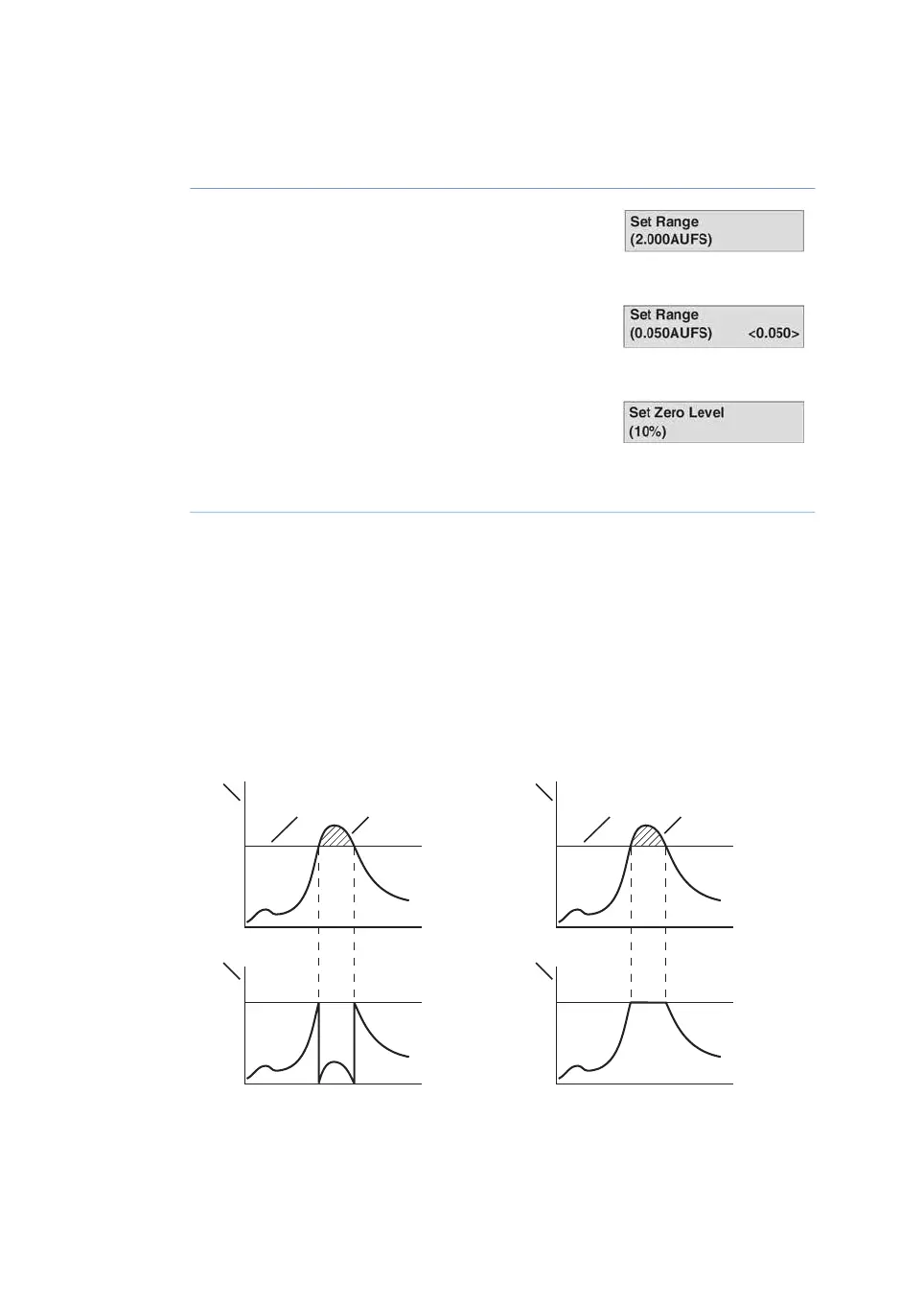
DisplayActionStep
Select menu Set Range, press OK. The range is the
full scale absorbance for the chart recorder (1 V).
2
Use the arrow keys to set the absorption range for
recorder output in AUFS, press OK. Only fixed steps
between 5.0 AUFS and 0.001 AUFS can be set.
3
Select menu Set Zero Level, press OK. The zero level
is where on the paper the 0 AU value will be posi-
tioned. Values 0-99.
4
Use the arrow keys to set the value and press OK.5
Automatic overrange
The instrument has an automatic overrange function. If the monitor signal reaches the
full scale value on the recorder, the signal will instantly drop to 0 V and give an accurate
display of the peak starting from this position. When the function is disabled, the signal
does not drop to 0 V when reaching maximum but is instead clipped and hold at the
maximum (see illustration below). The overrange is managed in the same way when the
signal reaches the minimum.
AU
V
1 V
0 V
AU
V
1 V
0 V
1
4
2 3
1
4
2 3
AU
V
1 V
0 V
AU
V
1 V
0 V
1
4
2 3
1
4
2 3
a) Automatic overrange enabled
b) Automatic overrange disabled
46 Monitor UVis-920 Operating Instructions 29055049 AD
5 Operation
5.8 Setup menu



 To Next Page