24
VCR BASICS
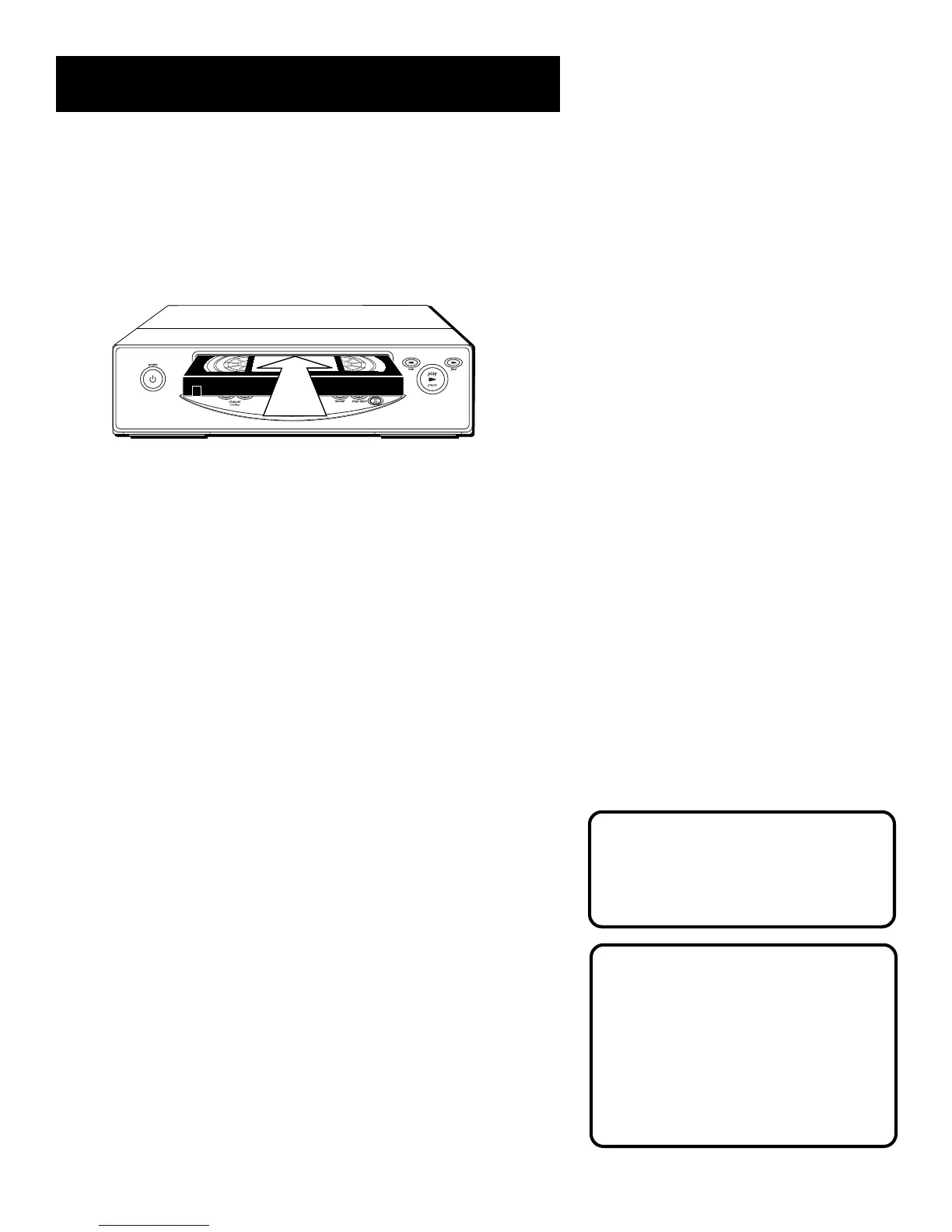
Playing a Tape
1. Tune the TV to your VCR viewing channel (3, 4, or TV’s video
input- see page 55 for more about the video input channel).
2. Insert a tape in the VCR.
If the Auto Play feature is set to ON, the tape automatically
begins playback (if the safety tab on the cassette is removed).
• Press FWD on the VCR (FORWARD on remote) or REV on the
VCR (REVERSE on remote) to position the tape.
• Press PLAY PAUSE (if necessary) on the VCR (PLAY on
remote) to begin tape play.
• Press PLAY PAUSE (PAUSE on remote) for stop action.
• Press TRACKING up or down to remove any streaks from the
picture, if necessary.
• Press STOP•EJECT on VCR (STOP on remote) to stop
playback.
Automatic Rewind
The VCR automatically rewinds the tape if it reaches the end of
the tape during playback. While rewinding, you can press
POWER on the VCR (ON•OFF on remote) and the VCR will turn
off after rewinding.
Automatic Tracking
The VCR has automatic tracking
which adjusts the picture when
playing back a tape recorded on
another VCR. Automatic tracking is
turned on whenever a tape is
inserted or the VCR’s power is
turned on.
Pause
If you pause, the VCR automatically
switches from pause to stop after a
few minutes to reduce tape wear.



 To Next Page