53
APPENDIX: REFERENCE
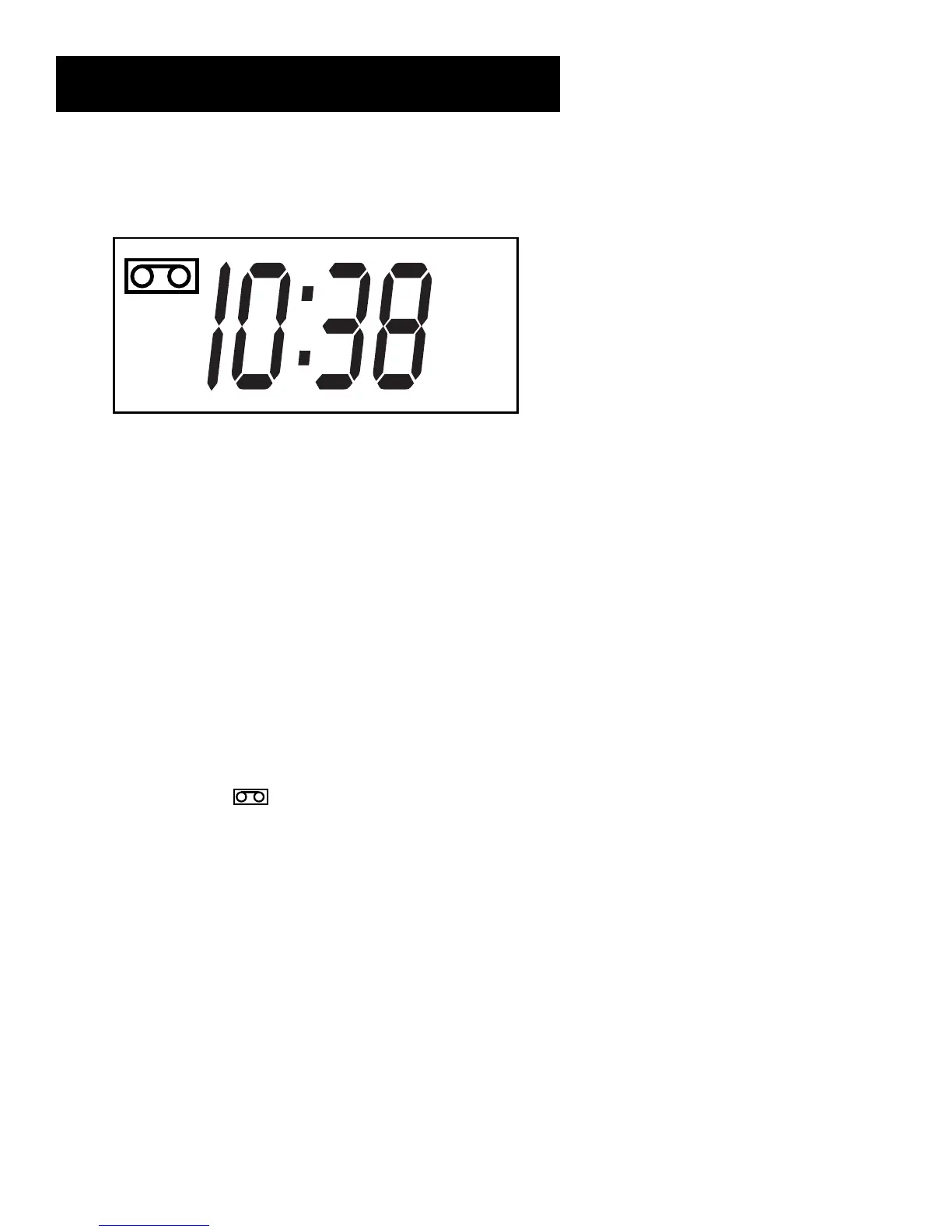
Display Panel
VCR
TIMER
AM
Channel Number or Line Input Indicator The channel number appears when the VCR is
tuned to a channel. The line indicator (L) appears when the VCR’s line input is selected.
Status Indicators Show what the VCR is doing.
• EJEC (Eject) Cassette ejected
• FF Fast forwarding
• HI VCR turned on and BYE VCR turned off
• PLAY In playback (flashes during play-pause and slow)
• REC Recording (flashes when in record pause mode)
• REW Rewinding
• R0:30 Express recording in progress
• SAFE Pro-Tect Plus feature turned on
• SRCH and SRCH – Forward or reverse search
• STOP Tape is stopped
Tape In Indicator ( ) Lights on the display panel when a cassette is placed in the VCR.
Tape Speed Indicator (SP and SLP) Press SPEED on the remote to change.
Time The current time appears. Only an AM indicator appears with the time. There is no
indicator for PM.
Time Counter This shows the actual time it takes to play back a segment of a recorded
tape. This counter helps locate the beginning or end of programs taped.
TIMER INDICATOR Lights during an express or timer recording or when the VCR is set for
a timer recording and the VCR is turned off. Flashes when the clock is not set. Flashes when
the timer recording is set and there is no tape in the VCR.
VCR Indicator (Applies only if the VCR Viewing Channel is 3 or 4). Press the TV•VCR button
to turn on or off.
• VCR
indicator on: Picture from VCR.
• VCR indicator off: Picture from TV channel.



 To Next Page