EN
Item
no.
Designation Function/description
8 Red LED
Lights up or flashes: malfunction → See "Rectifying
malfunctions", page30.
9 Blue LED
• Lights up: radio communication is active.
• Flashes: radio communication can be established.
10 Start button
• Briefly press the button: activates the tool from idle state.
• Long press (> 2sec.): starts the pressing procedure.
11 Charge level indicator Shows the capacity of the rechargeable battery.
12 Warning note sticker
• Warning sign: hazard from flying fragments.
• Safety note: read the operating instructions before
commissioning and using the tool.
13 Rechargeable battery
Only use Geberit lithium-ion batteries of type
Milwaukee12V
.
14 Release button
Push in both release buttons: rechargeable battery can be
pulled out.
15 Compatibility mark
Pressing attachments with this mark are compatible with
the pressing tool.
16
Radio interface
symbol
Bluetooth®
1)
radio interface
17 Specification plate –
1)
The Bluetooth® brand and its logos are the property of Bluetooth SIG, Inc. and are used
under licence by Geberit.
Radio interface function
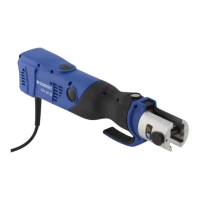
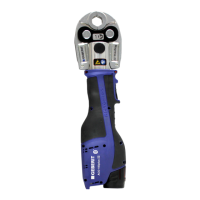
The pressing tools with the type designation "plus" are equipped with a Bluetooth® radio
interface. When used together with a mobile end device (iOS or Android) and the NovoCheck-
App (www.novopress.de), the following functions are available:
• reading out data, such as the number of pressing operations, tool status, serial number
• checking the tool electronics
• setting the pressing point light (if available) and the time until the idle state
• creating construction site reports
To establish a connection between the pressing tool and an end device, the pressing tool must
be ready for operation (tap the start button, green LED lights up, blue LED flashes) and the
NovoCheck-App
must be installed on the end device. The blue LED lights up when the
Bluetooth®
connection is successfully established.
The blue LED goes out if it was not possible to establish a connection to the end device before
the first pressing operation. The pressing tool must be completely switched off and on again
before establishing a connection can be reattempted. The rechargeable battery must also be
removed briefly.
27021599660551563-1 © 02-2021
968.403.00.0(01)
25


 To Next Page