Unpacking the CL7400
When unpacking the CL7200, you should find the following in the box:
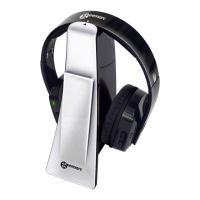
CL7400 Radio Controlled Headphones
Charging Base
AC Power Adaptor
3.5mm Male jack to 2 RCA plugs adaptor cable
3.5 mm Female jack to 2 RCA plugs adaptor cable
1 User Guide
For product support and help visit our website at www.geemarc.com
Telephone 01707 384438
Or fax 01707 372529
Setting Up – Connecting Base to TV (or other device)
.
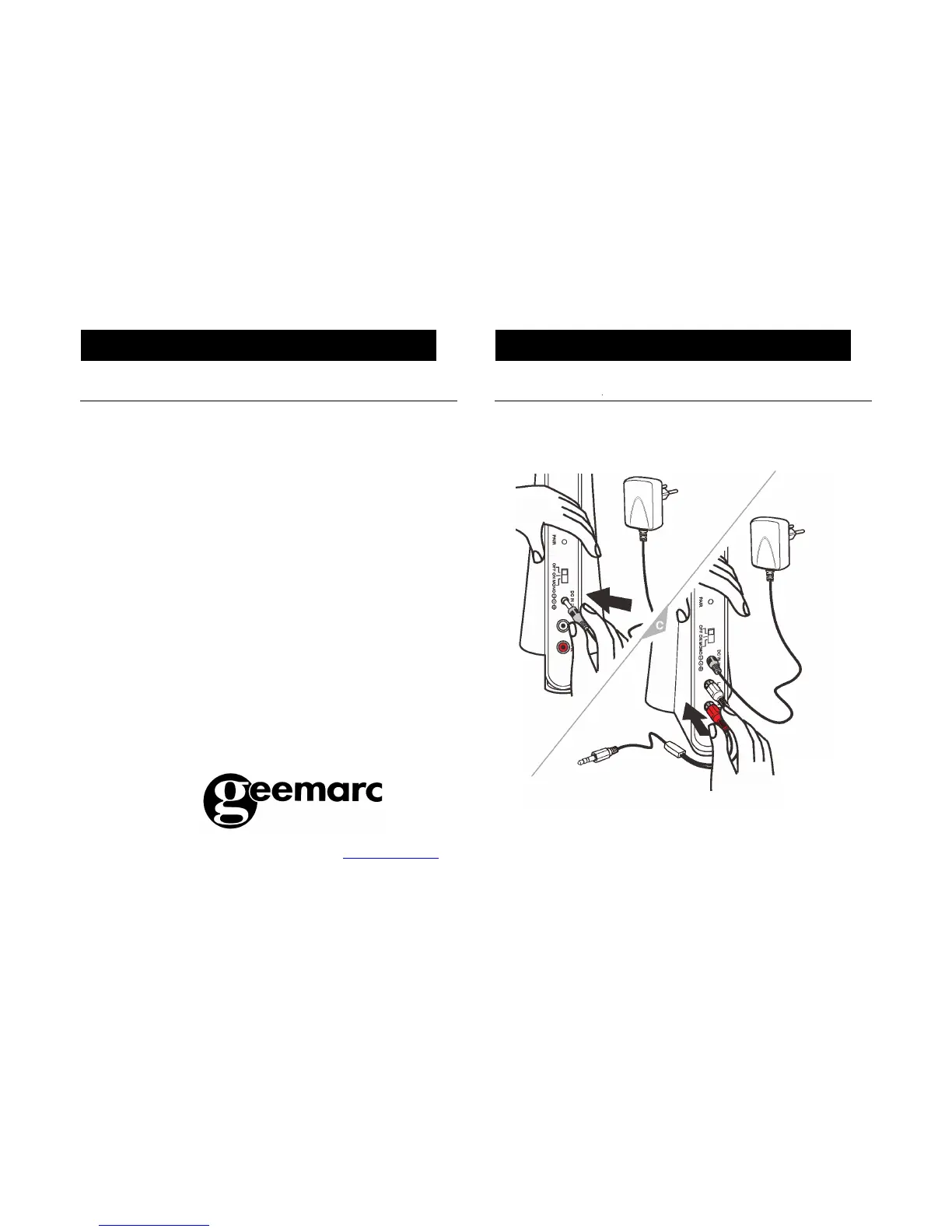
1. Insert the AC adaptor connector into the ‘DC IN 5V’ socket found on the
back of the Charging Base.
2. Insert the RCA plugs of the male lead into the back of the charging base
as per the colour coding i.e. red lead into red socket, white lead into white
socket.
3. Insert the other end of this lead (the male jack) into the female jack.


 To Next Page