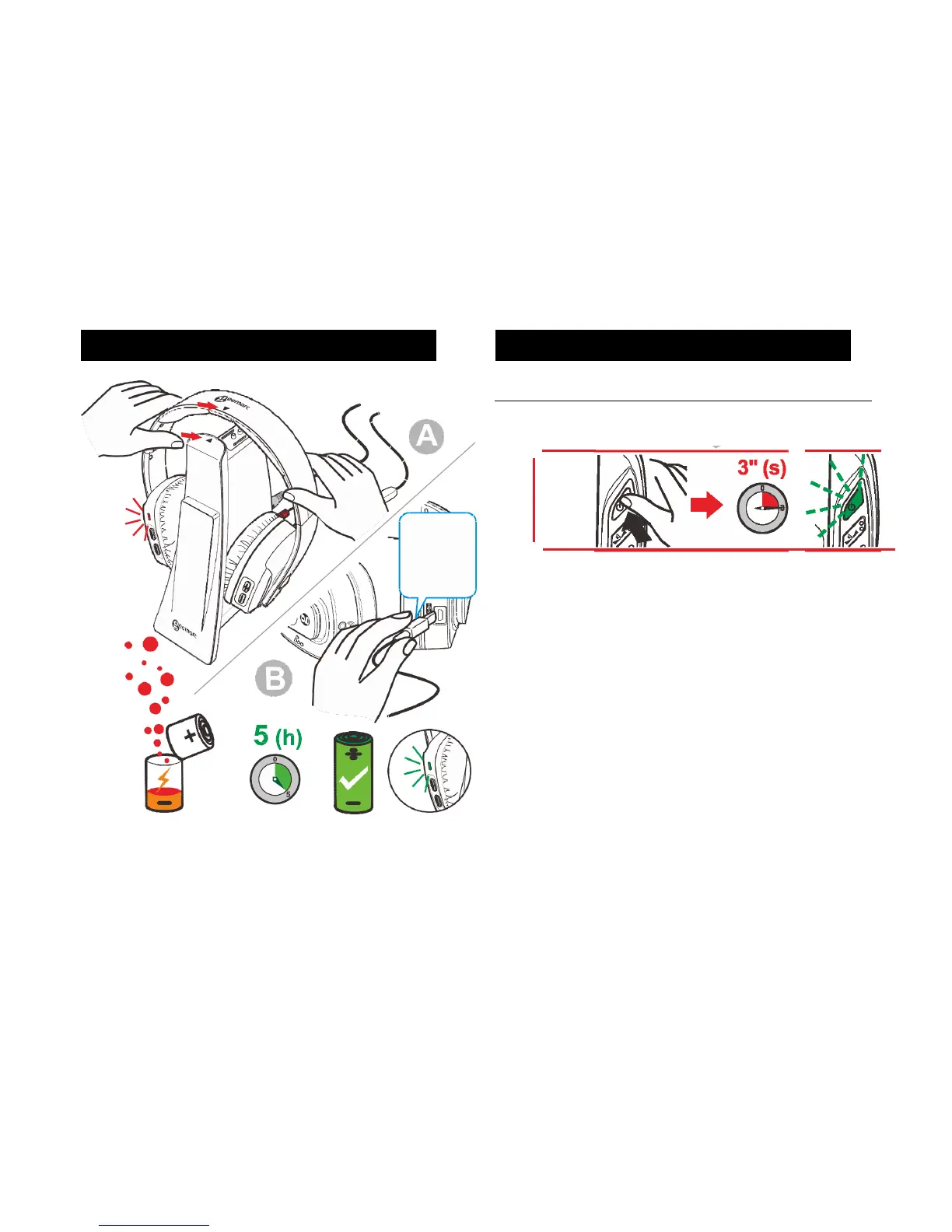
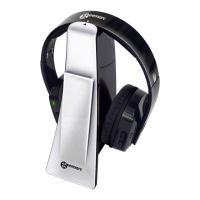
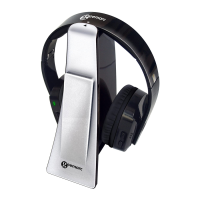
Place the headphones onto the Charging Station. A red light will show on
the headphones. The red light indicates the headphone’s batteries are
charging. Charging takes 5 hours. After full charge the red light changes
to green.
There is a Micro USB port located at the bottom of one of the earpieces.
This allows charging to take place via other means. Please note the Micro
USB port is not included.
Turning the CL7400 On
After full charge the headphones can be used. Take the headphones from
the base.
Press and hold the Power button on the headphones for 3 seconds. The
Power Button should light up a green colour. The CL7400 is ready for
use.
Place the headphones over your head and ensure the TV is switched on.
Your CL7400 is now set up for the recommended levels. For further
personalisation see the Settings Chapter.
Note: There is no need for paring procedure. The paring stage is done at
the manufacturing stage.


 To Next Page